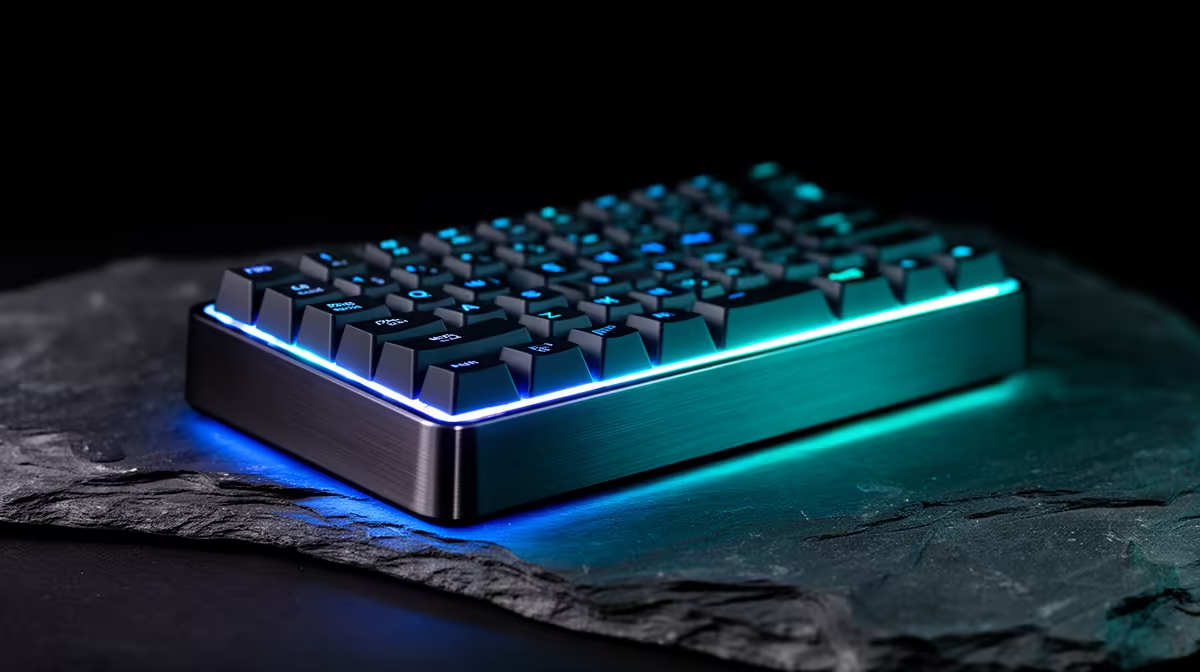
A stream deck can be useful in a home lab when it controls safe, repeatable actions such as opening dashboards, muting alerts or launching documented maintenance. It should not become a one-button route to destructive commands. The smart purchase is the simplest control surface that supports the lab workflow and remains understandable during a fault.
Design actions before choosing hardware
List tasks performed several times each week, then separate read-only status actions from changes that affect services or data. The supplied facts contain no verified stream-deck SKU, so current devices must be compared by button count, profile software, operating-system support and local availability. The verified Logitech MX Keys S costs R1,759 as a conventional productivity alternative, but it is not a dedicated stream deck.
Keep dangerous work behind confirmation
Never store passwords, access tokens or raw administrative commands in a visible macro. Use authenticated scripts with logging, least privilege and a clear confirmation step for shutdown, deletion or deployment. Label profiles by environment and display status independently so a glowing button is not treated as proof that a task succeeded.
Build three controls first and use them for a month. Test behaviour after a reboot, software update and lost network connection. Keep keyboard and command-line access documented for recovery. A control panel earns its cost when it reduces routine mistakes without hiding how the home lab operates.
Building safer home-lab controls? > Explore Evetech productivity keyboards while checking current dedicated control-surface stock separately.