Quick Answer
A 32-key programmable gaming keypad resolves hotkey shortage in creative software by providing 32 dedicated physical keys per profile, expandable to 64 or more with a Hypershift layer. This replaces awkward multi-modifier shortcut combinations in applications like Adobe After Effects, Blender, and DaVinci Resolve with single-key access to every frequent action.
Why Creative Software Hotkey Systems Break Down 🔧
Applications like After Effects have over 200 keyboard shortcuts. Blender assigns three-key combinations to common operations. For users working eight or more hours per day in these tools, memorising and executing multi-key chords is both cognitively demanding and physically taxing. A 32-key programmable keypad separates creative shortcuts entirely from the typing keyboard, assigning each dedicated key to one specific function without any chord requirement. South African video editors and motion graphics artists in Cape Town and Johannesburg increasingly adopt this approach as content production volumes rise.
Mapping 32 Keys Across Creative Applications 🎨
A 32-key pad used in DaVinci Resolve 19 can hold: 8 colour grading panel shortcuts on the top row, 8 timeline navigation and cut functions on the second row, 8 media management and export controls on the third row, and 8 audio mixing keys on the bottom row. Activating a Hypershift layer doubles this to 64 dedicated functions covering virtually every frequent action in a single project without any chord typing. In After Effects, you can map RAM Preview, Render Queue, Layer Split, Trim to Work Area, and all keyframe easing modes to individual keys. Per-application profiles stored in onboard memory mean the keypad remaps automatically when you switch software, reading which application is in focus.
Building Profiles for Multiple Creative Tools 💡
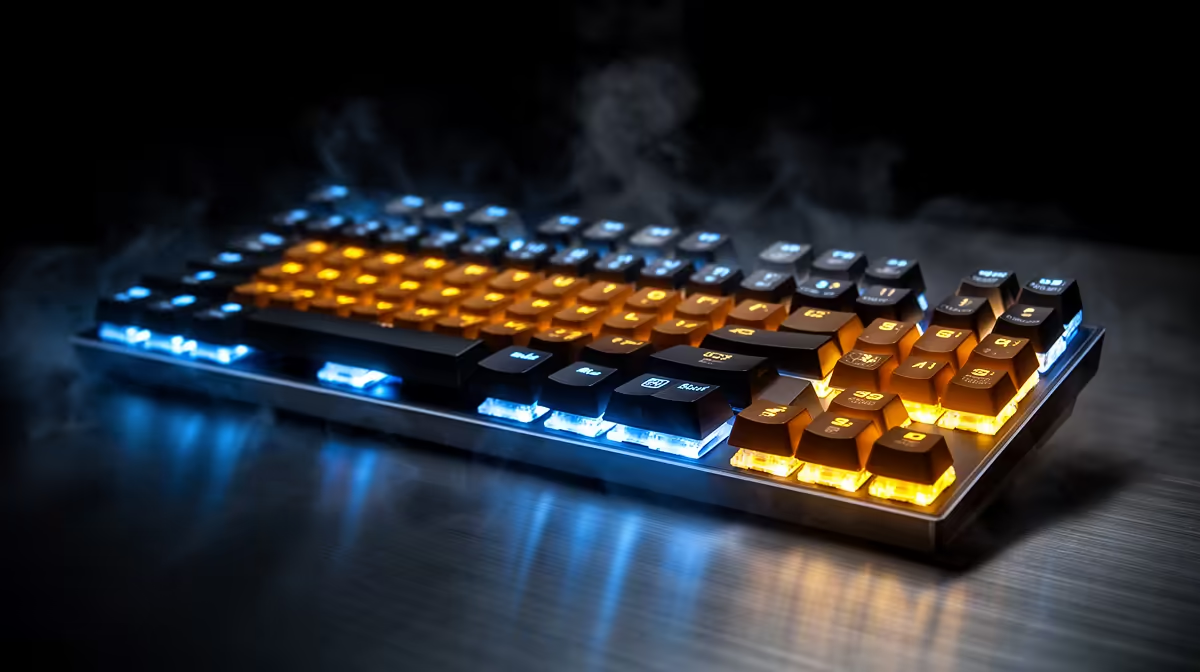
Create one profile per application and label each using the keypad's LED colour system: orange for Premiere Pro, blue for Resolve, green for After Effects, red for Blender. One press changes the active profile and the entire key layout shifts to that application's mapping. Profile storage in onboard memory means these setups transfer to any Windows 10 or 11 machine, useful for South African freelancers who work across multiple client workstations.
Document Your Profile Layouts From Day One ⚡
Before you have used the keypad long enough to memorise your custom layouts, photograph or diagram each profile's key assignments and keep it on your phone or a sticky note on your monitor. The learning curve for 32 custom keys is real, and a quick reference prevents frustration during deadline work. After two weeks of consistent use, the muscle memory builds and the reference becomes unnecessary.
FAQ
Can a 32-key gaming keypad replace a dedicated control surface like a Loupedeck?
For most workflows, a 32-key programmable keypad with Hypershift provides comparable key count at a lower price point. Dedicated control surfaces offer additional rotary encoders and sliders that keypads lack, which matter for audio and colour grading. For pure hotkey workflows, the gaming keypad is competitive.
Do all 32 keys need to be individual macros or can some stay as standard keyboard keys?
You can mix standard and macro keys freely. Many users keep common single-key shortcuts like undo, redo, save, and spacebar as standard key outputs and use macros only for multi-step sequences or chord replacements.
Is a 32-key programmable keypad a significant cost for a South African creative professional?
At R1,800 to R3,000 for a quality 30-plus key programmable keypad, the cost is recoverable in time saved within the first month for full-time editors. For part-time creators, the value takes longer to justify but the keypad remains useful across years of use.
Want to cut through creative software shortcut complexity?
Evetech stocks programmable gaming keypads suited to creative workflows, available with local warranty. Browse the gaming keypads section at Evetech for current options.