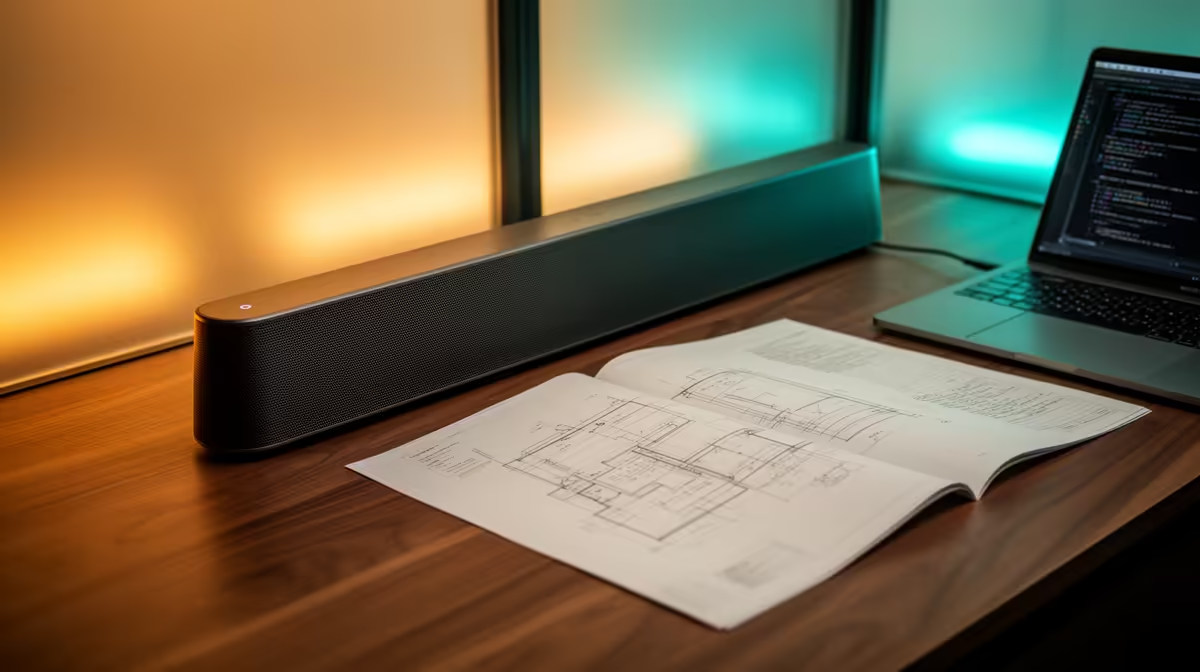
A soundbar is right for an engineering student when it provides clear lectures and occasional entertainment without occupying the desk space required by separate speakers. Headphones may remain better in residence, shared housing or late study.
Test speech before cinematic effects
Play a recorded lecture, technical video and a film scene from the normal seat. Check whether voices remain clear at low volume and whether the bar blocks the monitor or laptop ports. Confirm inputs, power, remote control and Bluetooth latency. For calls, use a separate microphone unless the exact model supports suitable conferencing.
Measure the desk and cable path. A large bar can force the display upward or create reflections beneath a monitor. Keep neighbour rules and quiet hours in mind, and retain headphones for focused work.
Engineering students often alternate speech-heavy lectures with quiet calculation. Set a volume ceiling that keeps dialogue intelligible without excessive loudness. If the bar has strong bass by default, check whether a night or dialogue mode works consistently after power cycles.
If the soundbar uses Bluetooth, compare lip sync with a wired connection before relying on it for recorded demonstrations or calls.
No soundbar SKU or verified price is present in the supplied product evidence. The Logitech Z150 speakers are verified at R421. Compare dimensions, inputs, speech clarity, warranty and whether a two-speaker layout fits better.
Adding audio to an engineering desk? > Compare Evetech speakers while checking space and connections.