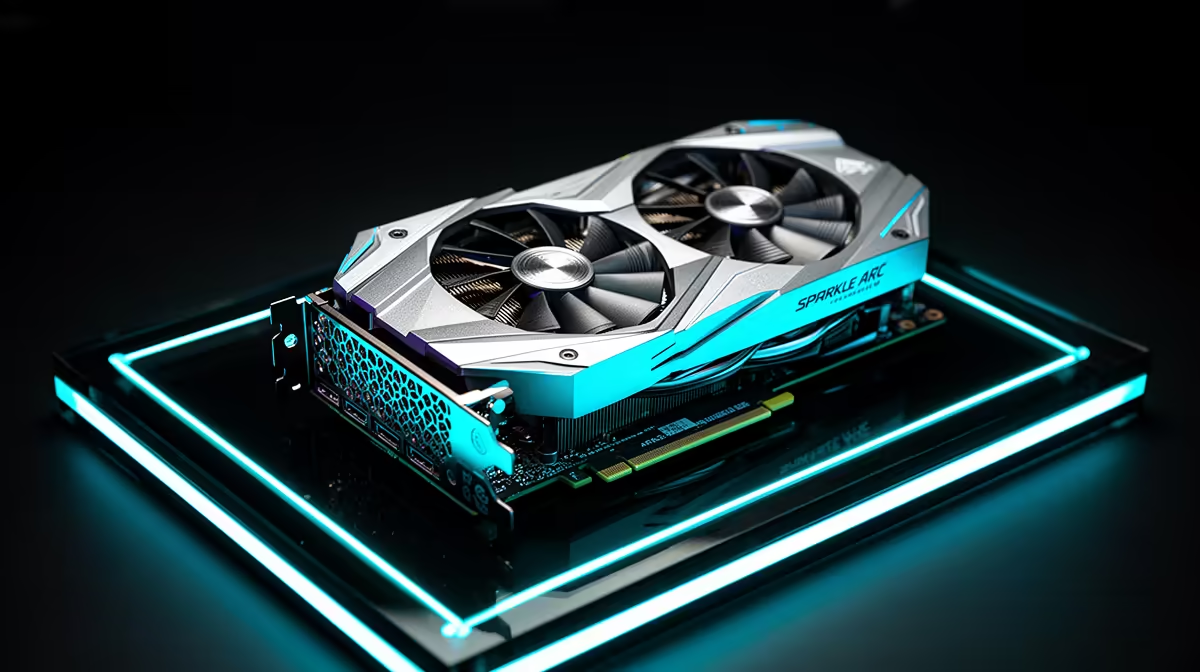
Intel Arc gives PC buyers another graphics architecture to consider, with strong media features and performance that can depend on the game, driver and platform setup. Sparkle is one board partner building cards around those chips. For Sparkle Arc GPUs in South Africa, the live driver story and exact card matter more than a permanent brand-availability answer.
Quick Answer
South African Sparkle Arc offers move through small-volume sellers and overseas routes, so no fixed model channel or Rand figure should be assumed. Bringing a card across the border adds carrier charges, customs assessment and a distant RMA. Evetech's current graphics-card range provides locally listed alternatives with live specifications.
🎮 Understand the Arc proposition
Sparkle is known as an Intel Arc graphics-card partner, but model and partnership status should be checked against current official information.
The Intel Arc GPU determines core performance, ray tracing, media engines and driver features. Sparkle supplies the board design, cooler and physical package.
Arc can appeal to buyers who value modern video encoding, current graphics features and competition in a given price class.
Game results can vary by API and driver. Use recent official release notes and tests covering your library.
Older games may behave differently from modern DirectX 12 or Vulkan titles. Test the games you plan to keep playing.
Check GPU tier and memory before comparing cooler editions. The chip class matters more than a small factory clock.
Review display outputs and supported monitor modes for the exact Sparkle card.
💻 Prepare the platform for Intel Arc
Current Arc guidance often relies on a modern platform with Resizable BAR enabled. Verify motherboard, CPU and firmware support.
Update motherboard BIOS and chipset drivers using trusted sources where needed. Save the working configuration first.
Check power-supply capacity and connector type. Use approved PSU cables with safe bend clearance.
Measure card length, height and slot thickness. Include radiator and side-panel space.
Plan case airflow around an open-air cooler. GPU heat enters the case and needs an exit.
Confirm operating-system and application support for hardware encoding if content creation matters.
Check anti-cheat and specialist software support. A graphics benchmark cannot prove every work or game path.
📦 Compare the complete card and claim route
Use a dated offer naming the Sparkle model, Arc GPU, memory, cooler, seller, currency and package condition.
Price the actual carrier, customs assessment and insurance for a cross-border unit. A graphics card needs strong packing.
Ask who handles fan faults, display artefacts, driver-independent crashes and a card that will not initialise.
Check whether serial and full model appear on the invoice, and where the RMA must be sent.
Review Evetech's GPU best sellers for current local GeForce and other graphics choices.
Compare the same performance class on memory, game results, encoding, dimensions, delivered cost and warranty. A local Radeon or GeForce card can be a better fit for a particular library.
Keep the anti-static bag, port covers, support bracket, serial details and carton.
Do not assume Sparkle stock at Evetech. The linked pages show the cards listed now.
Consider downtime and driver troubleshooting time. The lowest purchase amount is not the whole ownership cost.
Check whether the Sparkle model has a dual-BIOS switch, fan-stop mode or lighting control. Record factory behaviour before installing extra utilities.
Review fan sizes and replacement access. One proprietary fan can sideline a card whose GPU and memory remain healthy.
Ask whether the seller's warranty covers only hardware or also requires proof that current Intel drivers were tested. Keep error logs and stock-setting results.
If the card includes a support bracket, verify it fits around case fans and front-panel cables. A heavy cooler should not hang from the slot.
Compare power draw and connector count with local cards in the same performance class. Platform efficiency can affect PSU and cooling needs.
For a multi-monitor desk, check idle power and refresh combinations in current driver notes. Mixed displays can behave differently from a single screen.
Keep a known-good spare display cable. Driver troubleshooting becomes confusing when a weak high-bandwidth cable adds black screens.
🧪 Test across games, media and displays
Inspect the card for transit damage before installation. Do not use a bent bracket or cracked fan.
Shut the PC down and remove mains power before seating the card. Fasten the case bracket, then add support under the cooler's weight.
Connect the correct PSU leads. Boot and install the current trusted Intel graphics driver.
Confirm Resizable BAR and expected PCIe link state in the supported utility.
Run a modern game and an older title you care about. Watch frame delivery as well as average performance.
Monitor temperature, clock, power and fan speed. Stop for artefacts, smell or repeated reset.
Test video playback, recording and supported hardware encoding.
Check every display output, high-refresh mode, HDR and sleep-wake behaviour.
Save the working driver version and stock baseline. Change no tuning during the first hardware test.
After driver updates, retest the specific games that justified the card. Keep a rollback route from a trusted source.
Run the games long enough to fill shader caches and expose stutter patterns. First-launch compilation can look like a permanent driver fault.
Test frame pacing with an overlay that does not conflict with anti-cheat. Average fps alone can hide uneven delivery.
Check video decode and browser acceleration during normal desktop use. A gaming card should remain stable outside games.
If a title misbehaves, record API, settings, driver and exact error before changing several variables.
Use a clean driver installation only when evidence points there. Repeated driver cleaning is not a substitute for testing power and memory stability.
Recheck PCIe seating after moving the PC. Heavy graphics cards can shift during transport.
Clean dust with the system off and hold fan blades still. Keep liquids away from the card.
Frequently Asked Questions
Is Sparkle an official Intel Arc partner?
Sparkle is associated with Intel Arc board-partner products. Verify current status and the exact card through official sources.
Does Sparkle sell Arc cards in South Africa?
Listings can change. Check current local sellers and Evetech's live GPU range rather than assuming a permanent route.
Why choose an Intel Arc card?
Arc may suit particular game performance, media encoding or price classes, provided the platform and software support it.
Are Arc drivers mature enough in 2026?
That depends on the games and applications. Use current release notes and exact-title testing, not a blanket answer.
What GeForce and Radeon options does Evetech stock?
Check the live range and best-seller page for current models. Product lists change.
How does a border route affect Rand price?
Use the actual freight, customs assessment, insurance and possible RMA journey.
Is warranty available for an imported Sparkle card?
The seller's written route applies. Confirm the RMA address and transport responsibility before purchase.
Ready to compare Arc with Radeon and GeForce for your own game library?
Browse Evetech's current graphics cards and GPU best sellers, then match driver support, chip performance and warranty to your PC.