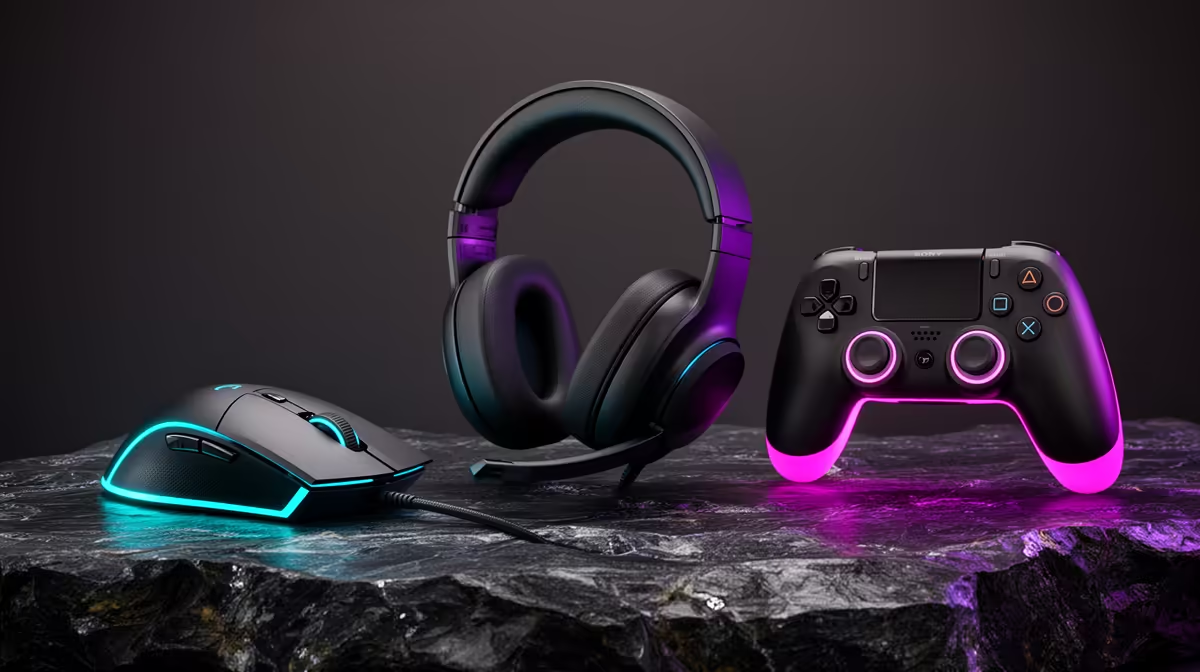
Spotting Counterfeit Mice, Headsets and Controllers in SA
Quick Answer
Counterfeit gaming peripherals can copy the shell, box and logo closely enough to pass a quick glance. Weight and label style can raise questions, but neither proves authenticity. Manufacturers change factories, packaging and revisions.
Check the exact part number, serial and included accessories against the brand's official material. Then connect the device to the maker's genuine software or support route. A product that cannot register, update or identify itself correctly deserves a seller explanation before your return window ends.
Start With the Exact Regional Model
A mouse family can have wired, wireless and special-edition versions. Headsets can differ by console platform, connector and colour. Controllers can receive silent hardware revisions.
Write down the full part number from the listing. Compare it with the label on the box and device. A counterfeit can copy a valid number, but a mismatch exposes a problem at once.
Check what should be in the package: receiver, cable, spare grips, documentation and adapter. Missing parts can mean open-box stock rather than a fake, so ask about condition.
A foreign-region package can also be genuine. Its local warranty and radio approval still need separate checks.
Packaging Clues Need Context
Look for blurred print, inconsistent fonts, spelling errors, weak seals and colours that differ from official photographs. Compare the regulatory and importer labels.
Do not rely on one old unboxing video. Brands update cartons, remove plastic and change environmental packaging. Use current images from the manufacturer for the same part number.
Scan a QR code only after checking where it points. A fake box can carry a malicious or copied code.
Keep the carton and seller label. They connect the product to the order if you need to report a mismatch.
Serial Numbers Help, but Can Be Copied
Find the serial on the product and packaging. The two should match where the brand uses both.
Laser etching can be harder to imitate than a loose sticker, yet genuine products also use printed labels. Judge the format against current manufacturer examples.
Enter the serial on the brand's official support page or open a verification case. A recognised number can still have been copied onto many fakes, so ask whether the model, colour and region match.
Repeated warranty registrations or a serial that belongs to another product are strong warning signs.
Official Software Is a Useful Test
Install the manufacturer's configuration software from its own site. Connect the device by the supported cable or receiver and check the detected name, firmware and available controls.
A fake can present a generic USB identity, fail firmware updates or expose fewer settings. Some genuine older models are unsupported by current software, so verify the compatibility list before drawing a conclusion.
Do not install a utility supplied on a mystery download link by the seller. It can create a security problem larger than the peripheral.
Record screenshots of identification errors and the live serial before contacting support.
Test the Mouse as a Mouse
Check shell fit, button feel, wheel movement and cable or receiver quality. Move the cursor across a known pad and test each button in a safe input utility.
Compare sensor behaviour and polling options with the official model. A counterfeit's cheaper sensor can spin out, add smoothing or refuse the advertised rate.
Weight can differ because of battery size, shell revision or included weights. Use it as one clue only.
For wireless models, confirm the correct receiver pairs and that charging or battery reporting works through the official software.
Listen to the Headset, Then Inspect Safety
Check the headband, hinges, ear pads, cable strain relief and microphone arm. Loose wiring or a hot charging port matters more than a slightly different texture.
Test left and right channels, microphone, mute control and any USB interface. Compare the detected audio device with the official specification.
For a wireless headset, inspect the battery area for swelling and use the correct charger. Stop if it becomes hot, smells odd or has a damaged cell enclosure.
Sound tuning varies with fit and source. Thin sound alone does not prove the headset is fake.
Controllers Need Input and Platform Checks
Connect the controller to its intended console or PC. Test every button, trigger, stick, motion feature and vibration.
Use the platform's official accessory screen where available to read firmware and run updates. A generic pad can copy the shape while lacking secure wireless pairing or expected controls.
Inspect port alignment, screw type and printed markings without opening the shell. Opening can damage evidence and any valid return route.
Stick drift can affect a genuine used controller. Counterfeit status and product condition are separate questions.
Check the Seller and Price Story
A price far below current authorised-channel stock deserves questions about condition, source and warranty. It does not prove the product is fake.
Ask for a proper invoice that names the exact part. Marketplace listings should identify whether the item is new, open-box or used.
Confirm who handles a South African warranty claim. A seller-only promise carries a different support path from manufacturer or distributor coverage.
Avoid payment pressure and listings that use stock images while refusing a current product photo.
Compare With Traceable Local Gear
Browse current locally listed best sellers and the PC best-seller range for complete setups and recognised accessory classes.
Match the exact model and revision. A South African seller invoice, identifiable serial and clear support route give you more useful evidence than a low price paired with an anonymous listing.
No retailer can make a universal claim about every unit forever. Verify the product you receive while the order's return process is open.
If the Product Fails the Check
Stop firmware experiments and preserve the packaging, invoice and screenshots. Contact the seller with the exact mismatch.
Ask the manufacturer to confirm whether the serial, part number and device identity belong together. Report suspected counterfeit stock through the brand's current channel.
Use the seller or marketplace return route within its deadline. Do not resell a product you believe is fake.
FAQ
Does low weight prove a peripheral is counterfeit?
No. Materials and revisions can change. Compare the exact model, device identity, serial and functions.
Can official software confirm authenticity?
Correct detection and firmware support add evidence. A copied USB identity or unsupported older product means software alone cannot provide certainty.
Is a laser-etched serial required?
No. Genuine products use several label methods. Match the format to the manufacturer's current examples for that part.
Match the exact peripheral across its label, official software and physical functions, then use the seller and manufacturer channels while your return window is open.