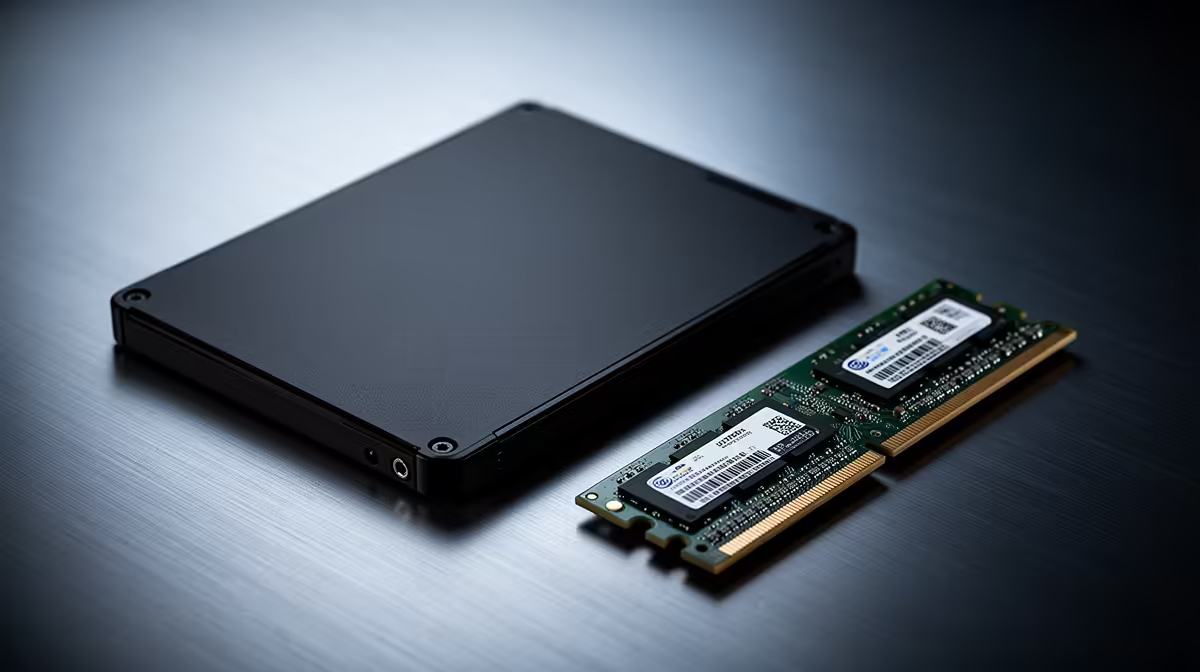
The WD Blue SN5000 at R998 suits a postgraduate researcher who needs a sensible SSD upgrade before spending more on a RAM kit. If the machine already feels slow when opening datasets, browser tabs, PDFs, and notes together, storage is often the first practical upgrade because it improves everyday responsiveness without forcing a full system replacement.
Start with the SSD budget
The WD Blue SN5000 at R998 is the value-first SSD choice here. It keeps the spend controlled for a research desk where the main need is quicker booting, smoother file access, and less waiting between documents, spreadsheets, and reference folders.
The ADATA LEGEND 900 1TB at R948 is the most interesting pick if capacity matters as much as price. That 1TB size gives a researcher more room for article PDFs, exported charts, project folders, and offline reading material without immediately leaning on external drives.
The Samsung 990 PRO at R4,648 makes more sense when the SSD is part of a higher-end workstation plan. At that price, it is harder to justify for a basic admin-and-writing laptop, but it can fit a more serious desk where the machine is used heavily every day.
Postgraduate Research Desk In SA
For a postgraduate setup, the right move is usually to pair a practical SSD upgrade with enough memory for multitasking, then keep the laptop for longer. The ADATA LEGEND 900 1TB at R948 is especially easy to justify because it gives both an SSD upgrade and a clear 1TB storage target.
Ready to choose the right SSD?
Compare the listed SSD range and match the price to the storage needs of your research desk.