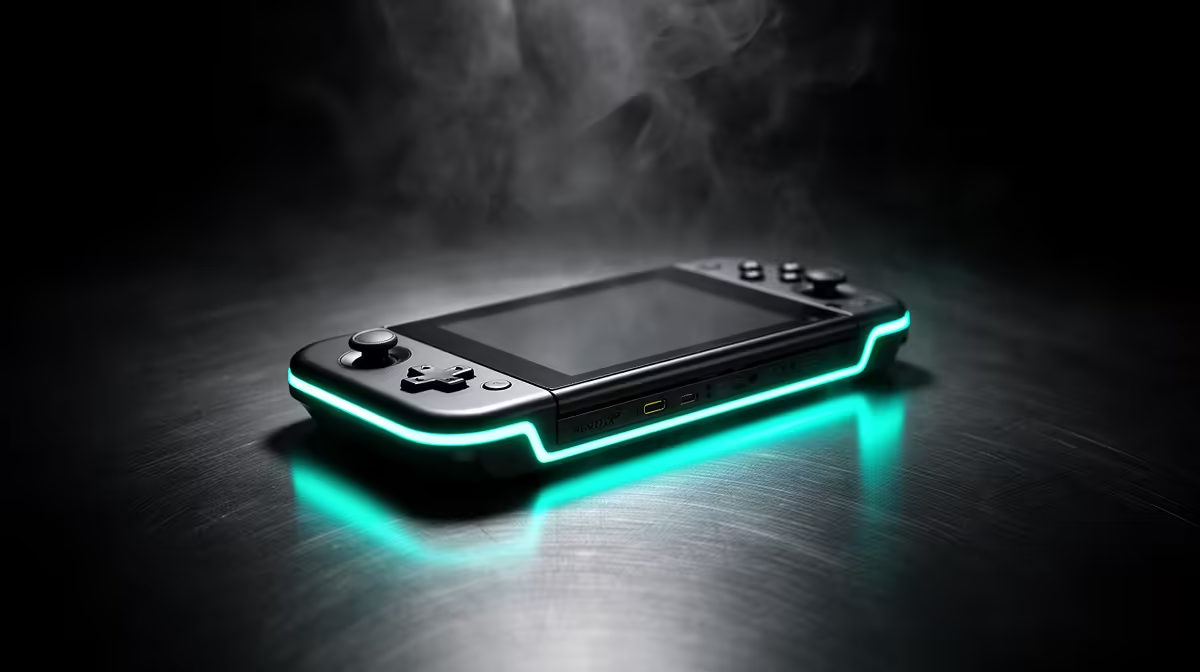
For buyers in Sandton, this covers what to choose and how Evetech gets it to you.
Quick Answer
The Steam Deck OLED is the handheld to buy: roughly R12,000-R15,000 depending on the storage tier, with a 90Hz HDR OLED screen and 3-5 hours of real gaming battery in demanding titles, more in lighter ones. It runs most of your Steam library at 720p-800p 40-60 fps, and the OLED's better battery and screen make it the clear pick over the older LCD model.
What to expect from performance
Performance is about expectations: the Deck targets 800p, not 4K. Demanding AAA titles run 30-45 fps with settings tuned, while indies and esports titles hold 60-90 fps and sip battery. The OLED revision adds a brighter HDR panel, a larger battery and faster wireless, so it is both nicer to look at and lasts longer than the original LCD - worth the difference if you play away from a charger.
Storage tiers and what you really need
Storage tier is the real decision. The larger eMMC/SSD models save constant install juggling, and a microSD card expands any of them cheaply. For SA buyers it is a full PC handheld: you get the entire Steam catalogue, desktop mode, and the option to dock it to a monitor as a small gaming PC. Budget for a case and a 256GB+ microSD on day one.
Buying it in SA
Buy it stocked locally so you get a proper SA warranty path rather than a grey import with no support. Sandton sits inside the main Gauteng courier zone, so in-stock orders usually land next business day; collection from the Roodepoort branch is the faster route if you can drive over.
FAQ
OLED or LCD Steam Deck - which is worth it?
The OLED is the one to buy: brighter HDR screen, bigger battery and faster Wi-Fi for a modest premium. The LCD only makes sense if you find it heavily discounted.
What frame rates does the Steam Deck OLED hit?
Demanding AAA games run 30-45 fps tuned, while indies and esports titles hold 60-90 fps at 800p. It targets handheld resolutions, not 1440p or 4K.
Do I need a microSD card for it?
Yes if you install more than a couple of large games - a 256GB+ microSD expands any model cheaply and avoids constant uninstalling. It is the first accessory most owners add.
Buyer tip
Pick a 512GB-class OLED, add a 256GB microSD and a case at checkout, and you have a full PC handheld that docks to a monitor when you are home.