

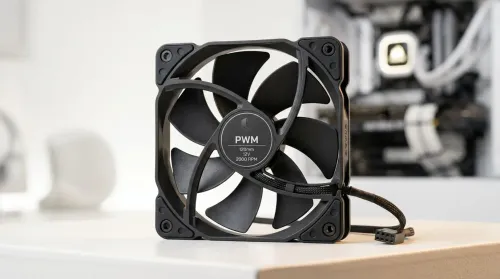
Smart PWM CPU Fan Control for Quiet Cooling
Learn how to balance noise vs cooling performance with smart PWM CPU fans—set curves, reduce buzz, and maintain safe temps. Get cooler, quieter builds in minutes 🧊🔇
Read moreChoosing between a streaming camera with a privacy shutter or a DIY lens cover? 🛡️ We break down the security, convenience, and aesthetic pros to help you secure your setup. Keep your stream safe and professional with our expert guide! 🎥
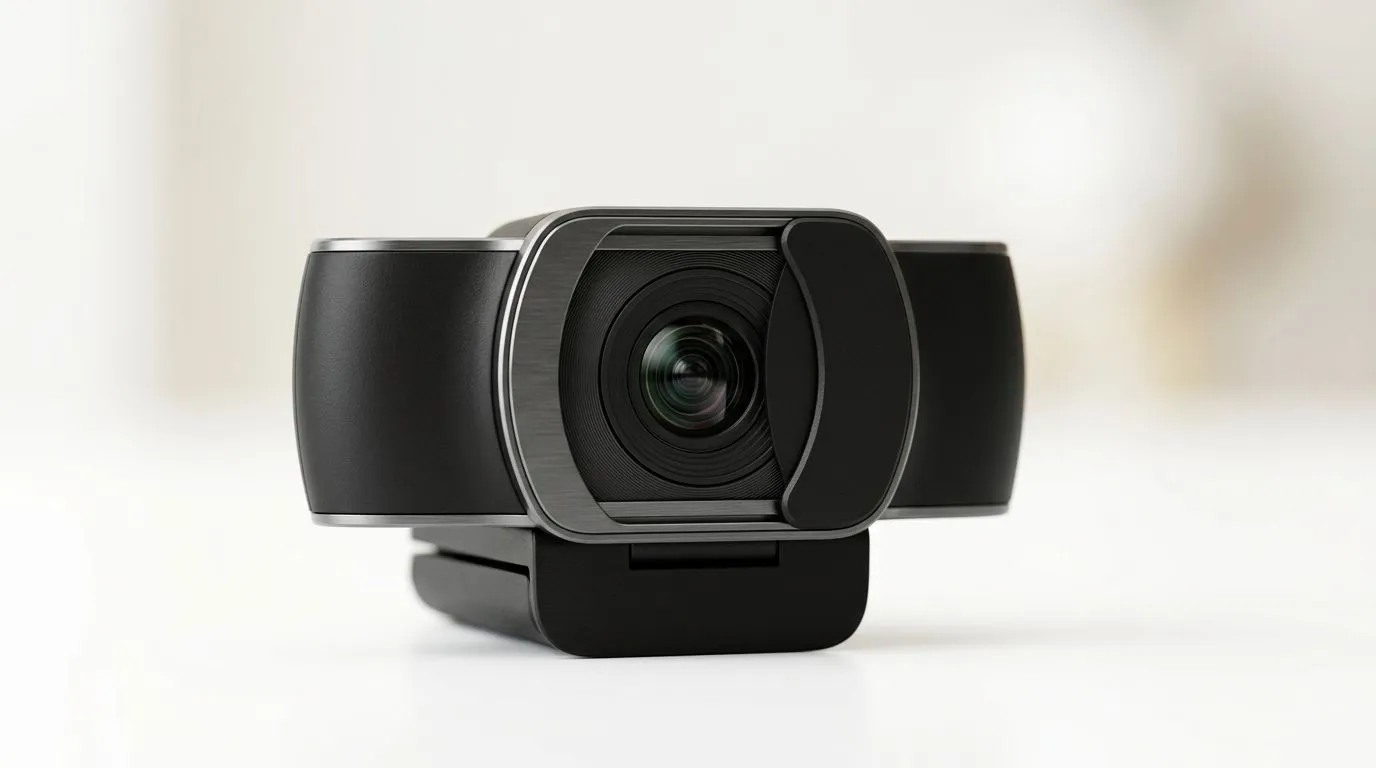
If you stream, game, or even just work from home, your camera is always one careless moment away from privacy drama. 😬 In South Africa, we’ve all seen it: a twitchy autocorrect, a wrong app permission, or a webcam that “looks off” even when you thought it was off. So which is safer and more practical: a streaming camera privacy shutter vs manual covers?
Let’s break it down in plain terms, then help you choose the right webcam for your setup, your room lighting, and your comfort level. ✨
A privacy shutter is a physical slider (or cover) built into the webcam. You close it when you don’t want the lens exposed. The big advantage is consistency: you don’t have to remember to apply a separate cover each time.
For buyers, the key thing to confirm is whether the shutter fully blocks the lens area (not just “reduces” exposure). The best shutters move smoothly and stay seated when closed.
A manual cover is typically a clip-on cap, a flip cover, or even a sticky cover depending on the model. They can be very effective, but they rely on you using them every single time.
Manual covers also introduce a new annoyance: losing the cover, misplacing it, or covering it halfway. That’s not theoretical. It’s the kind of small thing that leads to “wait… was the camera actually covered?” moments.
If you’re a daily streamer, you benefit most from shutters because they reduce “human forgetfulness”. If you’re more casual and you’re disciplined about covering up, manual covers can be totally fine. 🔧
But here’s the practical truth: either option is only protective if it’s actually closed before you stream.
you use a webcam for streaming or meetings, add a 5-second routine: close the shutter or cover, then check your webcam preview in your streaming software. Many apps show a clear live preview, so you’ll quickly confirm the lens is blocked before you go live.
The fastest way to get this right is to start with the webcam listings that match your budget and needs. Evetech stocks a wide range of webcams, from entry-level options to better performers for creators.
When you’re comparing models, look at these points in the product page details:
Even if a webcam has great privacy design, still use software permissions. That’s the “belt and braces” approach: cover the lens physically, then control access in your OS and streaming apps.
Use this to decide quickly:
And yes… it’s okay to care about this. Your camera is part of your gaming identity now, from ranked grind to voice chat to community highlights. A simple physical cover is a small cost for real peace of mind. ✨
Ready to Find Your Perfect Match? Choose the right webcam with the privacy features that fit your lifestyle. Browse Evetech’s range and pick the streaming-ready option that gives you peace of mind from the first setup. Explore our massive range of webcams and laptop accessories and find the perfect match for your room, your budget, and your stream.
While both prevent visual recording, a built-in privacy shutter is more durable, leaves no adhesive residue, and offers a cleaner, professional look for streamers.
Unplugging your camera is the ultimate security measure, but a privacy shutter offers immediate convenience when you want to pause your stream without disconnecting hardware.
Software toggles can be bypassed by malware. A physical privacy shutter provides a mechanical disconnect, ensuring your lens is blocked regardless of software status.
No, a privacy shutter is a mechanical component and does not impact image quality, focus, or the internal sensors of your streaming camera.
If your device lacks a built-in shutter, a sliding plastic webcam cover is a reliable, low-cost upgrade that is safer and cleaner than using tape or stickers.
For professional streamers, a built-in privacy shutter adds convenience and aesthetic value, justifying the cost as part of a polished, secure streaming setup.
Learn how to balance noise vs cooling performance with smart PWM CPU fans—set curves, reduce buzz, and maintain safe temps. Get cooler, quieter builds in minutes 🧊🔇
Read more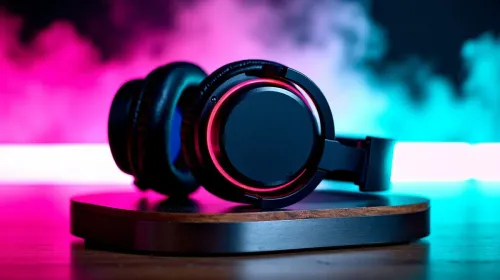
Wondering if a “48 hour” wireless gaming headset battery truly lasts? In daily use, your hours vary by settings and volume 🎧🔋. Here’s how long it lasts, what drains it fastest, and how to extend it.
Read more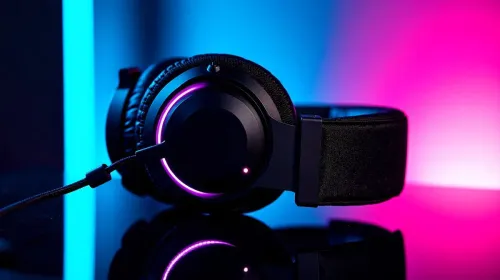
Learn how to choose gaming headset audio quality in South Africa—plus mic clarity and comfort—so you hear every footstep and sound clear in-game 🎧🎙️. Use this buyer guide to match your budget and play style.
Read more
Dial in the best gaming headset setup for clear voice chat in South Africa. Fix mic issues, reduce background noise, and improve call clarity with practical settings and wireless stability 🎧🇿🇦
Read more
Choosing the best gaming headset features for Xbox and PC? Here’s what to look for in South Africa—comfort, mic quality, wireless range, and low-latency audio 🎧🇿🇦
Read more
Gaming headset price in South Africa, from entry to premium in ZAR. Compare sound, mic, and comfort before you buy. ✅🎧 Save money with the right headset tier.
Read more
Snapdragon X2 NPU Explained: How 80 TOPS Changes. Plain-English explanation of what it means, why it matters & how it affects your buying decisions in SA.

HBM? High Bandwidth Memory Used in GPUs and AI. Plain-English explanation of what it means, why it matters & how it affects your buying decisions in SA.

How much should you spend on sim racing accessories in South Africa for a realistic setup? We break down budgets by quality tiers, so you buy smart gear and avoid overspending 🎮💸

G-Sync and FreeSync? Variable Refresh Rate. Plain-English explanation of what it means, why it matters & how it affects your buying decisions in SA.

AMD Laptop: Value. SA-focused analysis with local pricing data, real-world insights & actionable buying advice.

How MacBook Neo Handles 30+ Chrome Tabs with Only. SA-focused analysis with local pricing data, real-world insights & actionable buying advice.

Why Apple Put 8GB RAM in MacBook Neo: The A18 Pro. SA-focused analysis with local pricing data, real-world insights & actionable buying advice.

Upgrade your work laptop with a New Motherboard. Step-by-step instructions with SA-specific tips, common pitfalls to avoid & expert recommendations.

MacBook Pro 16-Inch M5 Max: Complete Specs,. Everything you need to know with SA pricing, step-by-step instructions & expert recommendations.

Travelling With a MacBook: Travellers. Everything you need to know with SA pricing, step-by-step instructions & expert recommendations.

Back-to-School Parent Guide: Laptops. Everything you need to know with SA pricing, step-by-step instructions & expert recommendations.

MacBook Air 13-Inch M5: Complete Specs, Features. Everything you need to know with SA pricing, step-by-step instructions & expert recommendations.