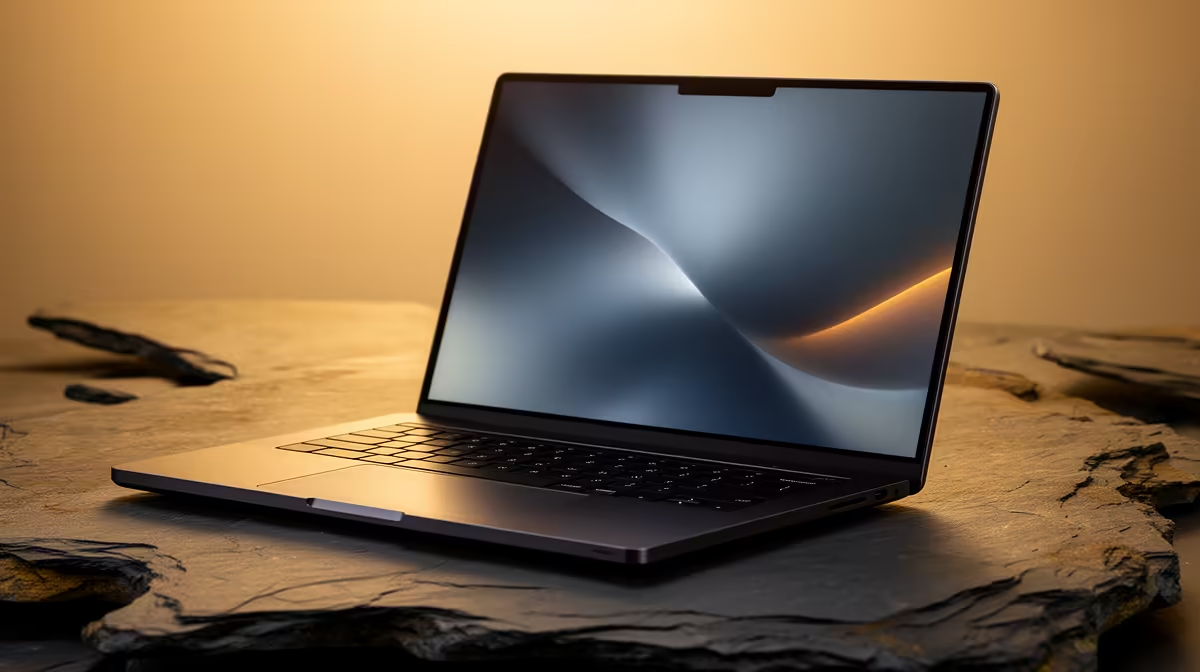
The NSFAS laptop allowance of R5,200 is a real help, but on its own it does not reach the roughly R8,000 entry point for a genuinely capable machine, let alone one ready for AI-assisted coding. The good news is that the gap is smaller than it looks, and a modest top-up turns that allowance into a laptop that handles a full cloud coding workflow. Stretching your R5,200 NSFAS allowance is mostly about knowing exactly which spec to aim for so not a rand is wasted.
Quick Answer
The R5,200 NSFAS allowance covers a meaningful chunk, but a capable AI-coding laptop lands in the R10,000 to R14,000 band with 16GB of RAM and a 512GB SSD. Topping the allowance up to that level secures a cloud-ready machine that runs tools like Claude Code with no graphics card needed. The AI PC range at Evetech shows the current notebook options so you can judge exactly where the allowance plus a top-up lands.
Where the R5,200 lands, and why a top-up makes sense
The allowance was set as a baseline contribution toward a study laptop, not as the full cost of a high-spec machine. The cheapest genuinely usable laptops start around R8,000, so R5,200 alone leaves a shortfall even at the bottom of the market. Stretching it means treating the allowance as the foundation and adding to it deliberately, rather than trying to spend it in isolation on whatever it can barely afford.
The reason to aim higher than the absolute cheapest option is durability across your degree. A laptop bought at the rock-bottom price, often with 8GB of RAM and a small drive, tends to feel slow within a year or two as software grows. Putting the allowance toward a R10,000 to R14,000 machine instead buys a spec that stays comfortable for the full three or four years, which is better value over time even though it costs more upfront.
The 16GB sweet spot is the target
The single most important number to lock in is 16GB of RAM. For AI coding, the cloud tool itself is light on memory, but the surrounding workload is not. A real session means a code editor, a browser full of documentation, a terminal running tests, and your project all loaded at once. On 8GB that combination drags. On 16GB it stays smooth, and it keeps doing so as your projects get bigger over the years.
This is exactly why the 16GB tier is worth stretching for. A machine with half that RAM frustrates you during exam crunch; one with 16GB keeps pace no matter how heavy the session gets. Pair the 16GB with a 512GB solid-state drive and you have storage that is both fast enough for an AI agent juggling builds and version control, and large enough to hold a few years of coursework and projects.
Why no graphics card is needed
A common way students overspend is chasing a discrete GPU for AI work. For cloud coding tools, that spend is wasted. The AI model runs on the provider's servers, so the heavy thinking never touches your laptop. Your machine is essentially a smart terminal sending requests up and receiving answers back. That means the allowance and top-up can go entirely toward RAM, storage, and build quality, the things that actually shape the day-to-day experience.
Spending the top-up wisely
Once you have decided to top the allowance up to the R10,000 to R14,000 band, a few priorities make the money count. Put RAM first at 16GB. Put storage second at a 512GB SSD, never a mechanical hard drive. Choose a current-generation Intel Core or AMD Ryzen processor, whose integrated graphics handle everything a coding student needs. Then look at battery life, aiming for eight hours or more of real use so a full day of lectures does not strand you without a charger.
Avoid paying for things that do not serve the goal. A flashy gaming aesthetic, RGB lighting, or a discrete GPU adds cost without adding capability for cloud coding. A clean, well-built chassis with a comfortable keyboard and a clear screen serves you far better during long study sessions. The best-selling laptops list shows which models students are actually choosing for this budget, and that popular-choice signal often surfaces the strongest value options.
Making the machine last the full degree
Stretching the allowance well is not only about the day you buy; it is about the three or four years that follow. A few choices protect that investment. Prioritise a model where the RAM is not soldered if you can, so you have the option to add memory later, though many machines in this band fix the RAM at purchase, which is another reason to buy 16GB from the start. Keep some free space on the SSD, since a drive that runs near full slows down and wears faster, so 512GB gives breathing room across years of coursework.
Battery health is the other long-term factor. Avoid leaving the laptop plugged in at full charge constantly where the machine allows a charge limit, and expect the battery to fade over a degree, which is normal. A protective sleeve and a careful eye on the charging port, the most commonly damaged part on a student laptop, go a long way. None of this is exotic; it is simply treating the machine as the multi-year tool it needs to be, so the allowance you stretched once carries you to graduation rather than to an early replacement.
A realistic plan for the allowance
Think of the purchase in three steps. First, treat the R5,200 as your committed base. Second, decide how much more you can reasonably add to reach the 16GB and 512GB SSD tier, which typically means landing somewhere between R10,000 and R14,000. Third, pick the specific model on those specs rather than on brand shine, confirming the RAM, the SSD, the processor generation, and the battery rating before you buy.
This approach respects the allowance for what it is, a genuine head start, while making sure the final machine is one you will not have to replace mid-degree. It is the difference between spending R5,200 twice and spending it once, well.
Frequently Asked Questions
Can I buy a laptop with only the R5,200 allowance?
You can, but the options at that level are very limited and tend to be slow within a year or two. The cheapest capable laptops start around R8,000, so the allowance works best as a base you top up toward a longer-lasting machine.
Why aim for 16GB of RAM specifically?
Because the AI coding tool runs alongside an editor, a browser, a terminal, and your project all at once. 8GB stutters under that load, while 16GB stays smooth and keeps up as your projects grow over your degree.
Do I need a graphics card for AI coding as a student?
No. Cloud AI coding tools run the model on the provider's servers, so your laptop never does the heavy AI work. That lets you put the whole budget into RAM, storage, and build quality instead.
What is the ideal storage for a student coding laptop?
A 512GB solid-state drive. It is fast enough for an AI agent running builds and version control, and large enough to hold years of coursework. Avoid mechanical hard drives, which slow the whole workflow down.
Is a top-up really better value than the cheapest laptop?
Usually yes. A R10,000 to R14,000 machine with 16GB and an SSD stays comfortable for three or four years, whereas the cheapest option often needs replacing sooner. Spending a bit more once tends to cost less overall.
Turn your allowance into a machine that lasts the whole degree. Compare current 16GB cloud-ready options in the Evetech AI PC range and put every rand of your top-up where it counts.