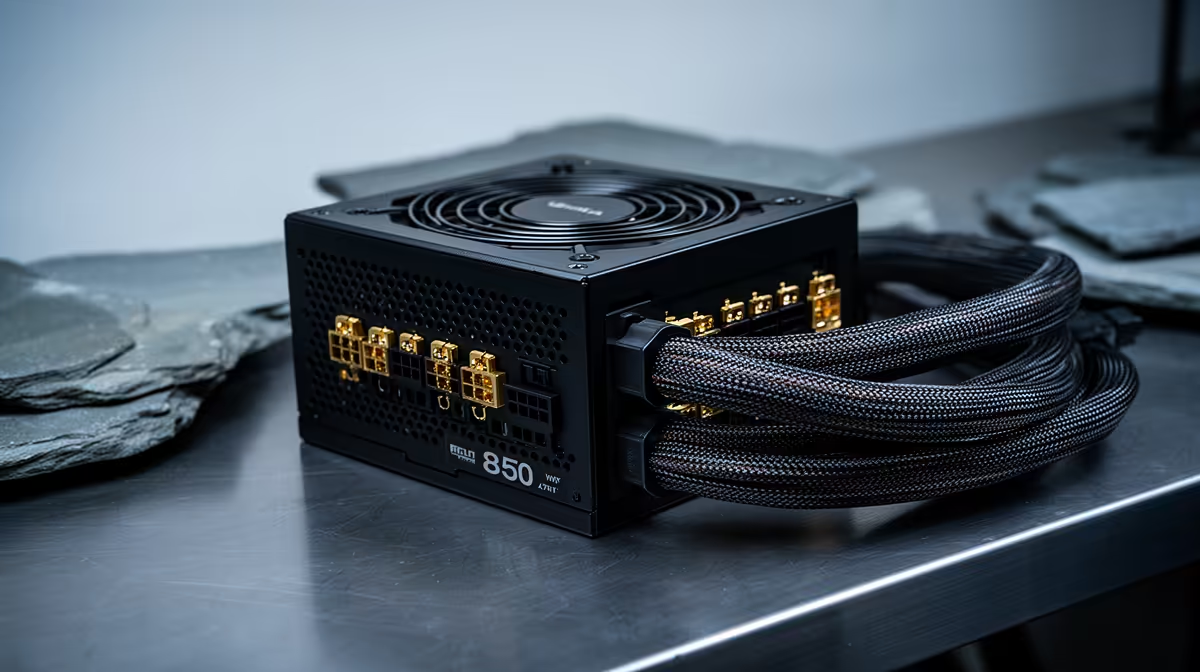
An IT student should choose an 850W PSU from the actual desktop components and lab projects, not from the course label. A computer used for programming and virtual machines may need modest power, while a gaming or GPU-compute build can require stronger connectors and capacity. Confirm the graphics-card recommendation and case format first.
Compare verified 850W options
The verified Corsair RM850e costs R1,900. A second verified choice is the Cooler Master MWE Gold 850 V3 at R930. Confirm current efficiency, protections, dimensions, warranty and cable sets for each exact listing. Record motherboard, CPU power, graphics plugs, drives and planned upgrades. A proprietary desktop may use non-standard wiring, while laptops and mini PCs cannot accept either standard internal unit.
Build and test safely
Back up coursework, virtual machines and configuration files before installation. Use only modular cables supplied or approved for the selected PSU. Ask an experienced technician for help when mains-powered internal hardware is unfamiliar. After installation, run the heaviest normal compile, virtual machine or game while monitoring temperature, stability and noise. A crash can originate in memory, drivers or cooling, so diagnose evidence rather than replacing the PSU repeatedly.
Keep a component and cable diagram in the project documentation as part of good systems-administration practice.
Check the PSU fan mode during a quiet coding session as well as under graphics load.
Powering an IT desktop? > Ask Evetech to verify PSU capacity, connectors, case fit and component compatibility together.