Choose a surge protector for a Sage and Xero computer from the complete equipment load, documented protection and safe installation, not from the software or computer budget. It cannot prevent every outage or replace business-data backups. Regulation, surge protection and battery runtime are different functions.
Inventory the accounts desk
List the computer, monitor, router, printer and external drive with each input rating. Decide which equipment must remain connected and whether bulky adapters block outlets. Document what staff do if the computer or internet becomes unavailable during payroll, invoicing or submissions.
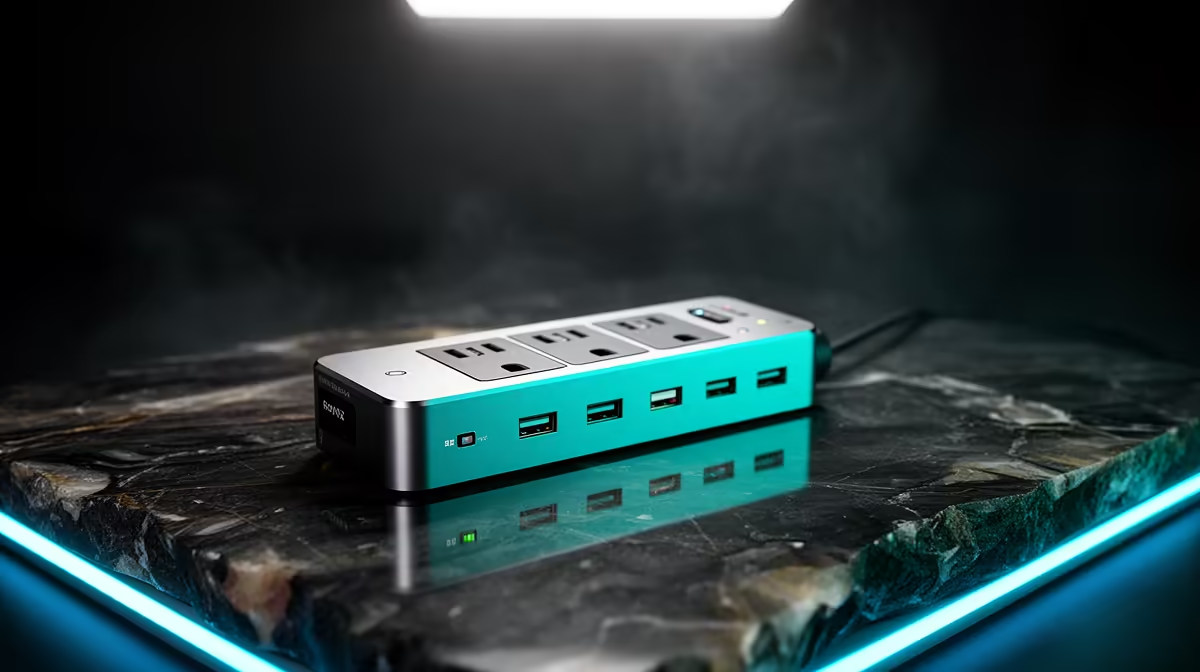
No surge-protection product with a verified current price appears in the factpacks. Compare live options by maximum load, outlet count and spacing, documented surge rating, safety certification, cable length, status indication and warranty. Do not describe an ordinary multi-plug as proven protection.
Keep the device dry, visible and uncovered. Never connect protection strips into one another, and stop using plugs that show heat, odour, buzzing or discolouration. Label each protected plug for easy inspection. Ask a qualified electrician to assess uncertain outlets or repeated building-power problems. Maintain tested permitted backups of accounts data regardless of hardware.
Buy only after every connected device fits the documented limits. Choose separate approved continuity equipment when runtime is required and manufacturer compatibility has been verified.
Protecting an accounts computer? > Browse Evetech power accessories and verify load and protection details.