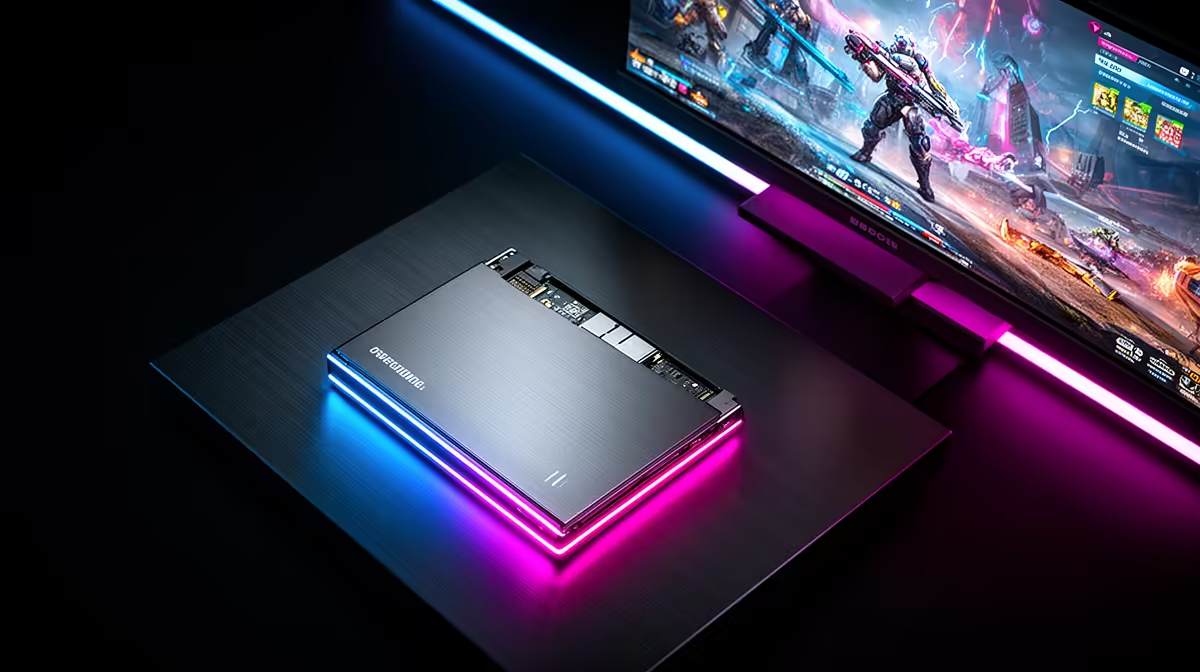
A surveillance hard drive can technically store game files, but it is designed for continuous camera recording rather than responsive game loading. The Seagate SkyHawk 2TB is verified at R1,340. Its workload tuning does not make it the smart default for Baldur’s Gate 3, especially when an SSD offers much faster access.
Use each drive for its intended workload
Modern games constantly read textures, maps and assets. A mechanical drive may launch the game, yet loading screens and asset streaming can feel slower than on an NVMe SSD. The WD Blue SN5000 1TB NVMe SSD is verified at R998 and is a more suitable reference for active game storage in a compatible system. Confirm the motherboard has the correct M.2 slot and support before buying.
Reserve a surveillance model for an NVR where continuous write behaviour, supported camera count and retention matter. Putting it in a gaming PC sacrifices its intended advantage and does not protect saves automatically. Cloud saves should be checked per game, while local saves and personal files need a separate backup routine. Keep at least one copy away from the active game drive.
If the existing PC has only SATA connections, compare a suitable SATA SSD from a verified current listing rather than forcing an incompatible NVMe purchase. Measure the installed game library and leave free space for updates. Use the SkyHawk only when camera storage is the real job; use an SSD for the title that needs fast loading and frequent asset access.
Upgrading storage for Baldur’s Gate 3? > Compare compatible gaming drives with Evetech and keep surveillance disks on surveillance duty.