The Ultimate Guide to Syncing Your Rugged Smartwatch
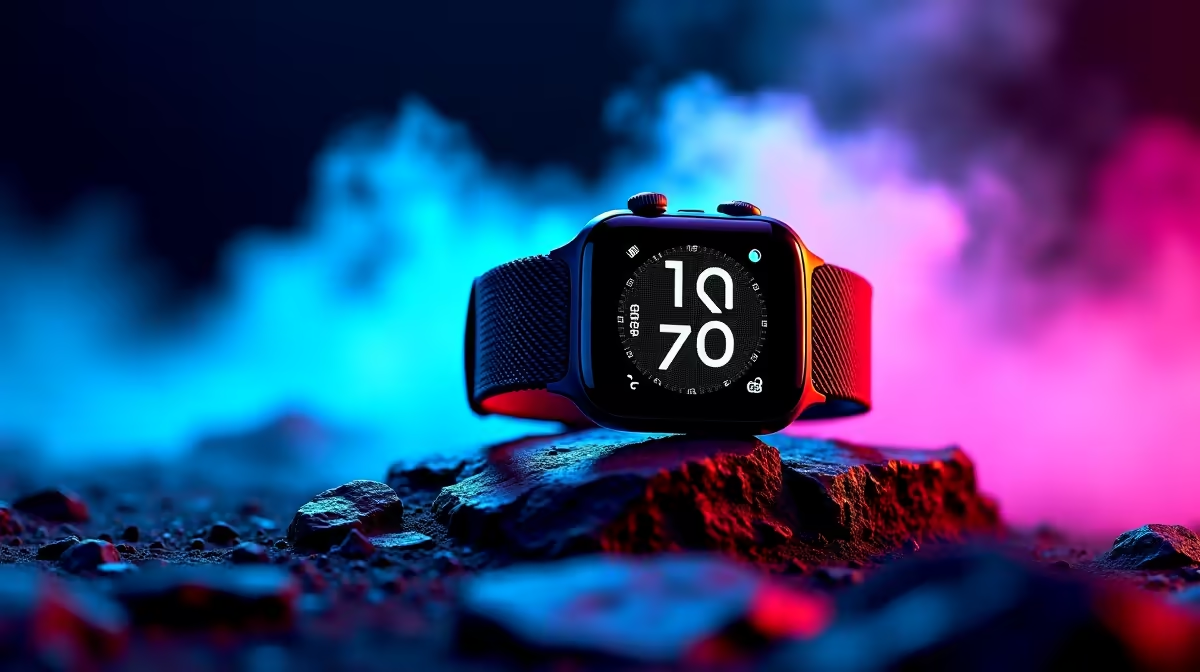
Whether you are tackling a trail in the Magaliesberg or surviving the Cape Town wind, a tough wearable is your best companion. But how do you sync a rugged smartwatch with Android and iOS effectively? Many South Africans struggle with initial setups. We want to ensure your new tech stays connected so you never miss a beat... or a WhatsApp from the braai group. 🚀
Preparing Your Hardware for a Seamless Connection
Before you dive into the settings, make sure your device is fully charged. A low battery can cause the Bluetooth pairing process to fail halfway through. It is also vital to check that your phone's software is up to date. Most modern wearables require at least Android 6.0 or iOS 9.0 to function correctly.
If you are still looking for the right device, you can browse a wide variety of smart watches to find one that fits your specific lifestyle. Ensure your phone's Bluetooth is toggled on and "Visible to Other Devices" is enabled in your settings menu.
How to Sync Rugged Smartwatch with Android and iOS Apps
Most manufacturers do not rely on the standard Bluetooth menu for syncing. Instead, they use proprietary apps to manage data and notifications. Brands like Promate are popular in South Africa for their durability and long battery life. Setting up Promate smart watches usually involves downloading an app like Da Fit or Promate Life from the Google Play Store or Apple App Store.
Once the app is installed, follow these steps:
- Open the app and grant all requested permissions.
- Navigate to the "Device" or "Profile" tab.
- Select "Add Device" and wait for your watch to appear in the list.
- Tap the device name to initiate the pairing request on your watch screen.
Bluetooth Stability Tip ⚡
If your watch keeps disconnecting, check your phone's battery optimisation settings. Android often "kills" background apps to save power. Manualy set your smartwatch app to "Don't Optimise" so it stays active in the background for constant syncing.
Finding Value in Rugged Technology
You do not need to spend a fortune to get a device that survives the outdoors. There are excellent rugged wearables between R800 and R1000 that offer full compatibility with both major mobile operating systems. These models often include heart rate monitoring, IP68 water resistance, and sleep tracking as standard features. 🔧
Troubleshooting Connection Drops on iOS
iPhone users might face stricter privacy settings. If you sync a rugged smartwatch with Android and iOS, remember that Apple requires you to "Share System Notifications" within the Bluetooth settings. Go to Settings > Bluetooth, tap the "i" icon next to your watch name, and ensure "Share System Notifications" is toggled on. Without this, your watch will stay connected but won't show your messages. ✨
Keeping Your Data Accurate
To get the most out of your sync, ensure your physical profile is updated in the app. Inputting your correct height and weight helps the watch calculate your calorie burn more accurately during those weekend hikes. Regular firmware updates through the app will also improve the GPS accuracy and sync speed over time. ⚡
Ready to Upgrade Your Gear?
Staying connected in the wild shouldn't be a struggle. Whether you need a watch that survives the gym or the great outdoors, we have the perfect fit for your wrist. Explore our massive range of smart watch specials and find the perfect machine to conquer your world.