


Complete Gaming Setup Guide for the SA Esports Athlete in SA 2026
Complete Gaming Setup Guide for the Esports. Clear setup instructions with SA-specific considerations, troubleshooting tips & recommended components.
Read moreTech Setup Guide for UFH Res Students. Clear setup instructions with SA-specific considerations, troubleshooting tips & recommended components.
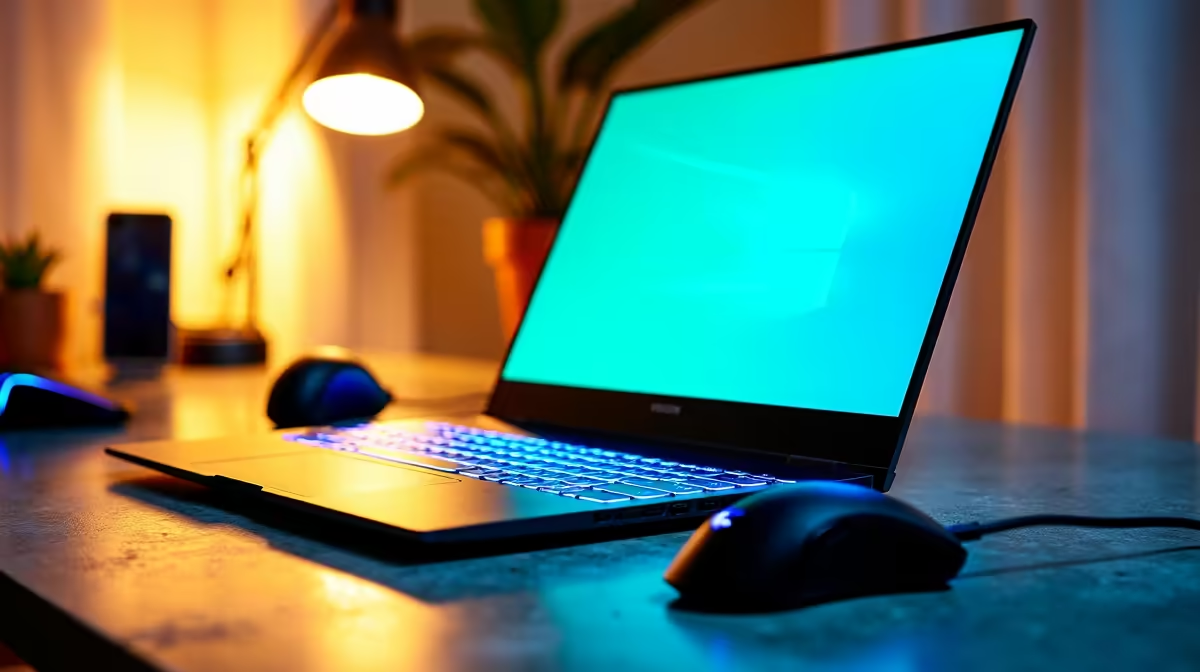
UFH res students need a portable laptop, reliable Wi-Fi, a UPS or power bank for loadshedding, and a backup mobile data plan. A solid setup runs R12,000 to R18,000 for the laptop plus R1,500 to R3,500 for accessories and power backup.
University of Fort Hare residences have improved Wi-Fi but lectures, assignments, and group chats still demand reliable personal kit. A 14 or 15-inch laptop with at least Ryzen 5 or Intel Core i5, 16GB RAM, and a 512GB SSD covers Microsoft Teams, Word, browser-heavy research, and the odd round of FIFA in koshuis. NSFAS-approved laptops at the R5,200 allowance level exist but stretch thin; topping up to R10,000+ buys a machine that won't be obsolete by third year. Add a USB-C power bank for the daily loadshedding slot.
Eastern Cape grid stability has been rough lately, with Stage 4 cycles common during winter. A 20,000mAh USB-C PD power bank at around R900 to R1,500 keeps a modern laptop topped up through a 4-hour cut. For students who run a small desktop in res, a 650VA to 1000VA UPS at R1,200 to R2,200 covers the router and PC long enough to save work and shut down safely. Always plug into surge-protected sockets; reconnection spikes after loadshedding are the silent killers of student tech.
UFH campus Wi-Fi is decent but spotty in some res blocks, so an MTN, Vodacom, or Telkom mobile hotspot or a cheap LTE router as backup is gold during deadlines. Cloud sync (OneDrive comes free with O365 Education) prevents the classic disaster of a corrupted SSD wiping a final-year project. External 1TB SSDs at R900 to R1,400 are cheap insurance for backups. Don't skip antivirus on a student PC; ransomware on a thesis week is brutal. Avoid pirated software, since SAPS and varsity IT take it seriously.
Plan for power cuts, prioritise battery life and SSD storage, and back up to the cloud daily. Spend more on the laptop than on RGB peripherals; you'll thank yourself in exam season.
Skipping a power bank, buying the cheapest possible laptop with 8GB RAM, and not running OneDrive or Google Drive sync are the top three. Each one bites students hard during deadlines.
A SA-warranty laptop, USB-C PD charger, surge plug, and a 20,000mAh power bank are the essentials. Evetech bundles laptops with student-friendly extras and offers nationwide delivery to Alice and East London.
Ready to Find Your Perfect Match? Kit out your res setup before the term gets serious. Browse student-ready PCs at Evetech
Tech Setup Guide for UFH Res Students 20 available at Evetech.co.za with local warranty and fast delivery.
Tech Setup Guide for UFH Res Students 20 - check Evetech for latest stock and SA pricing.
Depends on your use case. Tech Setup Guide for UFH Res S offers good value at current Rand pricing.
Complete Gaming Setup Guide for the Esports. Clear setup instructions with SA-specific considerations, troubleshooting tips & recommended components.
Read more
AIO Liquid 360mm Installation Guide for Your PC. Clear setup instructions with SA-specific considerations, troubleshooting tips & recommended components.
Read more
MacBook Display Colour Looks Wrong? Calibration. Everything you need to know with SA pricing, step-by-step instructions & expert recommendations.
Read more
Printer Terminology Guide. Everything you need to know with SA pricing, step-by-step instructions & expert recommendations.
Read more
Git on Mac: Complete Setup Guide for Beginners. Clear setup instructions with SA-specific considerations, troubleshooting tips & recommended components.
Read more
Ryzen 9 9900X Thermal Paste Dry: Reapplication. Everything you need to know with SA pricing, step-by-step instructions & expert recommendations.
Read more
AMD RX 9050 XT: Rumoured Specs, Price & Release. SA-focused analysis with local pricing data, real-world insights & actionable buying advice.

Can RTX 4080 Super Run AI Workloads for SA Developers Detailed answer with SA data, expert analysis & practical recommendations for local buyers.

Can RTX 4090 Run AI Workloads for SA Developers Detailed answer with SA data, expert analysis & practical recommendations for local buyers.

Top Settings for Intel Arc B580 at Ultrawide 1440p picks evaluated on performance, value & SA availability with current Rand pricing from Evetech.

RTX 4060 CS2 Low Settings at 1080p: FPS Results. Real-world benchmark data, FPS numbers & performance analysis. What SA gamers can actually expect.

Visual Artifacts: Possible GPU Issue Issue #1. Diagnosis steps, proven fixes & when to seek professional help. SA-specific support info included.

Can the RTX 4090 Handle 1440p 144Hz Gaming. Performance testing verdict with real data & practical recommendations for SA buyers.

Top ASUS GPU Under R15000 picks evaluated on performance, value & SA availability with current Rand pricing from Evetech.

GTA 6 Max Settings on RTX 5070. Tested & verified settings for best FPS and visual quality on SA hardware budgets.

Cyberpunk 2077 Max Settings on RTX 5080. Tested & verified settings for best FPS and visual quality on SA hardware budgets.

Starfield Max Settings on RTX 5070 Ti. Tested & verified settings for best FPS and visual quality on SA hardware budgets.

Top RTX 5090 Under R5000 picks evaluated on performance, value & SA availability with current Rand pricing from Evetech.