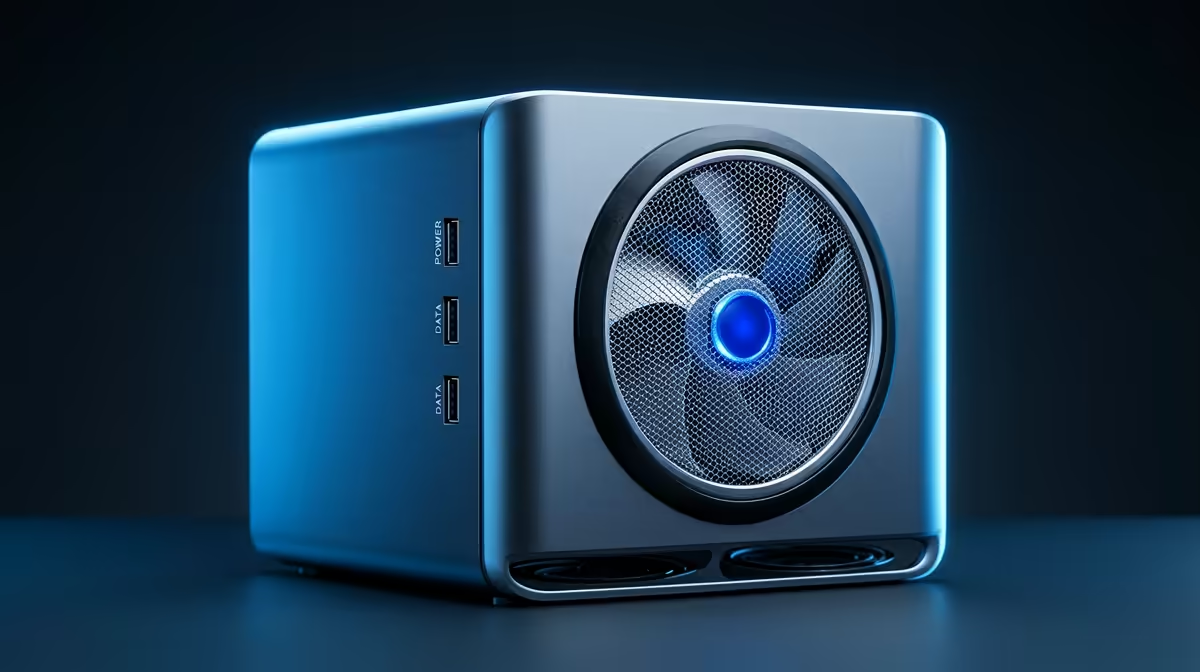
Cloud storage, photo backup, streaming and a password manager each bill you every month, quietly, forever. A single home lab built on one mini PC can replace all four, with your data living on hardware you own rather than on a rented slice of someone else's. The appeal is not just the saved Rands; it is owning the storage outright and never having a subscription raise its price on you again.
Quick Answer
One mini PC with a quad-core CPU, 8GB or more of RAM and 1TB-plus of storage can run Nextcloud (replacing cloud drive storage), Immich (replacing cloud photos), Jellyfin (replacing streaming) and Vaultwarden (replacing a paid password manager) at the same time in Docker. Setup takes an afternoon, after which it runs quietly with little maintenance.
The four apps and what they replace
Each self-hosted app maps cleanly onto a paid service you are probably already feeding.
Nextcloud for cloud drive storage
Nextcloud is the most complete self-hosted platform: file sync, contacts, calendar and document editing, plus hundreds of add-ons. It is heavier than a simple file server but gets closest to a full cloud-office experience, and it puts your documents on your own disk.
Immich for photo backup
Immich gives you the features people actually use from cloud photo services: automatic phone backup, facial recognition, a map view, shared albums and on-device search. It is the standout reason many people build a home lab, because handing your entire photo history to a subscription is the cost that stings most.
Jellyfin for streaming
Jellyfin is a fully open-source media server for films, TV and music with no account requirement and no telemetry. It transcodes on your hardware and carries zero ongoing cost, which makes it the default streaming recommendation for a new setup.
Vaultwarden for passwords
Vaultwarden is a lightweight, self-hosted password manager compatible with the common Bitwarden clients. It runs in a tiny footprint and keeps your vault on your own machine rather than a vendor's servers.
The hardware: one mini PC does the work
You do not need a rack or a noisy tower. A mini PC with a modern low-power processor, 8GB or more of RAM and a 1TB-plus drive comfortably runs ten to fifteen Docker services at once. The mini PC range covers exactly this class of quiet, always-on box that draws little power.
Two services deserve extra headroom. Immich uses RAM for its AI features like facial recognition, and Jellyfin leans on the CPU or GPU when a client cannot play a file natively and the server has to transcode. If you stream to a lot of devices or want fast photo search, lean toward 16GB of RAM and a processor with capable integrated graphics. For storage, an SSD for the operating system and the app databases plus a larger drive for media and photos is the sensible split.
Storage planning: where the data actually lives
Getting storage right from the start saves you a painful migration later. The recommended split is a fast SSD -- ideally NVMe -- for the operating system, Docker, and the app databases, and a separate, larger drive for the actual data: your Immich photo library, your Jellyfin media, and your Nextcloud file store.
Why separate them? App databases are small but access them constantly; they need SSD speed. Your photo and media libraries are large but accessed sequentially; they can live on a slower, cheaper drive without you noticing. On a mini PC with an M.2 slot and a 2.5-inch bay, you can often fit both: a 256GB or 512GB SSD for the OS and services, and a 1TB or 2TB SATA drive for bulk storage.
If your mini PC has only one drive slot, a 1TB NVMe SSD handles both roles well as a starting point. Just be honest about growth: Immich especially grows fast once automatic photo backup is turned on, because it pulls your full camera roll.
Running it with Docker Compose
All four services deploy cleanly with Docker Compose, which keeps each app's configuration in a single file and makes updates straightforward. The typical approach is one compose file per service or one shared compose file for the whole stack, each declaring which ports to expose, where the data volumes mount, and what network the containers share.
A shared Docker network is worth setting up from the start. When all four containers sit on the same internal network, a reverse proxy like Nginx Proxy Manager or Traefik can route traffic to each one by container name rather than by port number. That gives you clean addresses like photos.yourdomain.com and media.yourdomain.com over HTTPS without any port forwarding on your router. Immich, Jellyfin, Nextcloud, and Vaultwarden all have well-maintained official compose examples in their documentation that you adapt rather than write from scratch.
What it costs versus what it saves
Self-hosting trades a monthly bill for an up-front hardware cost. People who have done it report eliminating roughly the equivalent of a few hundred Rand a month across drive storage, photo backup and streaming once the four apps are running. The mini PC pays for itself over time, and after that the only ongoing cost is the modest electricity of a low-power box left running. There is no per-app subscription waiting to climb each year.
The honest trade-off is responsibility. You own the backups now. A home lab on a single machine is one disk failure away from data loss unless you keep a second copy, so budget for a backup drive from day one. If you want a more capable always-on machine than a mini PC, the best-selling desktops include options with room for multiple drives.
Is it hard to run?
Less than you would expect. The initial setup, installing the host operating system and bringing up the four containers, takes an afternoon. After that these projects are mature enough that they mostly just run, with occasional updates rather than constant babysitting. The overhead is small enough to leave the machine on continuously, and the day-to-day experience is close to the cloud services it replaces, only faster on your local network and entirely under your control.
Frequently Asked Questions
What hardware do I need for a home lab like this?
A mini PC with a quad-core CPU, 8GB or more of RAM and 1TB-plus of storage runs all four apps comfortably. Step up to 16GB if you rely heavily on Immich's AI features or stream transcoded video to many devices.
Can one mini PC really run all four services at once?
Yes. A modern low-power mini PC handles ten to fifteen Docker containers simultaneously, so Nextcloud, Immich, Jellyfin and Vaultwarden together are well within reach.
Will I lose my data if a drive fails?
You can, which is the main responsibility you take on. Keep a second backup copy of anything important from day one rather than trusting a single disk in one machine.
How much technical skill does this need?
Comfort with following a Docker setup guide is enough to get started. The four apps are well documented and, once running, need only occasional updates rather than daily attention.
Does self-hosting actually save money?
Over time, yes. The mini PC is an up-front cost that replaces several recurring monthly bills, and after it pays for itself the only ongoing expense is the low electricity of an always-on box.
Ready to own your data instead of renting it? Browse the mini PC range at Evetech and build a home lab that pays for itself.