The single decision that shapes every other purchase in a home studio is the home studio audio setup chain: an interface with genuinely clean preamps, a pair of honest headphones, and near-field monitors you can trust. Get that core right and a R3,000 microphone or a R30,000 one both record well. Get it wrong, with a noisy interface or coloured monitoring, and no amount of plugin polish will rescue the result. The good news is that the floor for professional-quality results has dropped a long way.
Quick Answer
Build the chain in this order: an audio interface delivering roughly 56 to 60 dB or more of clean preamp gain, a pair of neutral closed-back headphones, then near-field monitors once the room allows. A capable entry interface and a solid set of reference headphones can be had for well under R10,000 combined, which is enough to produce release-ready work.
Start With The Interface
The interface is the heart of the chain because it converts your microphone and instruments into clean digital signal and feeds everything back out. The number that matters most is preamp gain with low noise. A dynamic microphone needs a lot of gain to reach a healthy level, so an interface offering high gain with a quiet noise floor saves you from amplifying hiss along with your voice.
Modern entry interfaces have closed the gap dramatically. Current two-input units commonly advertise around 69 dB of gain on their preamps with very low noise, plus convenience features like automatic gain setting and clip protection so you stop a take ruining itself by overloading. That is a long way past the noisy budget boxes of a decade ago.
Matching Gain To Your Microphone
If you record vocals or acoustic sources with a dynamic mic, prioritise gain headroom. A condenser is more sensitive and needs less, but it requires phantom power, which any decent interface supplies. The practical test is simple: with your loudest performance, can you reach a strong recording level without the preamp adding audible hiss? If yes, the interface is doing its job.
Headphones Before Monitors
Most producers spend their first months mixing on headphones, and that is the correct order. Headphones sidestep room acoustics entirely, so a neutral closed-back pair gives you a dependable reference even in an untreated bedroom or a small flat. Look for a flat, honest response rather than a hyped, bass-heavy consumer sound, because a flattering pair lies to you about your mix.
The reference-grade segment most home producers settle into sits in a sensible price band and lasts for years. A first set, or a second pair for tracking, can come from the headphones and headset range at Evetech, where the closed-back studio options are easy to compare side by side. Whatever you pick, learn it. A mix translates when you know exactly how your reference sounds.
Closed-Back Versus Open-Back for Production
Closed-back headphones are the better first choice for a home studio because they seal out the room during tracking and keep your monitor signal from leaking back into the microphone. Open-back models typically sound more spacious and natural, which many engineers prefer for mixing, but they are impractical for recording unless you are in a controlled environment. The sensible route is to start with closed-back, learn the sound thoroughly, and add open-back as a secondary reference once the budget allows.
Adding Near-Field Monitors
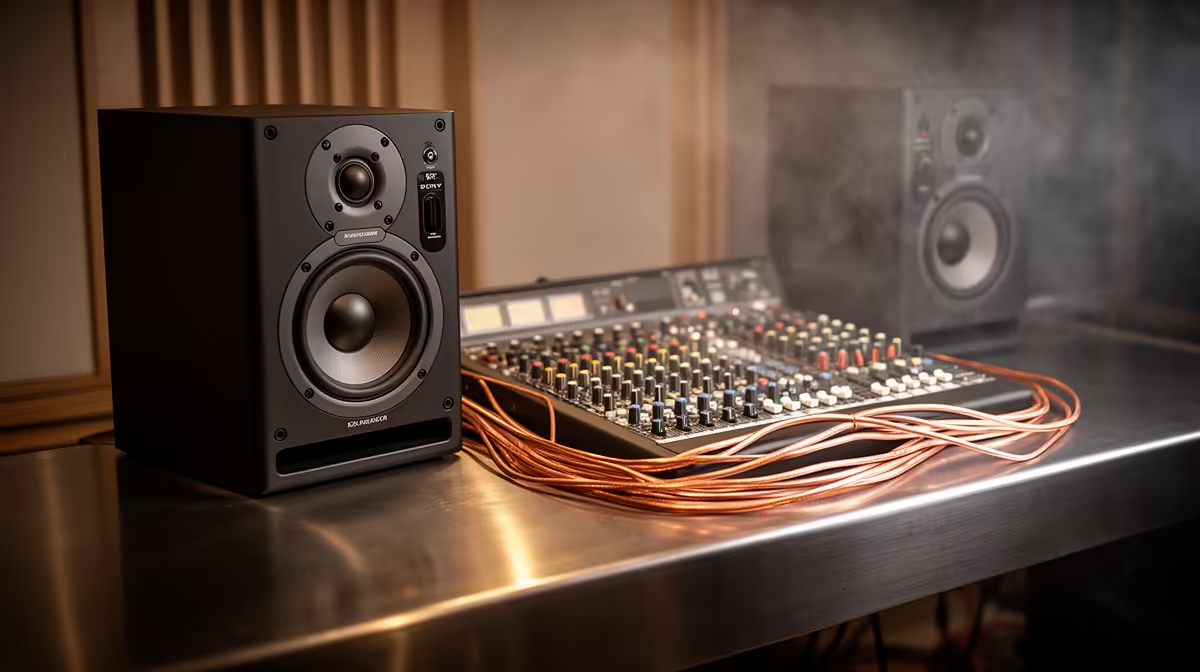
Monitors are the next step once you have somewhere to put them. Near-fields sit close to you so the direct sound reaches your ears before the room can colour it, which is why they suit a home space better than large far-field speakers. Every quality interface provides balanced line outputs, TRS or XLR, so connecting active monitors is straightforward; just confirm your monitor inputs match the interface output level.
Treat The Room, Then The Speakers
Monitors expose the room. Before spending on better speakers, deal with the obvious reflections using soft furnishings you may already own, then position the monitors to form an equal triangle with your listening position. A modest pair in a treated corner will outperform expensive monitors in a bare, reflective room every time.
The Software Layer
Hardware captures the signal, but software shapes what you do with it. A digital audio workstation and a basic set of reference-quality plugins complete the chain without requiring expensive hardware additions. Calibration software that corrects your headphone or monitor response to a neutral reference curve can also tighten the monitoring stage, especially if you are on headphones that are not perfectly flat. Some services offer trial periods, so it is worth comparing results on your own headphones before committing.
Building It On A Budget
You do not need everything at once. Start with the interface and headphones, learn to mix on them, and add monitors when the budget and the room are ready. This staged approach keeps the total spend sane and means each piece earns its place before the next arrives. When you are ready to compare current monitoring options, the fastest-selling headsets and audio gear at Evetech is a useful shortlist of what local producers are actually buying.
Frequently Asked Questions
How much preamp gain do I actually need?
Aim for an interface that can deliver roughly 56 to 60 dB or more of clean gain. Dynamic microphones in particular need plenty of headroom, and a quiet preamp at high gain keeps hiss out of your recordings.
Should I buy headphones or monitors first?
Headphones first. They remove the room from the equation, so you get a reliable reference even in an untreated space, while monitors only perform well once the room has some basic treatment.
Is a budget interface really good enough?
Yes. Current entry interfaces offer high gain, low noise and helpful features like auto gain and clip protection, so you no longer need to spend heavily to get clean, professional recordings.
Why do my mixes sound wrong on other speakers?
Usually the room or hyped headphones are misleading you. Use neutral reference headphones, treat obvious reflections, and learn how your reference gear sounds so your mixes translate elsewhere.
Do I need phantom power?
Only for condenser microphones, which require it to work. Dynamic microphones do not, and every decent interface can supply phantom power when you need it, so it is rarely a deciding factor.
Building your first proper studio chain? Start with reliable monitoring from the headphone and headset range at Evetech and add the rest of the rig as your room and budget grow.