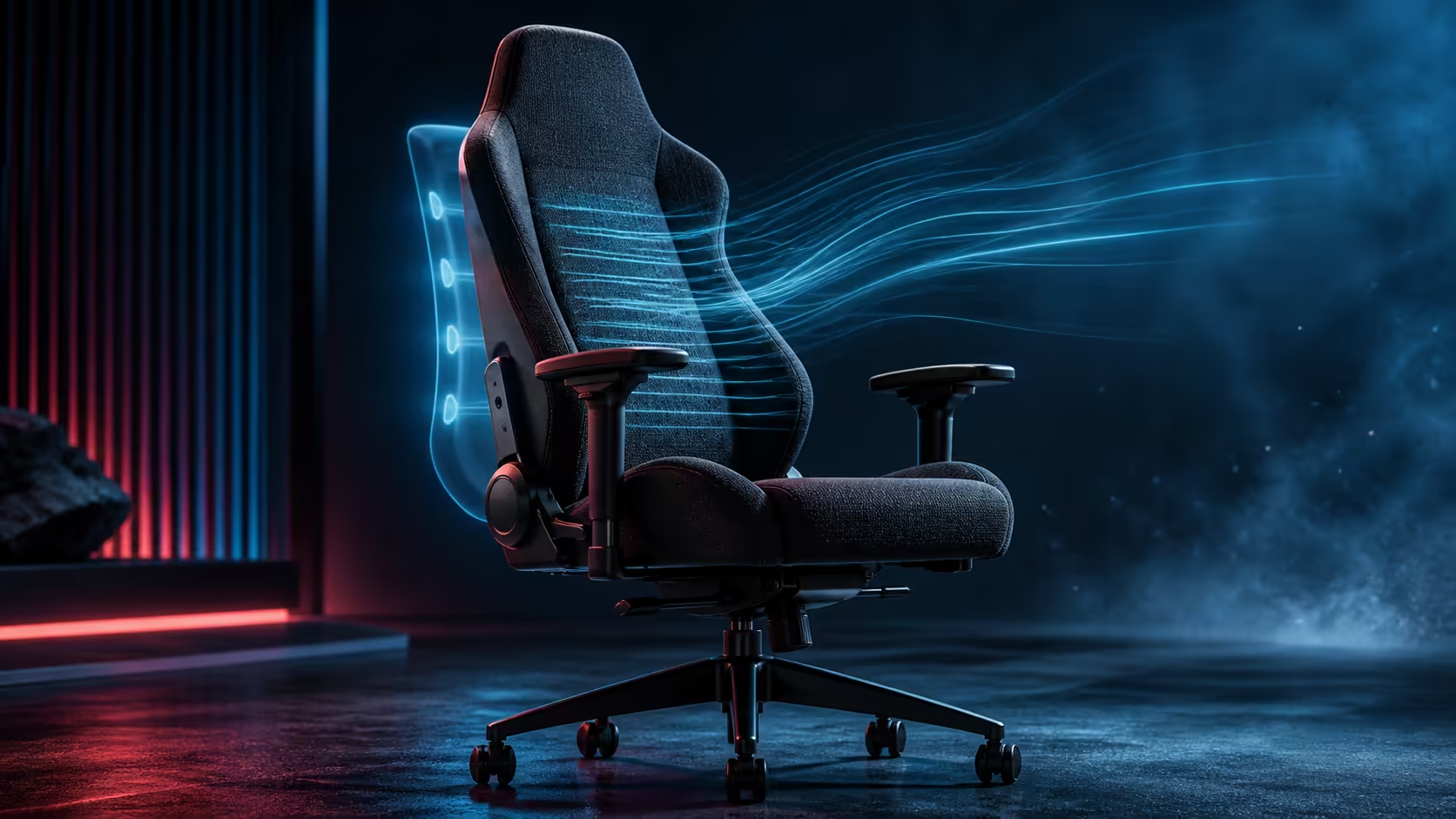
An all-day breathable fabric gaming chair must manage heat, pressure, body fit and movement together. Fabric can make sustained contact more tolerable, but useful comfort still depends on the cushion, room, clothing, desk alignment and whether the user leaves the chair regularly.
Quick Answer
Choose breathable fabric after checking usable seat dimensions, pressure distribution, cleaning and the adjustments that connect the user to the desk. Arozzi's black Torretta costs R4,299 and supplies the reference with Super Soft fluid-repellent fabric, variable seat height, three-way arm supports and a pair of cushions. Test the complete setup through work, gaming and planned breaks.
🌬️ Understand airflow at the contact surface
Woven upholstery can allow more air and moisture exchange than a closed surface, but weave, padding and clothing influence the experienced result. Back, thighs and pillow zones warm at different rates. Test after the PC and room reach normal operating temperature.
Do not cover the chair during the baseline trial. A thick or sealed protector changes airflow, friction and pressure.
🪑 Begin with seat geometry
Sit fully against the backrest and preserve comfortable clearance behind both knees. Check usable width inside any raised edges and ensure the seat does not create a hard thigh ridge. Soft initial feel cannot repair excessive depth or side pressure.
Stand after a long block and inspect cushion recovery. Uneven or persistent compression should be considered alongside posture and care.
👣 Connect height to the desk
Adjust the seat until feet are stable and elbows can approach the desk without shoulder lifting. If the work surface requires a higher position, add a suitable footrest. Confirm that thighs clear drawers and frames.
Browse the current gaming chair range with the user's exact fit and adjustment requirements visible.
🎯 Configure the three armrest directions
Set pad height beneath relaxed elbows, slide depth around keyboard or mouse reach and pivot along the forearm. Mouse work may need rearward clearance, while a controller can use more forward support.
The Torretta is 3D; do not assign it lateral width travel from a 4D system. A user who needs sideways adjustment should compare another exact chair.
🦴 Trial both pillows independently
Place the lower cushion in the lumbar hollow without pushing the pelvis forward. Test the upper pillow where it supports a balanced head position. Keep each only when it improves the intended posture.
Pillows add warmer contact layers. Compare support and heat together rather than removing a useful cushion solely because the room is hot.
🌡️ Control room and clothing variables
Move safe equipment exhaust away from the seated area, manage direct sunlight and use suitable room airflow. Wear normal breathable clothing and empty back pockets. A phone or wallet tilts the pelvis and distorts the seat test.
Repeat comparisons under similar conditions. One cool morning does not describe a typical afternoon session.
🧽 Maintain breathability
Vacuum fabric gently with a suitable attachment and prevent debris from entering seams. Blot fresh liquid rather than rubbing. Fluid repellency gives response time, not waterproofing.
Allow every surface and pillow face to dry with ordinary airflow. Strong direct heat can damage material or finish.
⏰ Build movement into all-day use
Stand at task transitions, walk briefly and change visual focus. Return to the saved neutral posture. A comfortable chair should support seated work, not turn continuous sitting into the goal.
Note time to first heat, pressure and posture collapse. These three observations point to different interventions.
👥 Configure shared users
Save separate height, pillow and arm profiles. Restore from feet upwards after every handover. If the usable dimensions or fixed arm spacing miss one person, the chair does not fit that user.
💰 Compare complete value
Place the Torretta among chairs priced above R4,000. Weight airflow, fit, support and care by weekly hours. Use the Arozzi setup range after functional requirements pass.
🧪 Separate thermal and pressure problems
Heat, friction and pressure can arrive together but need different fixes. Cool the room and contact surface, then repeat the same posture. If a hard thigh edge remains, return to seat height and depth. If warmth improves while rubbing persists, test clothing and upholstery grip.
Record the first symptom rather than the final general discomfort. This makes a controlled revision possible.
🖥️ Include the workstation heat map
Check the tower exhaust, monitor, lighting and chargers after an hour. Preserve all required ventilation clearance while moving avoidable warm airflow away from the user. A desk panel can trap heat around the legs even when the room feels comfortable elsewhere.
Do not place liquids or unstable cooling devices near equipment. Room improvement must remain safe.
👕 Compare fabric friction
Reach, rotate and stand in normal clothing. Excess grip can resist posture variation; too much sliding can break lumbar contact. Check seams and the seat edge rather than judging only the centre panel.
Repeat in the garments worn during the hottest regular sessions.
🔎 Inspect after the first month
Review weave, seams, pillow straps, cushion recovery and armrest movement. Clear fibres from wheels and moving parts. Early changes should be handled through the exact care or support process instead of adjusting posture around them.
📋 Build an all-day profile sheet
List seat height, pillow locations, three arm positions, room condition, clothing and break cues. Add separate work, mouse and controller notes only where they differ. A concise sheet helps another user reproduce the setup without guessing.
🏠 Consider household use
Pets, food, shared users and direct sunlight change upkeep. Place drinks beyond elbow sweep, vacuum hair gently and let the chair air between users. Avoid a sealed protector that defeats breathability.
📆 Run a seven-day comfort review
Repeat the main work and gaming profiles across a week. Note room conditions, time to heat, pressure location and whether the body stayed against the backrest. Review trends instead of reacting to one unusual day.
At the end, decide whether the chair, room or routine needs the next change. Preserve every setting that already works.
🛠️ Plan assembly and access
Measure doors, stairs and the route to the desk. Assemble from the supplied instructions in a clear area, keep packaging during the fit review and arrange lifting help when needed. A safe setup begins before the first sitting session.
🖥️ Protect visual comfort
Place the screen to avoid sustained upward or downward gaze and change visual focus during breaks. Heat discomfort can cause forward leaning, but a distant or low monitor can create the same posture. Test both causes separately.
Frequently Asked Questions
Does breathable fabric stay cool all day?
It helps air and moisture move, but room heat, clothing, padding and contact time still matter.
Is fluid-repellent fabric waterproof?
No. Blot spills quickly and protect seams and inner layers.
Can a pillow reduce breathability?
It creates another contact zone, so assess its support benefit beside the added warmth.
Which chair setting should come first?
Set seat height and foot support before pillows or armrests.
Do long sessions still need breaks?
Yes. Leave the chair regularly regardless of surface temperature.
How can pressure be separated from heat?
Cool the room and surface, then repeat the same posture and note whether the hard contact remains.
Should fabric friction be tested?
Yes. The user needs ordinary movement without excessive sticking or sliding.
Why use a week-long review?
It reveals consistent heat and pressure patterns across different tasks and room conditions.
Ready to evaluate all-day comfort as a full contact system?
Measure fit, test heat and pressure, build task profiles and compare breathable Evetech chairs under real room conditions.