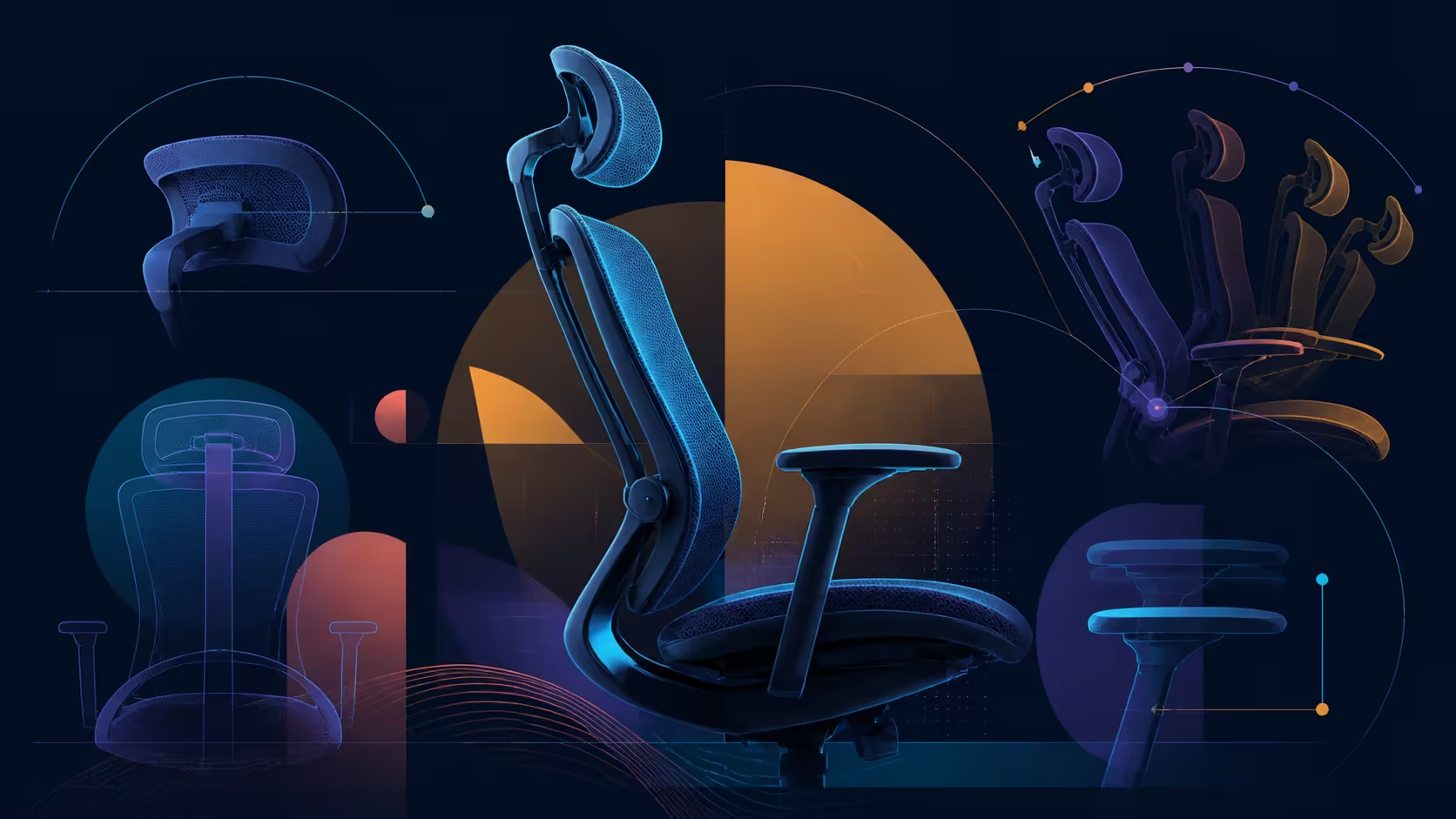
Adjustment features only become ergonomic tools when they are set in a sensible order. This ergonomic mesh office chair adjustment guide uses the HBADA E3 Air as a R7,399 example, moving from seat and lower-back contact through head, arms and recline. The aim is a repeatable workstation, not a permanently perfect pose.
Quick Answer
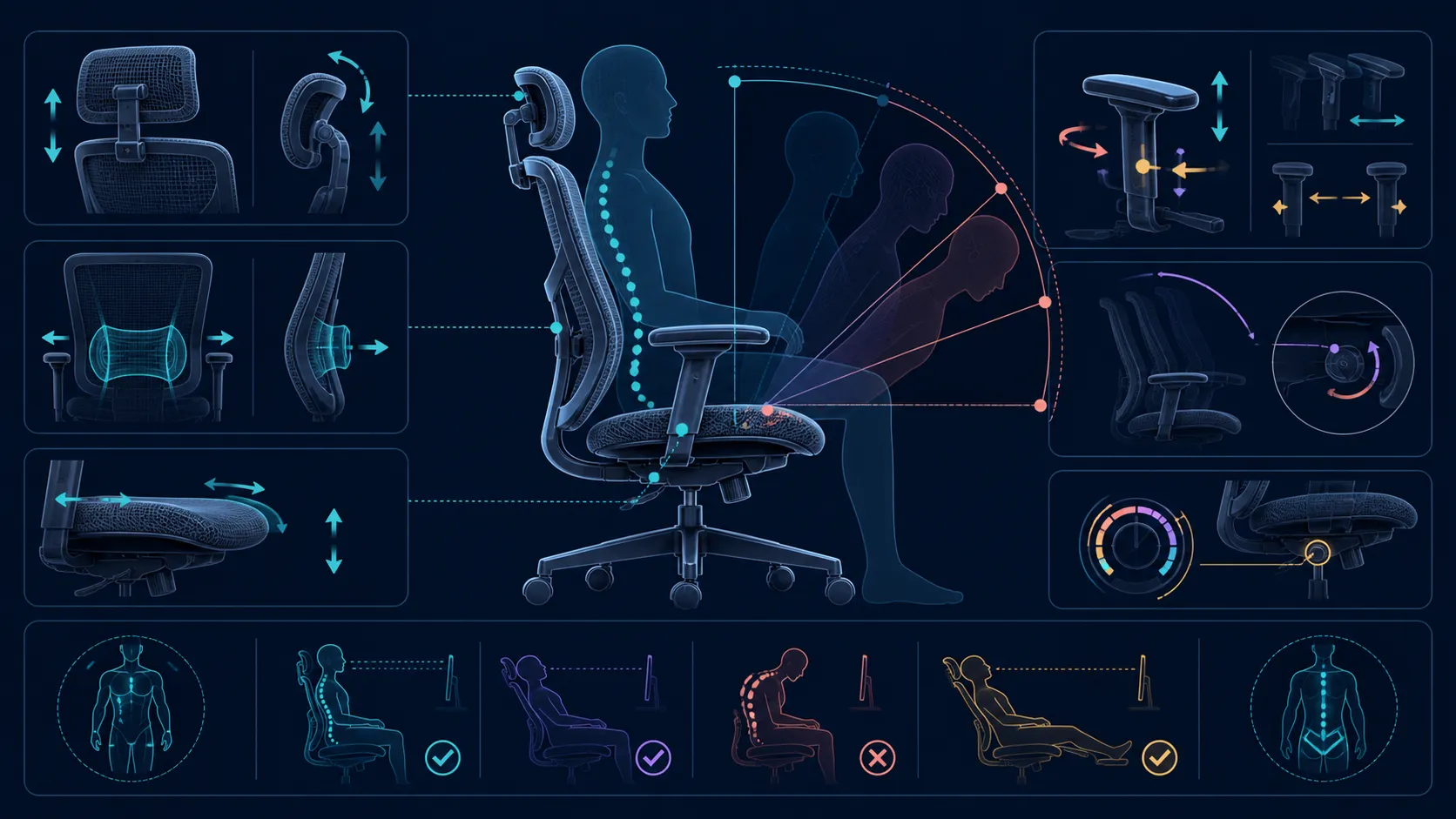
The E3 Air adjustment system includes six lumbar heights, four 30mm-depth locks, 80-degree wrapping wings, a ranged 4D headrest, synchro-tilt arms and three recline modes.
Set an ergonomic mesh chair from the desk outward: establish the working position, assess the seat, align lumbar contact, then configure head and arm support before exploring recline. The R7,399 E3 Air begins with cloud-like, high-density mesh; three zones distribute lumbar contact inside an 80-degree wrap. Above them sits a dual-axis 4D headrest, while the mechanical arm supports turn through 360 degrees of omni-motion and the backrest endpoint is 140 degrees. Evaluate each element separately so its effect remains visible.
🪑 Establish the seat-and-desk baseline
Start with the work surface, screen and input devices in their intended locations. Pull the chair into the normal working zone and place the feet securely. The seat should let the user approach the keyboard and mouse without reaching or twisting. Exact chair dimensions and adjustment ranges need to be checked for the individual; a feature list cannot establish fit.
The E3 Air uses a cloud-like, high-density mesh seat. Treat those qualities as design facts rather than an assurance about softness or all-day comfort. Spend time on the tasks that dominate the routine, noting edge contact, stability and whether the body keeps shifting to escape the surface.
Make the first pass long enough for the initial novelty to fade. A simple log can capture the task, approximate sitting interval and reason for any position change. This is not a search for a universal comfort score; it is a way to distinguish a surface preference from a desk-height or reach problem. Repeat the same task after a break if the first observation was unclear.
Also check movement into and out of the seat. The arm supports, desk edge and base should not turn ordinary entry into an awkward sequence. A chair can feel acceptable once occupied yet fit the workstation poorly every time the user sits down.
Capacity is a pass-or-fail check before refinement. A 150kg ceiling applies to the user, and a five-star base constructed from steel carries the model. Neither fact substitutes for seat measurements, room clearance or a personal trial, and the weight boundary is not optional.
Compare the chair with options in the HBADA office seating range at Evetech only after recording the desk opening and main task. That context turns product details into usable selection criteria.
🧩 Build support from the lower back upward
Next, sit against the backrest in the baseline position and assess the E3 Air's three lumbar zones. Its auto-wrap contact extends through 80 degrees. Learn the chair's controls separately and treat relief as an individual outcome rather than a promise. Notice where contact occurs while attention is on work, not while deliberately pressing into the chair.
Once lower-back contact is acceptable, move to the 4D dual-axis adjustable headrest. Keep the display fixed. Explore one movement at a time and seek support that is available without pushing the chin forward. If changing the headrest causes the shoulders or viewing angle to shift, return to the previous position and reassess.
Use a viewing task that lasts several minutes rather than checking contact in a mirror. During a document review, for example, the eyes and head should be able to follow the screen without the user consciously pressing backward. If support is wanted only for a call or reading break, save that as a second configuration instead of compromising the main typing posture.
The order matters because upper support rests on the seated posture created below it. A headrest should not compensate for an unsuitable lumbar position, and lumbar contact should not be judged after the entire upper body has been rearranged.
⌨️ Align each arm with its task
Place the keyboard and mouse before positioning the armrests. The E3 Air's mech-armrests provide 360-degree omni-motion, which creates broad directional choice without telling the user which angle is correct. Move one side, perform the relevant input action and watch whether the shoulder remains relaxed and the wrist approaches the device naturally.
Typing and mouse use may justify different arrangements. Save a simple reference for each rather than pursuing visual symmetry. Check that neither support blocks the chair from approaching the desk, catches on its edge or narrows access to the seat.
On a shared workstation, ask each user to create an independent arm reference. Copying another person's visually tidy position can introduce a reach problem. A quick reset based on desk-edge landmarks is often more practical than trying to count movements on an unmarked mechanism.
Do not interpret adjustability as a medical intervention. It can change the relationship between the user and workstation, but pain has many possible causes. Persistent symptoms need suitable professional advice rather than repeated chair adjustments.
🔄 Add recline as a distinct mode
The chair reaches a 140-degree maximum recline. Use that number as the endpoint, then inspect resistance, positions and control behaviour on the chair itself. Clear space behind the backrest and move slowly during the first check.
Reassess lumbar, head and arm contact at a changed back angle. A position appropriate for reading or listening may move the inputs too far away for active typing. The best test names the activity first and then decides whether the angle serves it.
Finish by restoring the original desk position. If the setup cannot be recovered reliably, write down two or three visible reference points. Browse Evetech's wider office-chair category using the same sequence, so each candidate faces an equal test rather than a different first impression.
Begin with CloudMesh seat fit, then lumbar height and depth, head position, XYZ arm alignment and recline. SGS Class-4 certification and a 150kg maximum supply safety boundaries, while 140 degrees defines the deepest rest position.
The 4-Way Elastic construction lets the CloudMesh respond as the lower body changes position.
Frequently Asked Questions
Which lumbar adjustment appears on this chair?
The lumbar area divides support into three zones around an 80-degree auto-wrap arc. Judge the contact during ordinary desk activity while keeping the mechanism tied to its defined height, depth and flex ranges.
How adjustable is the head support?
It is a 4D dual-axis headrest. Set it only after the screen and lower seated posture are stable, then explore the available movements one at a time.
What movement comes from the armrests?
The mech-armrests offer 360-degree omni-motion. Their practical value comes from aligning each forearm with its task while preserving desk clearance and easy chair access.
What is the maximum reclined angle?
The backrest reaches 140 degrees. Controls, intermediate positions and locking behaviour need to be learned on the chair rather than inferred from the endpoint.
Which seat and base complete the model?
Cloud-like, high-density mesh makes up the seat; beneath it is a five-spoke steel base. Seat feel remains personal, and that construction fact should not be expanded into a certification claim.
What user-weight limit applies?
The maximum is 150kg. Confirm that threshold first, then evaluate body fit, seat measurements and workspace clearance as separate parts of the choice.
Ready to tune one chair feature at a time?
Explore Evetech office seating with your baseline desk position and adjustment sequence recorded for a fair comparison.