Quick Answer
The Chameleon Panel is Palit's full-face ARGB lighting design on the GameRock GPU series, featuring a frosted diffuser panel covering the GPU shroud that displays animated lighting across multiple addressable zones. ARGB Sync Evo allows this lighting to synchronise with other ARGB components via the motherboard's 5V 3-pin header, compatible with ASUS Aura Sync, MSI Mystic Light, and Gigabyte RGB Fusion.
What the Chameleon Panel Actually Is 🎮
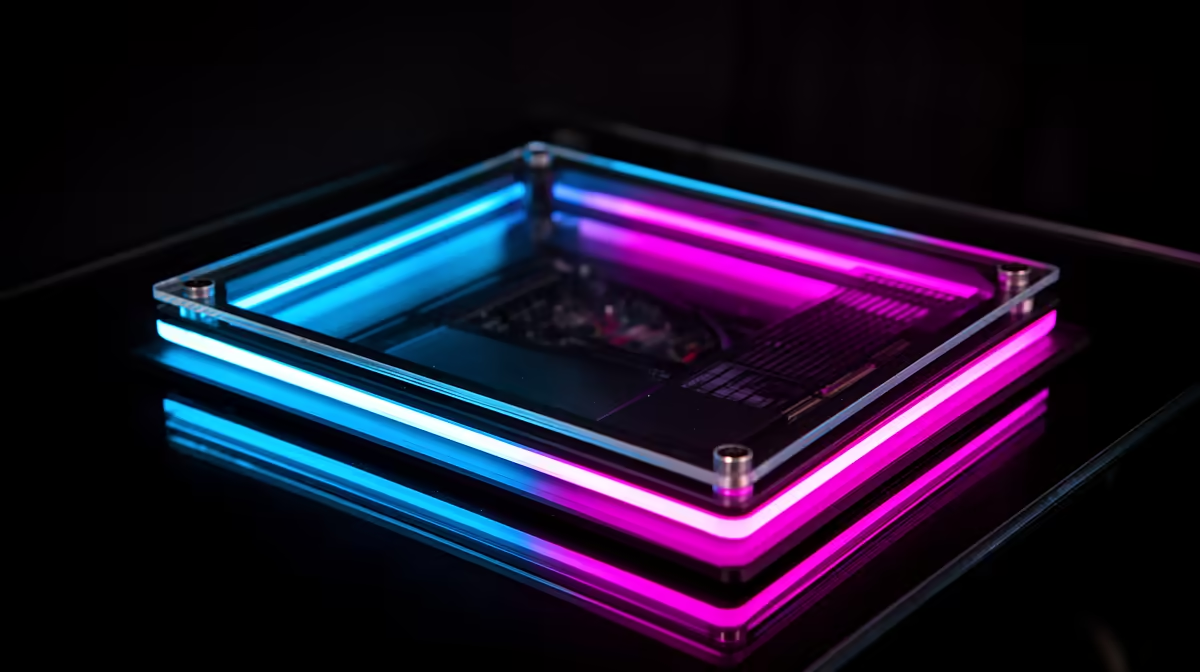
The Chameleon Panel is a full translucent front face covering the GPU shroud with addressable LED zones behind a frosted diffuser that scatters light evenly across the surface, creating a glowing panel effect rather than visible individual LED points. On the GameRock RTX 5090, the panel spans most of the card's face area, making it one of the largest lit surfaces on any current production GPU. The addressable zones allow different sections to display different colours simultaneously, enabling gradient, wave, and per-zone static effects. The design is a visual focal point in a side-glass build, particularly effective in vertical GPU mount configurations where the full face panel is directly visible through tempered glass.
ARGB Sync Evo: How Compatibility Works 🖥️
ARGB Sync Evo connects the GPU's lighting controller to the motherboard via a standard 5V 3-pin ARGB cable included in GameRock packaging. Once connected, the motherboard's lighting software recognises the GPU as an ARGB device and allows its zones to be controlled alongside other system components. The Chameleon Panel can mirror the colour and animation of RAM sticks, CPU cooler, and case fans in real time without additional software. Without the cable connected, GPU lighting still operates through Palit's ThunderMaster software independently.
Building Around the Chameleon Panel 🔧
To fully showcase the Chameleon Panel in a South African desk build, three elements are needed. First, a case with a full tempered glass side panel facing the viewer. Second, a vertical GPU mount or riser cable that rotates the card so the Chameleon Panel faces outward rather than downward. Third, a component colour scheme that complements the GPU's lighting. Vertical GPU mounts are stocked at Evetech and add R400 to R800 to a build while significantly improving visual impact. White interior builds using the GameRock's white colourway or black builds with the standard dark colourway both work well with the diffused panel lighting.
Set Per-Zone Colours Through ThunderMaster ⚡
Palit's ThunderMaster software allows independent colour assignment to each lighting zone on the Chameleon Panel. Using a two-colour gradient with a slow wave animation, for example deep blue transitioning to teal, creates a more sophisticated effect than the default rainbow cycle. Take 10 minutes to customise the lighting for a build that looks deliberate rather than generic.
FAQ
Does the Chameleon Panel affect cooling performance in any way?
No. The Chameleon Panel's frosted diffuser sits in front of the existing shroud and does not obstruct airflow paths to the fans or heatsink. The LED zones are integrated cosmetically without modifying the thermal design.
Can I turn off the Chameleon Panel lighting entirely?
Yes. Both ThunderMaster and connected motherboard lighting software allow setting all LED zones to off. The zero-RPM fan mode combined with lighting off creates a fully silent, fully dark GPU during desktop use.
Does the Chameleon Panel vary between different GameRock models?
The Chameleon Panel feature is present across the GameRock lineup, but panel dimensions and zone count scale with card size. The RTX 5090 GameRock carries the largest implementation, while smaller GameRock cards have proportionally smaller panels.
Want a GPU that lights up your desk build?
The Palit GameRock series with Chameleon Panel ARGB is stocked at Evetech for South African builds, available with local warranty.