Quick Answer
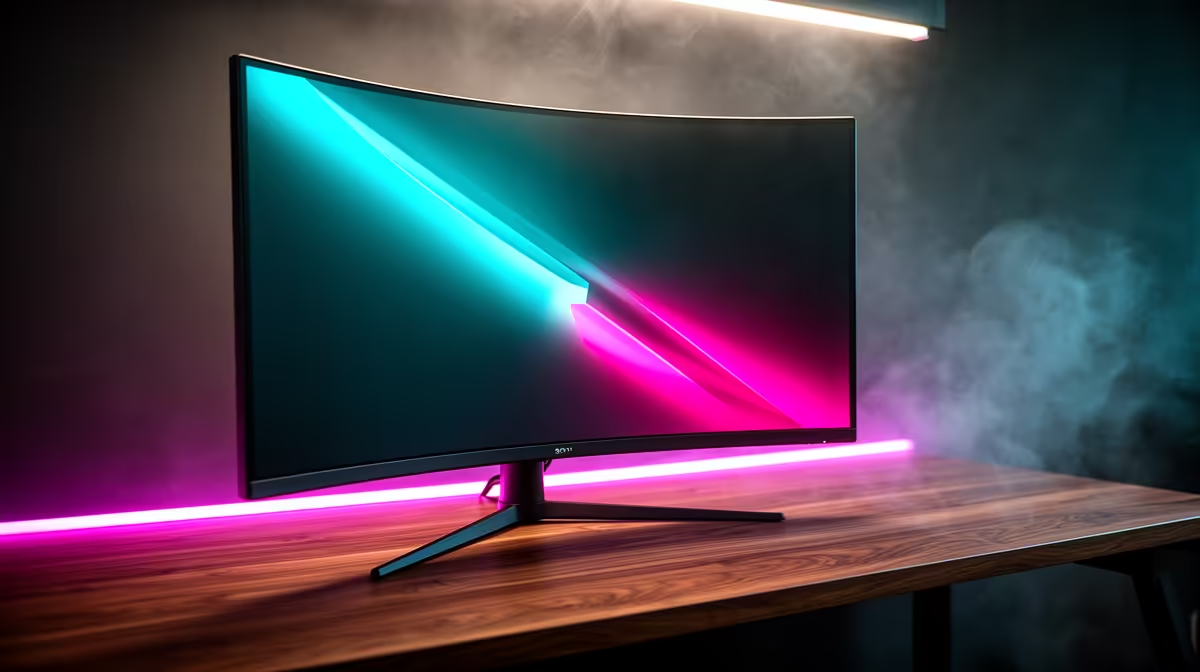
G-Sync Compatible is NVIDIA's certification for monitors that pass a standardised adaptive sync validation test, confirming they deliver tear-free, stutter-free gameplay with GeForce GPUs without the proprietary G-Sync module. You get the core benefit of adaptive sync at a lower price than full G-Sync Ultimate monitors.
What the G-Sync Compatible Certification Actually Tests 🔧
NVIDIA tests candidate monitors across 300 checks covering variable refresh rate range, absence of flickering at low framerates, no blanking during VRR transitions, and correct luminance behaviour across the sync range. A monitor that passes all 300 checks earns the G-Sync Compatible badge. Monitors that fail some checks but still work acceptably with NVIDIA GPUs are often labelled simply "FreeSync" and can still be enabled in NVIDIA Control Panel as G-Sync Compatible, though without NVIDIA's official quality guarantee. The practical difference for most South African gamers is small: enabling G-Sync Compatible in the NVIDIA Control Panel on any FreeSync monitor activates adaptive sync through the GPU driver.
How Adaptive Sync Eliminates Tearing and Stutter 🎮
Screen tearing occurs when the display refreshes mid-frame, showing two different game frames simultaneously. Adaptive sync solves this by making the monitor wait for the GPU to finish rendering each frame before refreshing. The monitor's refresh rate dynamically matches the GPU's output. At 60 fps the monitor runs at 60Hz; at 143 fps it runs at 143Hz. When frame rates dip below the monitor's minimum VRR floor, typically 48Hz on most G-Sync Compatible panels, a Low Framerate Compensation feature doubles the last frame to maintain sync. On an RTX 5070 pushing 90 to 140 fps in a demanding open-world title, G-Sync Compatible keeps every frame clean and tear-free.
G-Sync Compatible vs Full G-Sync vs G-Sync Ultimate 💰
Full G-Sync monitors include a dedicated NVIDIA hardware module and an internal scaler, which historically cost R3,000 to R5,000 more per monitor. G-Sync Ultimate adds HDR validation on top of that. G-Sync Compatible monitors skip the proprietary module and are manufactured by the panel makers themselves, keeping prices competitive. A 165Hz QHD G-Sync Compatible IPS monitor can be found locally for around R4,500 to R7,000, while a G-Sync Ultimate 4K 144Hz panel can exceed R18,000. For most PC gamers in South Africa, G-Sync Compatible hits the right price-to-performance point.
Enable VRR in NVIDIA Control Panel ⚡
Even if your monitor carries a FreeSync label, open NVIDIA Control Panel, navigate to Set up G-Sync, and tick Enable G-Sync G-Sync Compatible. Then set the monitor to its maximum refresh rate in Display Settings. Without this step, adaptive sync will not activate and you will see tearing despite owning a compatible panel.
FAQ
Does G-Sync Compatible work on AMD Radeon GPUs?
No. G-Sync Compatible is an NVIDIA certification and only activates with GeForce GPUs. AMD Radeon cards use FreeSync, which is the open adaptive sync standard. Many monitors carry both certifications, so the same display can use FreeSync with an RX 9070 XT and G-Sync Compatible mode with an RTX 5070.
What happens below the VRR minimum floor?
When the GPU drops below the monitor's minimum VRR frequency, typically 48Hz, adaptive sync disengages and the monitor reverts to a fixed refresh rate. This causes tearing to reappear momentarily. Ensuring your GPU stays above the floor through settings adjustments or DLSS/FSR upscaling avoids this.
Are G-Sync Compatible monitors available at local retailers in SA?
Yes, G-Sync Compatible monitors are widely stocked locally and represent the majority of the mid-range and high-end gaming monitor market. Prices for 144Hz to 165Hz QHD models start around R4,500, and 4K 144Hz models are available from approximately R9,000 upward.
Looking for a tear-free gaming display?
Evetech carries a broad selection of G-Sync Compatible and FreeSync gaming monitors at multiple refresh rates and resolutions. Check the monitor range at Evetech to match one to your GPU.