Quick Answer
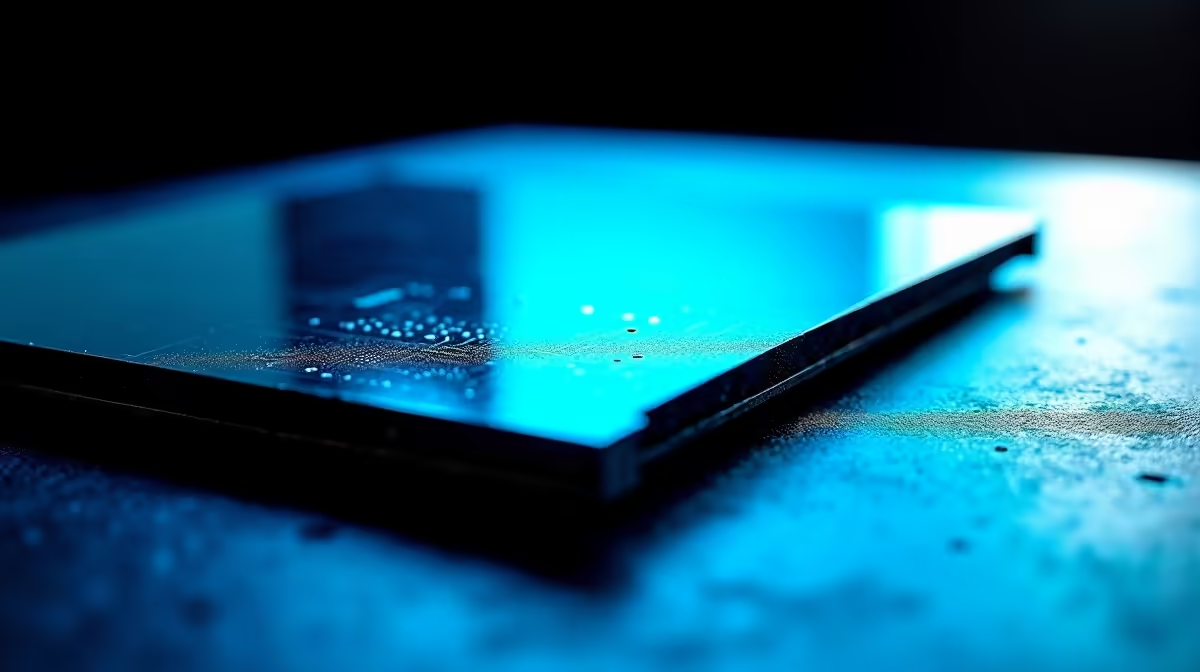
PCB coating is a thin polymer layer applied over a circuit board to protect against moisture, conductive dust, and chemical contamination. For PC hardware in South Africa, conformal coating is most valuable in coastal cities where humidity regularly exceeds 70 percent, extending component lifespan by reducing corrosion on unprotected copper traces.
The Four Main Coating Types and Their Properties 🔧
Four conformal coating chemistries appear in consumer PC hardware. Acrylic coatings are the most common: transparent, easy to apply, and reworkable with standard solvents, making them practical for mass-production motherboards. Silicone coatings tolerate higher temperatures, up to 200 degrees Celsius, and maintain flexibility across a wider temperature range, making them preferred for PSU primary-side PCBs near switching components. Urethane coatings offer superior chemical resistance but are difficult to remove for rework, limiting use to final-stage applications. Epoxy coatings provide the strongest barrier but crack under thermal cycling, making them unsuitable for boards subject to repeated temperature swings. Consumer motherboards and PSUs almost exclusively use acrylic or silicone coatings at 25 to 75 micron thickness, enough to block moisture penetration without meaningfully insulating the board thermally.
Where Coating Matters Most on a Motherboard 🖥️
Not every part of a motherboard benefits equally from coating. The VRM section carries the highest current density: moisture on uncoated traces can cause leakage between phases, disrupting voltage regulation. DIMM and PCIe slots are dense connector areas where fine conductive dust causes intermittent contact failures; coating on the surrounding PCB slows dust adhesion to adjacent solder joints. The socket contact areas for RAM and PCIe cards must remain uncoated for electrical contact. IO header areas are also commonly coated on premium boards, reducing corrosion on infrequently used SATA and USB header pins. Applying DIY conformal coating from an aerosol, available locally for around R200 to R400, is a practical option for coastal SA builders with budget boards, provided all sockets are masked before application.
Spot Coated Areas With a UV Torch ⚡
conformal coatings fluoresce under ultraviolet light. A UV torch available for under R100 lets you verify coverage on your motherboard in a dim room: coated areas glow bright, uncoated copper surfaces appear dark. This is the same inspection method used in professional PCB manufacturing and is completely safe on installed hardware.
FAQ
Does conformal coating affect overclocking or component temperatures?
Conformal coating at 25 to 75 microns adds negligible thermal resistance to PCB traces. For active components like CPU VRM MOSFETs with their own heatsinks, the coating on the surrounding PCB has no measurable effect on overclocking thermal performance.
Is coating necessary for inland cities like Johannesburg?
Johannesburg's highland climate has lower humidity than Cape Town or Durban, but Highveld wind deposits fine dust that adheres to solder points. Coating reduces this contamination pathway and still provides benefit in inland conditions, though moisture-related benefits are less critical than in coastal environments.
Can coating be applied after a board shows light surface oxidation?
Yes, but coating halts further oxidation rather than reversing existing corrosion. The correct time to coat is before the board is deployed in a humid environment. Boards already showing significant green or white oxidation on copper surfaces require cleaning before coating to avoid sealing corrosion products under the polymer layer.
Looking for hardware built for South African conditions?
Evetech stocks motherboards with protective PCB coatings across Intel and AMD platforms at multiple price points. Browse the motherboard category to find a board matched to your build requirements.