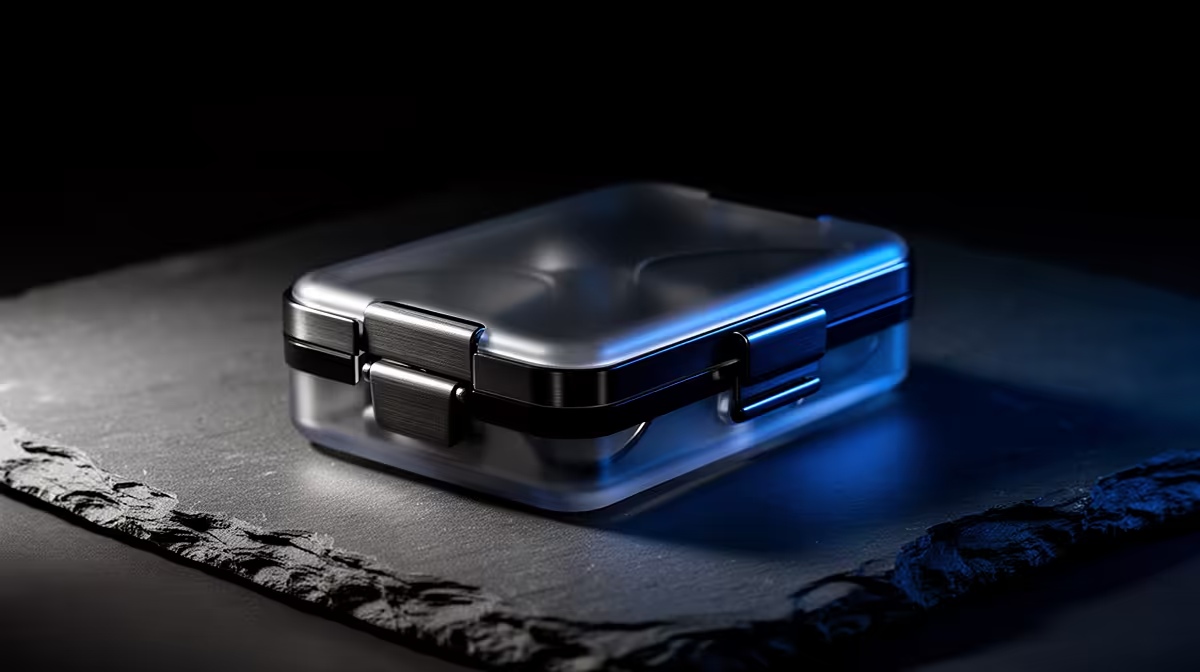
The folding case that ships with Ray-Ban Meta smart glasses is not just a soft pouch, it is the Ray-Ban Meta charging case, a battery in disguise that tops up the frames every time you fold them away. Used as intended, it is the reason you can wear the glasses from morning meetings to evening errands without ever finding a wall socket.
Quick Answer
The Ray-Ban Meta charging case holds roughly 965 mAh, enough to recharge the glasses about eight times, or up to around 32 hours of extra runtime, before the case itself needs a USB-C top-up. A full case refill takes up to about 3.5 hours. The trick is simple: dock the glasses whenever they are off your face.
How the case actually charges your glasses
The glasses themselves carry a small internal battery good for up to about four hours of mixed use. That is enough for an outing but not a full day, which is where the case earns its place. The case has its own larger cell and a set of charging contacts inside the frame nest. When you fold the glasses and seat them in the case, those contacts meet and the case feeds power into the frames.
Because the case carries several full charges, you are not rationing battery the way you would with the glasses alone. Each time the glasses go back in, they sip from the case reserve and come out ready again. Over a normal day of intermittent wear, you may never see the glasses drop to empty.
The numbers that matter
A fully charged case can recharge the frames roughly eight times. Combined with the glasses' own battery, that translates to a large pool of standby runtime, commonly described as up to about 32 hours of additional charge time held in reserve. The case itself charges over USB-C and a full refill takes up to roughly 3.5 hours from a standard charger.
Reading the status
The case uses an LED indicator to show its own charge state and to confirm when the glasses are seated and topping up. A quick glance tells you whether the case is full, partway down, or needs a recharge before you head out. There is no need to power the glasses on to check, the case handles the handshake automatically when the lid is closed.
USB-C, no proprietary brick
Charging over standard USB-C means you can use the same cable and charger you already use for a phone or laptop. There is no special power brick to lose, and any decent USB-C source will refill the case. That matters for travel, where one cable covers your phone, your glasses case and most other modern gear.
Reading the LED states correctly
The LED indicator is small but communicates clearly if you know the code. While the case is charging via USB-C, the LED pulses to show charging is in progress. Once full, it switches to a steady state. When you open the lid with the glasses seated, a brief flash confirms the glasses have made contact with the charging pins and power is flowing into the frames.
The LED also shows you the case's remaining capacity in a rough read: a bright, confident indicator means the case has plenty in reserve; a dimmer or faster-blinking pattern is the signal to connect it to a charger before you leave the house. Learning to glance at it before heading out takes seconds and prevents the one situation where the case lets you down: starting the day with a depleted case that cannot top up the frames.
If the glasses do not appear to be charging when seated, the usual culprits are a slightly off-centre seating so the contacts do not meet cleanly, and a dirty contact surface. A quick wipe with a dry cloth and a firm re-seat in the case fixes most charging failures before any troubleshooting is needed.
Travelling with the charging case
For travel the case carries its weight in two ways: it protects the frames from the worst a bag can do, and it means you can go a full day without needing a power outlet. A single overnight USB-C charge covers the case, and the case covers the glasses through normal daily use. That means one cable in your bag handles everything, and the case fits in a jacket pocket or top-zip compartment where it is easy to reach.
The one thing worth noting for international travel is voltage: the case charges via USB-C and any USB-C charger handles the conversion, so a standard travel adapter with a USB-C port is enough. There is no proprietary charger to forget or break, which removes a common travel headache for wired-charging accessories.
Building the habit that keeps you powered
The single most useful routine is to treat the case as the home for the glasses any time they are not on your head. Stepping into a meeting, sitting down to eat, hopping in the car for a long drive: fold them, drop them in. Each of those small dockings is a partial recharge, so the frames almost never reach a low-battery warning during the day.
Plan around the case capacity rather than the glasses. Charge the case overnight via USB-C, and through the day rely on it to feed the frames. When the case LED tells you it is running low, top it up while you work. Because it holds multiple charges, a single overnight refill comfortably covers a full day of normal wear, and often more.
It also doubles as protection. The frames live in a rigid shell that guards the lenses and electronics in a bag or pocket, so the same object that powers the glasses also keeps them safe. If you are weighing up the wider smart eyewear and AR category, the AR glasses at Evetech shows what is locally stocked right now. For cables, USB-C chargers and the small extras that round out the kit, the accessories best sellers is worth a look as well.
Frequently Asked Questions
How many times can the Ray-Ban Meta case charge the glasses?
A fully charged case can recharge the frames roughly eight times before the case itself needs refilling. That is what allows all-day wear, because the glasses keep drawing from the case reserve each time you dock them.
How long does the charging case take to charge?
A full charge of the case takes up to about 3.5 hours over USB-C from a standard charger. Because it holds several frame charges, you typically only need to refill the case overnight rather than during the day.
Does the case charge over USB-C?
Yes, the case charges through a USB-C port, so the cable and charger you use for a phone or laptop will work. There is no proprietary power brick required.
How do I know when the case needs charging?
The case has an LED indicator that shows its own charge level and confirms when the glasses are docked and topping up. When it signals low, plug it in via USB-C.
Do the glasses charge automatically in the case?
Yes. When you fold the glasses and seat them in the case, the internal contacts connect and charging begins on its own. You do not need to press anything or power the glasses on first.
Want smart eyewear that keeps up with a full SA day? Explore the AR glasses lineup at Evetech and pick a pair that pairs all-day comfort with case-powered battery life.