You finally upgraded to a gigabit fibre line. You boot up your favourite shooter, ready to dominate local servers... but your ping is still jumping. Why? The connection from your router to your PC matters just as much as your ISP. Understanding the real difference between Wi Fi 6E and 2.5 Gb Ethernet on a desktop motherboard is crucial for South African gamers who want zero lag.
The Wireless Wonder: Wi-Fi 6E 📡
Wi-Fi 6E opens up a massive 6GHz frequency band. This means significantly less interference from the dozen other routers in your complex. It is incredibly fast and highly convenient for modern homes.
When browsing premium ASUS Intel motherboards, you will often spot Wi-Fi 6E as a flagship feature. It is perfect for users who rent and cannot drill holes for network cables. You get premium speeds without the messy installation.
The Hardwired Hero: 2.5 Gb Ethernet ⚡
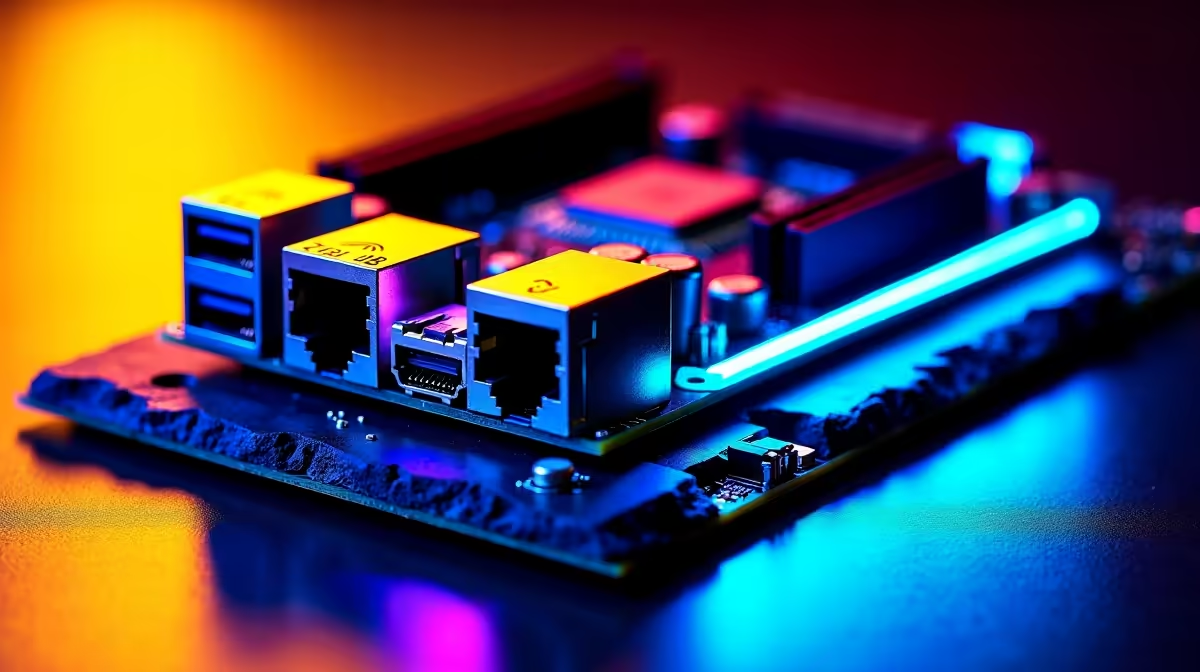
On the other side of the ring is the classic cable. A 2.5 Gb LAN port offers theoretical speeds up to 2500 Mbps. That is two and a half times faster than standard gigabit ports. More importantly, it delivers absolute stability. If you are building a powerful Ryzen rig, many high-end ASUS AMD motherboards include this robust port as standard.
There is zero packet loss with a physical copper cable. Your connection remains completely unaffected by thick brick walls or other wireless devices. It is always worth checking the detailed network specs when you buy desktop motherboards to ensure you get this highly reliable port.
Speed vs Latency in South Africa 🚀
Speed dictates how fast you can download a massive 100GB game update. Latency dictates how long it takes your mouse click to register on a server.
Wi-Fi 6E offers incredible speed... but wireless signals always have a slight latency overhead. Ethernet removes that overhead entirely. When you are connecting to servers in Europe or dealing with local routing quirks, every single millisecond counts.
Ping Pro Tip 🔧
If you are forced to use Wi-Fi in a crowded complex, log into your router and force your PC onto the 6GHz or 5GHz band. It bypasses the congested 2.4GHz frequency used by your neighbours' smart TVs and microwaves.
Building a Future-Proof System
So, what is the real difference between Wi Fi 6E and 2.5 Gb Ethernet on a desktop motherboard? It ultimately comes down to convenience versus raw reliability. Wi-Fi 6E gives you placement freedom without sacrificing much download speed. Ethernet guarantees your ping will never randomly spike during a clutch gaming moment.
Whether you are upgrading an older rig or hunting for the best gaming PC deals in South Africa, having both options keeps your setup incredibly flexible. You can use Wi-Fi for daily browsing and plug in a cable for competitive gaming.
Just remember to pair your fast connection with one of our high-speed memory kits to ensure your system processes those downloaded textures instantly. Spending a few extra ZAR on a board with both technologies is the smartest investment you can make for your network.
Ready to Upgrade Your Connection?
Do not let a weak network bottleneck your gaming experience. For maximum speed, stability, and value in South Africa, upgrading your core components is the best move. Explore our massive range of desktop motherboards and find the perfect foundation to conquer your digital world.