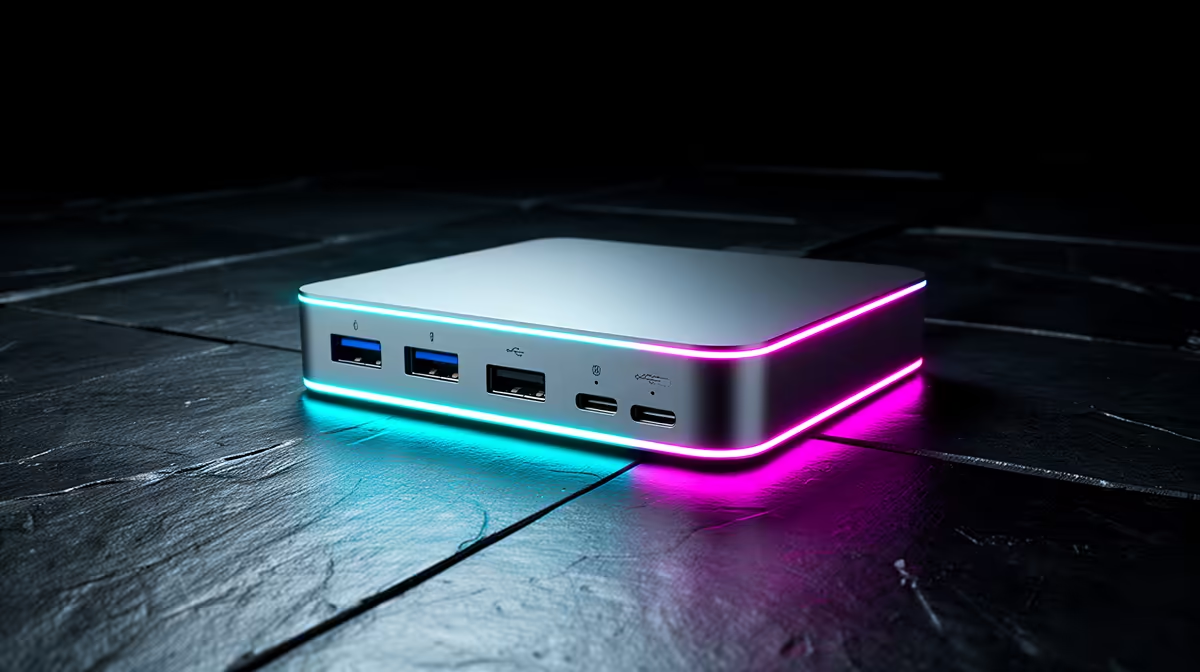
Spending on a Thunderbolt 5 dock only makes sense if your Mac can actually feed it. Thunderbolt 5 carries 80Gbps, roughly triple Thunderbolt 4's 40Gbps, but that headroom is wasted on a machine without a TB5 port. So before you buy, the first thing to settle is not the dock, it is which MacBook you own.
Quick Answer
Buy a Thunderbolt 5 dock only if you have an M5 Pro or M5 Max MacBook Pro, the two models with TB5 ports. Every other Mac, including the standard M5 MacBook Pro and the MacBook Air, tops out at Thunderbolt 4, so a TB4 dock gives you the full 40Gbps and saves you money.
The bandwidth gap, and why it usually does not matter
On paper, 80Gbps versus 40Gbps is a wide gap. In daily use it only shows up under specific, heavy loads: driving multiple high-refresh 4K or 5K displays at once, or moving very large files to a fast external NVMe array while other peripherals are saturating the link. For a single 4K monitor, a webcam, an SSD and a charger, Thunderbolt 4 already has bandwidth to spare.
That is the core point most buyers miss. The extra Thunderbolt 5 throughput solves a bottleneck that only a small slice of users actually hits. A 150GB video project transferred over a TB5 connection completes in roughly 25 seconds on a properly rated dock; the same file over TB4 takes considerably longer and is where content creators feel the difference most acutely.
Which Mac has which port
This is the deciding factor, so be precise about your model.
M5 Pro and M5 Max MacBook Pro
These are the only Macs with Thunderbolt 5 ports. If you own one and your workflow involves several high-resolution displays or constant large-file transfers, a TB5 dock lets the machine stretch its legs. This is the one scenario where paying the premium is justified.
Standard M5 MacBook Pro and MacBook Air
These ship with Thunderbolt 4. A TB5 dock will still work, because Thunderbolt is backwards compatible, but it will run at TB4 speed, meaning you pay for 80Gbps but only ever get 40Gbps. A good TB4 dock is the correct match. To confirm exactly which ports your model carries, check the spec on the current MacBook lineup at Evetech against the machine you have or plan to buy.
Older Intel Macs
These carry Thunderbolt 3 or Thunderbolt 4 depending on model year. Both are backwards compatible with newer docks, but the bandwidth ceiling is lower still. A TB4 dock is more than adequate, and TB5 adds nothing here.
How to choose the right dock tier
Work backwards from your displays and storage, not the dock's headline number.
- Single 4K display plus peripherals: a TB4 dock handles this with ease on any Thunderbolt Mac. No need to look higher.
- Two 4K displays or one 5K/6K: TB4 still manages this on the right dock, but you are getting closer to the ceiling, so check the dock's stated display support.
- Multiple high-refresh 4K displays or heavy NVMe transfers: this is where TB5 on an M5 Pro or Max earns its keep.
Power delivery is the quiet detail
Whatever tier you choose, the dock's power delivery wattage matters as much as its data speed. A 14-inch MacBook Pro under load wants more wattage than a base dock supplies, so a single-cable setup that also charges your Mac needs a dock rated for it. The 14-inch Pro draws up to 96W under moderate load, while the 16-inch model can exceed that under a heavy render. Match the wattage to your machine, not just the data spec.
Display count is a TB5 differentiator
One detail that separates TB4 from TB5 in practice is display count. The M5 Pro and M5 Max support more simultaneous external displays via Thunderbolt 5 than a TB4 connection can handle on the same machines. If you are building a triple-display editing suite, TB5 is the only route to get there through a single dock cable.
If you are still deciding on the Mac itself, the laptop best sellers are a quick way to see how the current MacBook tiers stack up.
Future-proofing: is it worth buying TB5 now for a TB4 Mac?
Some buyers reason that a TB5 dock bought today will serve a future TB5 Mac perfectly, making the premium worthwhile. That logic holds only if you expect to upgrade to an M5 Pro or M5 Max in the near term and intend to keep the dock through that transition. If you are three or four years from your next MacBook purchase, the TB5 ecosystem will have matured considerably by then and the dock you buy today may not be the model you would choose then anyway.
The cleaner approach for most people is to buy the dock that matches the machine in front of them now, at the price that makes sense for that machine, and revisit the decision at upgrade time. Thunderbolt docks have long product cycles and second-hand value, so you are not trapped.
The honest recommendation
For the overwhelming majority of Mac users, a Thunderbolt 4 dock is the right call: it delivers the full 40Gbps your machine can use and costs less than a TB5 equivalent. Reserve Thunderbolt 5 for the M5 Pro and M5 Max owners whose multi-display or high-throughput work genuinely needs that 80Gbps. Buying TB5 for a TB4 Mac is money spent on a number your hardware will never display.
Frequently Asked Questions
Will a Thunderbolt 5 dock work with my Thunderbolt 4 MacBook?
Yes, Thunderbolt is backwards compatible, so a TB5 dock works on a TB4 Mac. It just runs at TB4 speed, meaning you pay for 80Gbps but only ever get 40Gbps.
Which MacBooks actually have Thunderbolt 5?
Only the M5 Pro and M5 Max MacBook Pro models. The standard M5 MacBook Pro and the MacBook Air both use Thunderbolt 4, so a TB4 dock is the right match for them.
Is 40Gbps enough for a single 4K monitor and peripherals?
Comfortably. A single 4K display, an external SSD, a webcam and a charger sit well within Thunderbolt 4's 40Gbps. You only approach the limit with multiple high-resolution or high-refresh displays.
Does the dock charge my MacBook too?
Most full docks deliver power over the same cable, but check the wattage. A 14-inch Pro under load needs more than a basic dock provides, so match the power delivery rating to your specific Mac.
When is paying for Thunderbolt 5 genuinely worth it?
When you own an M5 Pro or M5 Max and your work involves several high-refresh 4K displays at once or constant large-file transfers. That is the workload where the extra 80Gbps of bandwidth shows a real difference.
Not sure which Thunderbolt your Mac carries? Check your exact model against the MacBook lineup at Evetech first, then buy the dock tier that matches the ports you actually have rather than the biggest number on the box.