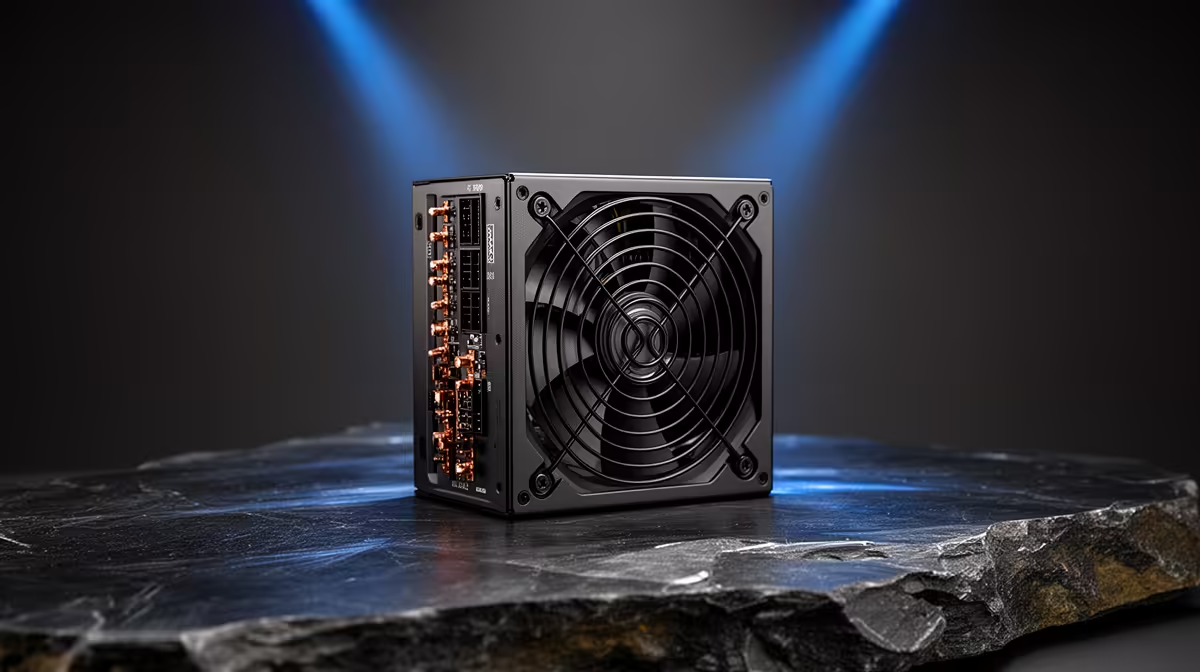
A TikTok creator should choose a 750W power supply from the complete editing-PC parts list, not the social platform. The graphics card, processor, drives and upgrade plan determine demand, while electrical protections and native connectors determine safe fit.
Calculate around the actual creator build
Record every internal component, then follow reliable GPU and CPU power guidance. Allow rational headroom, confirm case dimensions and identify every required connector. Separately export a representative vertical project to reveal editing constraints unrelated to the PSU.
The DeepCool PF750 750W at R550 is a verified PSU reference. The Cooler Master Elite 850W Gold ATX 3.1 unit at R930 and Corsair RM850e at R1,900 are confirmed higher-capacity options. Their wattages do not determine editing speed. Check current protections, efficiency, connectors, total-system demand and warranties.
Never reuse modular cables from another PSU, route leads without blocking airflow and use qualified installation help when appropriate. Back up original clips and project files before hardware work. Retest the same export afterward.
Buy 750W when the completed table fits comfortably with sensible upgrade room. Extra wattage cannot improve captions, codecs or render time when another component is limiting. Run the creator export after the PC is warm to ensure power and cooling remain stable together. Preserve the previous PSU cables only with their original unit.
Powering a short-form editing PC? > Compare Evetech PSUs after completing the full parts list.