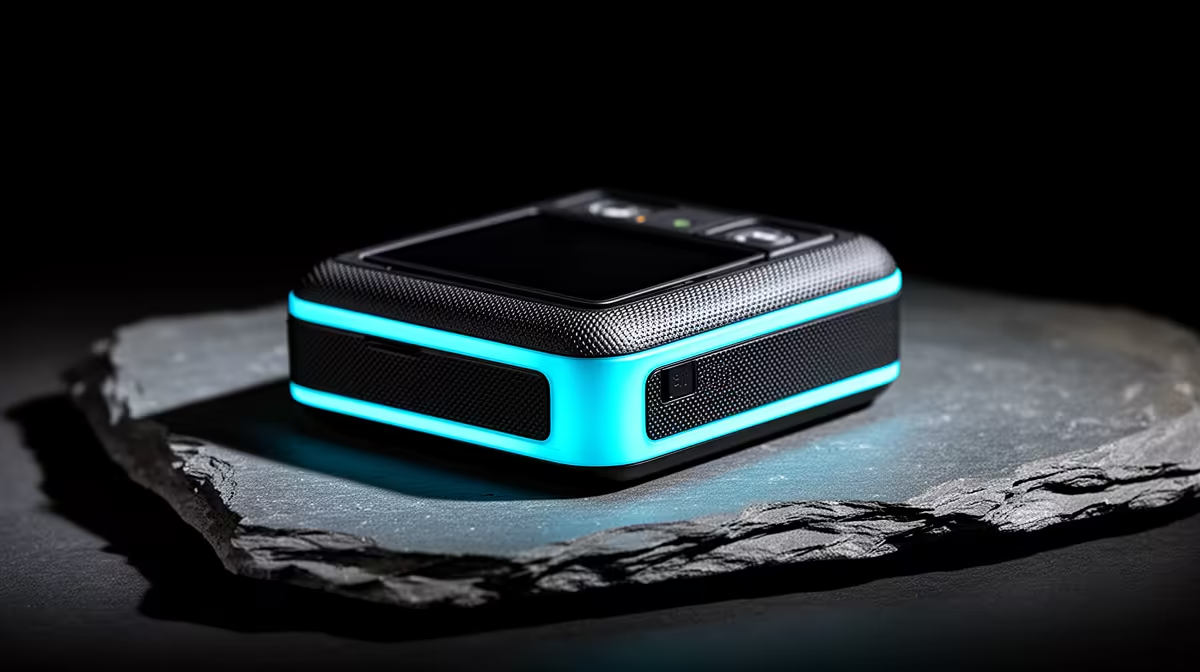
A TikTok creator should choose a photo printer only when physical prints appear in videos, fulfil customer orders or support events. It does not improve the digital post itself. The supplied factpacks do not verify a photo printer or price, so begin with output size, monthly volume and colour expectations.
Print the real content format
Decide whether the work needs small instant prints, standard photos, stickers or larger promotional material. Export a representative image from the editing app and use a trusted print service as a benchmark. Check skin tones, shadow detail, borders and how the print looks under the lighting used on camera.
For a current printer, compare technology, supported sizes, resolution, colour management, borderless options, mobile-app support, consumable availability, per-print cost, cleaning cycles and warranty. A cheap device with expensive or unavailable ink can become poor value after a short campaign.
The NearStream V08AF 4K webcam is a verified creator-camera reference at R678 for desk content. It does not replace a dedicated photo camera, but it can help test how prints appear on video. Keep original images and print files in approved backups. Buy a printer when consistent volume and fulfilment justify maintenance; use a local service when prints are occasional and quality needs vary each working week.
Building a TikTok production desk? > Compare verified creator PCs and cameras with Evetech while evaluating printers separately.