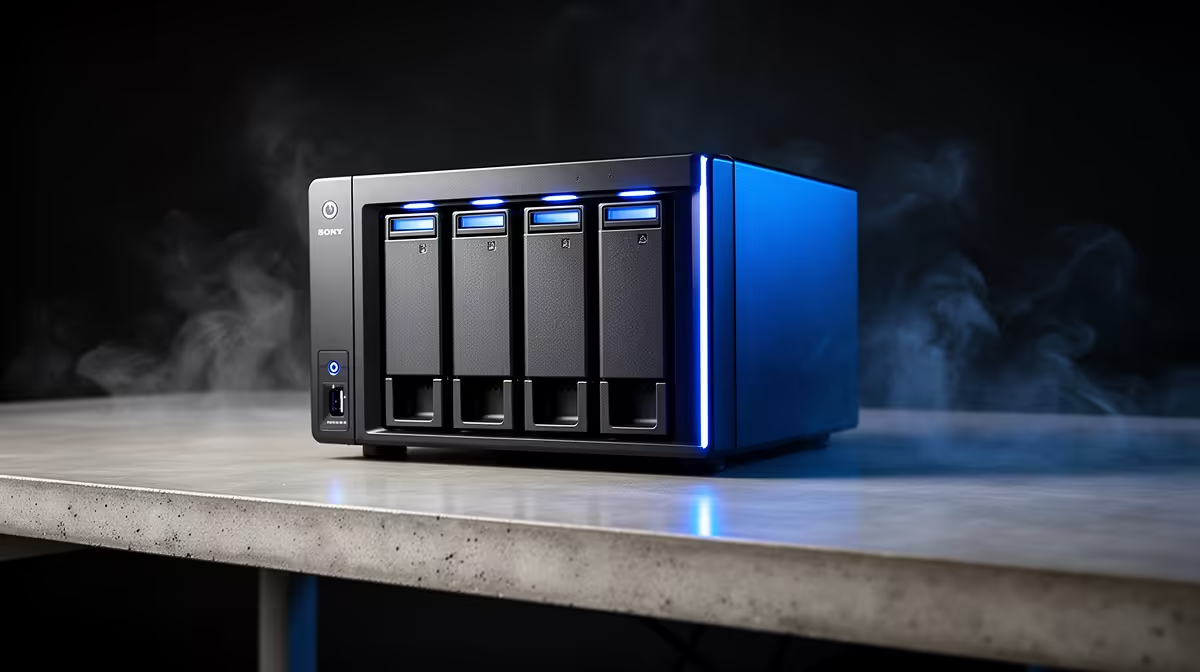
Two four-bay boxes have quietly become the default recommendation for anyone building their first serious home server, and they sit close enough on price to force a real decision. The UGREEN vs TerraMaster four-bay fight pits the UGREEN DXP4800 Plus, with its built-in 10GbE networking, against the TerraMaster F4-424 Pro, which leans on a stronger CPU and a more mature operating system. Which one is better value depends almost entirely on whether you want fast LAN baked in or raw compute and software polish.
Quick Answer
For most home and small-office buyers in 2026, the UGREEN DXP4800 Plus is the better-value four-bay because it ships with a 10GbE port built in, saving the cost and slot of an add-in network card. The TerraMaster F4-424 Pro counters with a stronger eight-core-class Intel CPU and the more polished TOS operating system. Choose UGREEN for fast networking, TerraMaster for compute and software maturity.
The Hardware, Side By Side
The DXP4800 Plus runs an Intel Pentium Gold 8505, a five-core Alder Lake chip with a single performance core and four efficiency cores, paired with 8GB of DDR5 that you can upgrade yourself. Its standout feature is connectivity: a 2.5GbE port plus a full 10GbE port, Thunderbolt 4, USB-A and USB-C, HDMI, and even an SD card reader. The F4-424 Pro answers with a more powerful Intel CPU in the Core i3 class and ships with 32GB of DDR5, though that is also its ceiling. It offers dual 2.5GbE ports, HDMI, and USB 3.2 Gen 2 in both Type-A and Type-C.
The 10GbE Difference
This is the line that decides many buyers. The UGREEN's onboard 10GbE means if you have a 10GbE switch and a fast client, you can move large files across your network at speeds a 2.5GbE-only box simply cannot reach. The TerraMaster tops out at 2.5GbE unless you add a card, and the F4-424 Pro's expansion options for that are limited. If your workflow involves shifting big video files, disk images, or backups across the LAN, the built-in 10GbE is worth real money.
Both Carry NVMe Caching
Each unit has four SATA bays for spinning disks or SSDs plus two M.2 NVMe slots. Those NVMe slots can serve as a read or write cache to speed up frequently accessed data, or on some configurations as a fast storage pool of their own. For a media library or a Time Machine-style backup target, the four SATA bays carry the bulk capacity while the NVMe slots keep the system responsive. If you are buying SSDs for caching or for an all-flash pool, the SSDs South African buyers choose most are a sensible shortlist.
Software: TOS Versus UGOS Pro
Hardware aside, the operating system is what you live with daily. TerraMaster's TOS is the more mature platform, with a wider app catalogue and years of refinement behind it. UGREEN's UGOS Pro is newer and improving fast, but it still trails on the breadth of available apps and the depth of community knowledge. If you want a turnkey experience with lots of one-click apps, TOS has the edge. If you are comfortable with a slightly younger ecosystem in exchange for that 10GbE port, UGOS Pro is perfectly capable for file serving, backups, and media.
Plex and Media Transcoding
For media serving, both units are capable, but the TerraMaster F4-424 Pro has the hardware edge. Its Intel Core i3-class CPU produces enough performance for multiple simultaneous Plex transcodes, and Intel's Quick Sync integrated graphics engine handles hardware-accelerated video conversion efficiently. Running 4K to 1080p transcodes for clients that cannot direct-play the source file is well within its ability.
The UGREEN DXP4800 Plus uses an Intel Pentium Gold 8505, which is a capable chip but sits a tier below the F4-424 Pro's processor. It handles Plex transcoding for a home library, including hardware transcoding via Quick Sync, but users who expect to serve many simultaneous streams or run compute-heavy containers alongside Plex will find the TerraMaster the more comfortable fit. If your NAS doubles as a media server and a home lab, the CPU difference is real.
Drive Compatibility and Drive Freedom
Both UGREEN and TerraMaster take a vendor-neutral approach to drives: neither locks you into brand-specific storage, and both accept any standard CMR NAS hard drive. That openness is the baseline you should expect from a non-Synology NAS in 2026, and both deliver it cleanly. The M.2 slots on each unit accept standard NVMe drives from any maker, so your SSD choices for caching are equally open.
When choosing NAS drives, stick with CMR (conventional magnetic recording) rather than SMR (shingled magnetic recording). SMR drives perform poorly in RAID arrays due to the way they rewrite data, which causes long delays during rebuilds and under sustained write loads. Both UGREEN and TerraMaster's RAID implementations benefit from proper CMR NAS drives, and reputable options in the right capacities are stocked alongside the enclosures.
Who Should Buy Which
Buy the UGREEN DXP4800 Plus if fast networking is the point: you have or plan a 10GbE setup and you move large files often. Buy the TerraMaster F4-424 Pro if you want more CPU headroom for containers, virtual machines, or transcoding, and you value the more established software. For a pure file-and-backup box on a standard gigabit or 2.5GbE network, both do the job and the decision tips toward whichever lands at the better local price. Either way, browse the diskless NAS enclosures at Evetech to see what is in stock and pair it with the right drives.
Frequently Asked Questions
Does the UGREEN DXP4800 Plus really have 10GbE built in?
Yes. The DXP4800 Plus includes a 10GbE port alongside a 2.5GbE port, with no add-in card required. That is its biggest advantage over the TerraMaster, which tops out at 2.5GbE in standard form.
Which NAS has the stronger processor?
The TerraMaster F4-424 Pro uses a more powerful Intel CPU in the Core i3 class, giving it more headroom for containers, virtual machines, and media transcoding than the UGREEN's Pentium Gold 8505.
Can I upgrade the RAM on these NAS units?
The UGREEN DXP4800 Plus ships with 8GB of DDR5 and is user-upgradeable. The TerraMaster F4-424 Pro comes with 32GB but that is its maximum, so plan around the memory each ships with.
Do both support NVMe SSD caching?
Yes. Both the DXP4800 Plus and the F4-424 Pro have two M.2 NVMe slots that can act as cache to accelerate frequently used data, or as a separate fast storage pool depending on your configuration.
Which operating system is better, TOS or UGOS Pro?
TOS is the more mature platform with a larger app catalogue and longer track record. UGOS Pro is newer but improving quickly and handles core file-serving, backup, and media tasks well. TOS wins on app breadth, UGOS Pro on the hardware it ships with.
If you want fast 10GbE networking out of the box, the UGREEN DXP4800 Plus is the value pick; if you want more CPU and the more polished TOS software, the TerraMaster F4-424 Pro earns it. Compare both in the NAS storage range at Evetech and build the four-bay that matches how you actually move data.