


Using GitHub Copilot: Complete Beginner's Guide for SA Developers
Using GitHub Copilot: Complete Beginner's Guide for SA Developers. Everything you need to know with SA-specific pricing and recommendations.
Read moreUltra-wide vs dual monitors: Compare screen space, workflow, cost and ergonomics to choose the productivity setup that fits designers, coders and multitaskers. ⚡🖥️
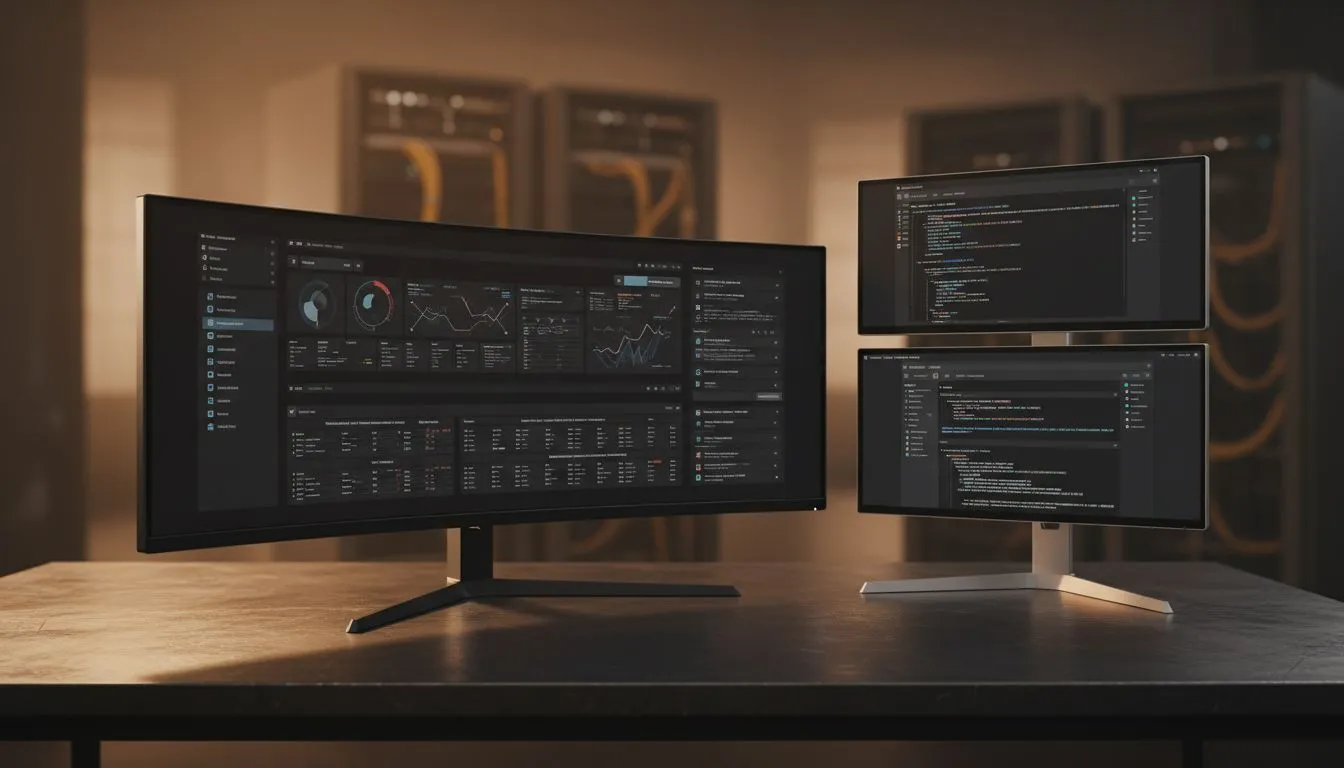
Staring at a single 24-inch screen while juggling Excel, Teams, and Chrome is a recipe for a headache. Whether you are a developer in Sandton or a creative in Cape Town, your screen real estate dictates your output. The Ultra-wide vs Dual Monitors: Best Setup for Productivity debate is more than just a desk aesthetic choice. It is about finding the most efficient way to manage your digital life without breaking the bank. 🚀
If you hate the sight of thick plastic borders cutting your spreadsheets in half... an ultra-wide might be your soulmate. These monitors offer a single, expansive canvas that allows you to park three full-sized windows side-by-side. When browsing the wide variety of PC monitors available today, you will notice that 21:9 or 32:9 aspect ratios are becoming the gold standard for high-end workstations.
One of the biggest perks is the immersive experience. Many curved monitor options are designed to match the natural arc of your eyes. This reduces neck strain because you are not constantly pivoting your head between two distinct points. It creates a wrap-around effect that keeps everything within your peripheral vision... perfect for long hours at the office. 🔧
On Windows, use the PowerToys FancyZones utility to create custom snap layouts for your windows. It's a lifesaver for managing multiple apps on an ultrawide monitor, letting you organise your timeline, preview window, and asset folders perfectly for video editing.
Despite the rise of ultra-wides, the classic dual-screen setup remains a powerhouse for multitasking. Having two separate physical units allows you to dedicate one screen to your primary task and the other to communications or reference material. Many professionals still prefer traditional flat displays for this purpose.
The flexibility is unmatched. You can rotate one monitor to a vertical (portrait) orientation... which is a dream for coders or writers who need to see more lines of text at once. If one screen fails, you still have a backup to keep working. Plus, it is often easier on the wallet to buy two smaller screens than one massive premium panel.
Regardless of your layout, the panel technology inside the screen matters most for eye comfort. We always recommend looking for high-quality IPS panels because they offer the most accurate colour reproduction and the widest viewing angles. This ensures that the edges of your screen do not look washed out when you are viewing them from an angle.
If you occasionally use your productivity rig for gaming after hours, pay attention to the refresh tech. Modern Adaptive Sync technology ensures that your screen stays in sync with your GPU. You can find specific FreeSync (AMD) monitors or displays with dedicated G-Sync (NVIDIA) support to keep your visuals buttery smooth. ✨
Your decision on the Ultra-wide vs Dual Monitors: Best Setup for Productivity depends on your workflow. If you do creative work like video editing or music production, the seamless timeline of an ultra-wide is unbeatable. If you are a data analyst or developer who needs to separate distinct tasks, the dual-monitor route offers better organisation. Whatever you choose, ensure your desk can handle the weight and your graphics card has the right ports for the job. ⚡
Ready to Find Your Perfect Match? The Ultra-wide vs Dual Monitors debate is complex, but for maximum power, choice, and value in South Africa, Evetech is hard to beat. Explore our massive range of monitor specials and find the perfect machine to conquer your world.
Ultra-wide excels for single-window workflows and seamless timelines; dual monitors win at side-by-side apps. Choose by tasks and desk layout.
Yes—ultra-wide screens reduce bezel breaks and aid spatial workflows, but dual monitors offer flexible window separation for mixed tasks.
Often yes: two budget monitors can cost less than a high-quality ultrawide, but price varies by resolution and panel type.
Dual monitors let you dedicate one screen to code and one to documents. A 34" ultrawide can also display both with ample width.
Dual displays allow independent tilt and height adjustments; ultrawide reduces neck turns but may require more swivel for edges.
A 34" ultrawide needs similar width to two 24" monitors; duals need more depth for stands and adjustable arms.
For immersive gaming, ultrawide often wins. For mixed gaming and productivity, dual monitors offer flexibility—see ultrawide gaming vs dual monitors.
Using GitHub Copilot: Complete Beginner's Guide for SA Developers. Everything you need to know with SA-specific pricing and recommendations.
Read more
Back-to-School Headset Buying Guide for SA 2026. Everything you need to know with SA-specific pricing and recommendations.
Read more
Mesh Front Panel Setup and Configuration: Complete Tutorial. Comprehensive coverage with SA insights, Rand pricing, and practical recommendations.
Read more
Black Screen: Troubleshooting Guide #1. Everything you need to know with SA-specific pricing and recommendations.
Read more
The Complete 2026 Guide to Storage in South Africa. Everything you need to know with SA-specific pricing and recommendations.
Read more
1000W PSU Not Working After Load Shedding: Recovery Guide. Everything you need to know with SA-specific pricing and recommendations.
Read more
AMD RX 9050 XT: Rumoured Specs, Price & Release. SA-focused analysis with local pricing data, real-world insights & actionable buying advice.

Can RTX 4080 Super Run AI Workloads for SA Developers Detailed answer with SA data, expert analysis & practical recommendations for local buyers.

Can RTX 4090 Run AI Workloads for SA Developers Detailed answer with SA data, expert analysis & practical recommendations for local buyers.

Top Settings for Intel Arc B580 at Ultrawide 1440p picks evaluated on performance, value & SA availability with current Rand pricing from Evetech.

RTX 4060 CS2 Low Settings at 1080p: FPS Results. Real-world benchmark data, FPS numbers & performance analysis. What SA gamers can actually expect.

Visual Artifacts: Possible GPU Issue Issue #1. Diagnosis steps, proven fixes & when to seek professional help. SA-specific support info included.

Can the RTX 4090 Handle 1440p 144Hz Gaming. Performance testing verdict with real data & practical recommendations for SA buyers.

Top ASUS GPU Under R15000 picks evaluated on performance, value & SA availability with current Rand pricing from Evetech.

GTA 6 Max Settings on RTX 5070. Tested & verified settings for best FPS and visual quality on SA hardware budgets.

Cyberpunk 2077 Max Settings on RTX 5080. Tested & verified settings for best FPS and visual quality on SA hardware budgets.

Starfield Max Settings on RTX 5070 Ti. Tested & verified settings for best FPS and visual quality on SA hardware budgets.

Top RTX 5090 Under R5000 picks evaluated on performance, value & SA availability with current Rand pricing from Evetech.