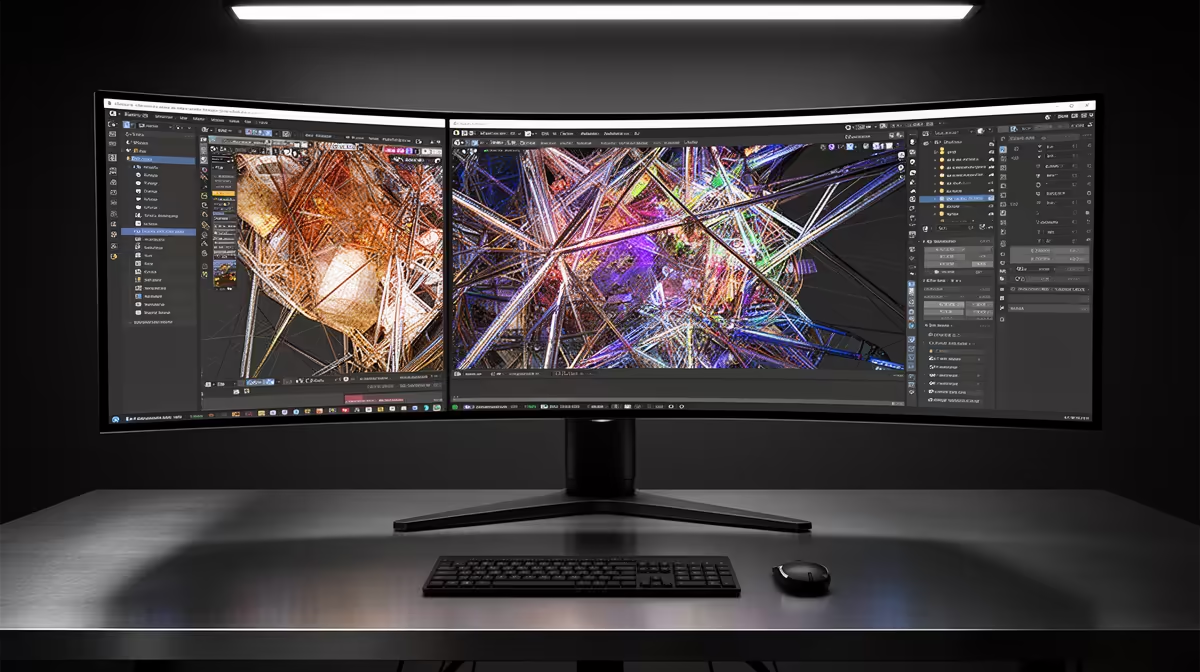
The ASUS TUF VG34WQML5A 34 Inch UWQHD Curved Fast VA LED 21:9 250 Hz Gaming Mo at R7700 suits creators who want a wide editing timeline, preview space, and fast motion handling on one ultrawide monitor. For short-form video work, the value is not just size. It is the way a 21:9 canvas keeps the vertical preview, audio tracks, bins, and export panels visible without constantly dragging windows around.
Best ultrawide monitor value for creators
The ASUS TUF VG34WQML5A at R7700 is the sharpest first pick here because it combines a 34 inch UWQHD curved panel with 21:9 width and 250 Hz. That makes it practical for editing reels and shorts, but still strong for gaming after work.
The Samsung Odyssey 34 inch QHD 3440 x 1440 pixels UltraWide Gaming Monitor at R7999 is close in price and gives you the same useful 34 inch class with a 3440 x 1440 workspace. If your edits involve lots of browser tabs, file folders, captions, and a preview window, that resolution helps the desk feel less cramped.
Creator desk workflow in SA
On a creator desk, the HP MONITOR OMEN CURVED GAMING 34 INCH WQHD 165HZ 1 YEAR Warranty at R10405 works well when you want a larger curved WQHD canvas with a 165 Hz refresh rate and a one-year warranty. It is the pricier option, but it gives a clean single-screen workflow for timeline-heavy editing.
The Arozzi Nova Curved 34 inch VA, 165Hz in black at R4100 is the budget-friendly wide-screen option. Its 34 inch curved VA panel and 165 Hz spec make sense if you mainly need more horizontal space for editing controls, not the highest listed refresh rate.
Ready to choose the right ultrawide monitor?
Use ASUS TUF VG34WQML5A 34 Inch UWQHD Curved Fast VA LED 21:9 250 Hz Gaming Mo at R7,700 as the ultrawide monitor shortlist benchmark, then check whether (7 in stock) matches the space, workload, and upgrade path.