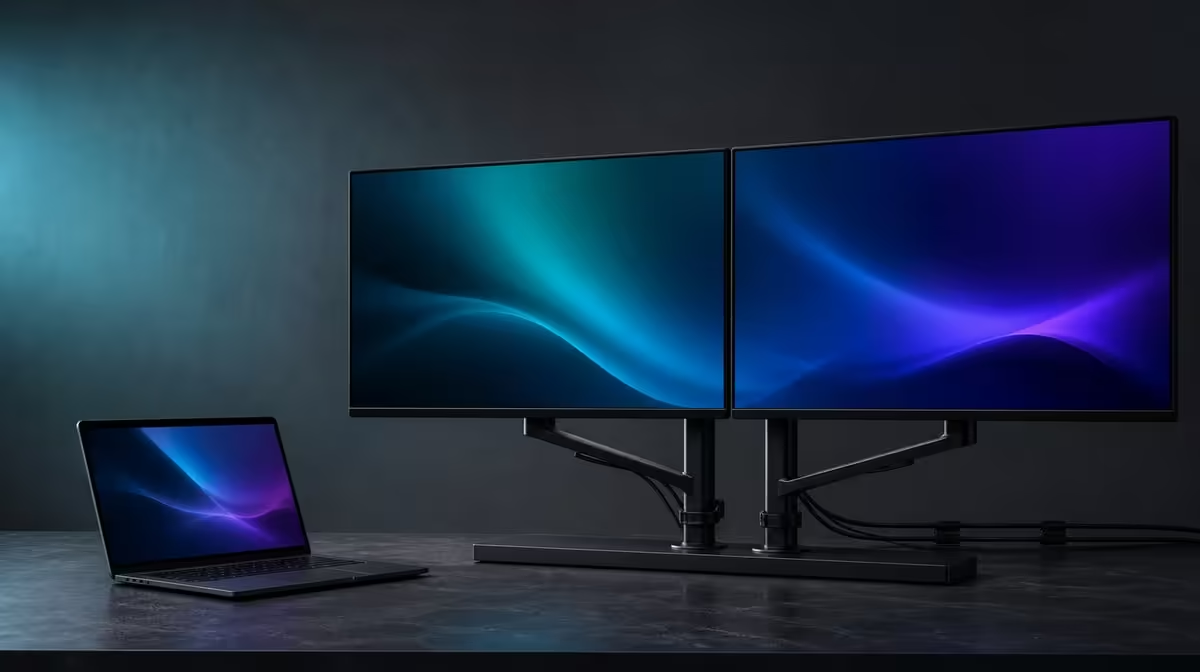
A full-size dual workspace is practical when the second panel carries real work and the folding structure fits the room. The Delta Mega as a full-size workspace should be judged through laptop compatibility, two 23.8-inch task zones, motion, physical layouts and ownership rather than screen count alone.
Quick Answer
The R6,899 UPERFECT Delta Mega is practical for laptop users who benefit from two 23.8-inch Full HD IPS panels and can support the stand on their desk. Motion is specified at 100Hz with 14ms response. Windows and Mac routes, two input formats, 360-degree folding, speakers and low blue light round out the workspace.
📏 Prove the full-size desk fit
Measure the surface with the companion laptop, keyboard and two-panel outline present. Check clear width for a horizontal pair, vertical space for a stack and room around the 360-degree movement path.
Place the stand on a firm surface. Support both screens while opening them and make sure the desk does not rock during typing, chair movement or a normal cable adjustment.
Choose the default layout around task frequency. Horizontal use can keep two equally important applications at similar height. A vertical stack saves width but should place sustained work lower.
Keep the laptop screen active only when it earns a third role. It can show communication, controls or a camera view, while the Delta Mega holds the main document and reference.
Test the viewing distance with native text before buying. Two large panels add area, but a desk that forces the user too close can make scaling and head movement uncomfortable.
Rehearse the busiest version of the desk rather than an empty display arrangement. Add the charger, notebook, headset and anything else that normally competes for space. Open the laptop to its working angle, move the chair into place and check that hands can reach the keyboard without leaning around the stand. A system that fits only after essential items are removed is not yet practical.
Inspect access around the desk as well. A wide pose may stay on the surface while blocking a drawer or nearby passage. A stack can recover width, but its upper edge needs clear height. These ordinary constraints say more about full-time usefulness than screen area considered alone.
Use Evetech's portable monitor selection to compare folding formats after the room plan is drawn.
Assign the visual work
Create role cards for main task, secondary task and laptop. A full-size setup becomes practical when those roles reduce window switching through an ordinary day.
Run a week with the same zones. Remove an unused screen role rather than leaving it active for appearance.
🖥️ Test resolution, refresh and response
Set each 23.8-inch IPS panel to native 1920 x 1080. Begin with matched scaling, then adjust only for a physical distance or task difference.
Open dense text, a spreadsheet, a moving window and representative media. Move them between the Delta Mega screens and the laptop to check readability and software behaviour.
Enable 100Hz after both external displays are stable. Confirm the selected rate individually and compare compatible scrolling, cursor movement and animation.
Refresh does not add pixels or task zones. The Full HD workspace and smoother motion should receive separate value rows.
The listed 14ms response concerns pixel transitions. Office documents depend more on readable layout, while casual gaming and moving previews make the response figure more relevant.
Use matched neutral colour settings and control reflections. Try low blue light afterwards as a separate reading preference.
Create a legibility sheet containing body text, spreadsheet gridlines, a dark interface and one photograph. View it on the lower, upper and laptop panels from the normal chair. Adjust scaling before moving a screen closer. The aim is relaxed reading across the routes that windows will actually travel, not identical settings for appearance.
For motion, repeat one steady scroll and one window drag on both external panels. Verify 100Hz individually where the source path supports it. When just one display behaves as intended, correct that configuration difference before judging the combined workspace.
Compare the same applications across Evetech's PC monitor category when a fixed large display is another option.
🔌 Build a repeatable laptop path
The Delta Mega supports Windows and Mac through Type-C and HDMI. Test the exact laptop output and cable instead of assuming all devices expose two screens and 100Hz in the same way.
Create a known-good source card. Record port, cable, input, both detected panels, panel order, resolution, scaling, active refresh and speaker output.
Restart and reconnect. A full-size workspace should return without random cable changes or another person's memory.
Keep the lead clear through horizontal, stacked and sharing layouts. The connection should not become tight when one screen turns or rises.
Test the built-in speakers from the laptop's audio menu. Decide whether they suit meetings, alerts and casual media or whether a headset remains the daily path.
Ask another Windows or Mac user to follow the card. Shared success gives the cross-platform feature practical value.
Include recovery in the trial. Disconnect the laptop, restart it and reconnect by following the saved sequence. Check that the external screens return in the expected order and that important windows have not reopened outside the visible desktop. Daily business equipment should remain understandable after an interruption, not depend on a fortunate first connection.
📊 Decide whether the workspace stays useful
Run a month-long ownership log with hours spent on each panel, layouts used, reconnections and problems recovered. Count completed tasks rather than days the monitor sits on the desk.
Test horizontal, vertical and sharing profiles. Keep only arrangements that remove recurring friction. The 360-degree range does not require every angle to remain active.
Review comfort late in a long session. Move frequent work from the upper or far screen and increase scaling before accepting repeated strain.
Create a laptop-only fallback by returning important windows and sound before disconnecting the dual display. Practicality includes recovery when the large workspace is absent.
Review the setup under two different jobs. A research-and-writing day can need equal panels, while a meeting day may leave one large area underused. Estimate how many working hours genuinely benefit from the second 23.8-inch surface. The result can justify the dual format without pretending every task needs both screens.
Write a one-sentence ownership reason after the month: which two recurring windows stayed visible, which fold was repeated and which connection proved reliable. If that sentence remains vague, the hardware may be capable but the planned workflow has not yet made a persuasive full-size case.
At R6,899, the Delta Mega is a practical full-size system when the two panels, laptop route, folding layouts and speakers remain understandable and useful after novelty fades.
Check Evetech's monitor best sellers at buying time with the completed month-long evidence.
Frequently Asked Questions
What makes the workspace full size?
Two 23.8-inch panels create substantial task area beside the companion laptop.
How much visual detail does each panel provide?
Each screen uses native 1920 x 1080 Full HD.
When does 100Hz make the workspace feel better?
It can smooth scrolling, cursor motion and compatible animation when the laptop path supports it.
How can the physical layout change?
The 360-degree folding range supports horizontal, stacked and sharing positions.
Which computers can use the monitor?
Compatible Windows and Mac laptops can connect through Type-C or HDMI.
What limitations should buyers consider?
Desk fit, laptop output, Full HD resolution and 14ms response should match the actual work.
Do the speakers replace every audio setup?
No. Test whether they suit the room; some users will still prefer a headset or other audio.
Ready to make a full-size dual workspace prove its daily role?
Compare Evetech's large folding displays and test the Delta Mega through desk fit, laptop recovery, two task zones and a month of real work.