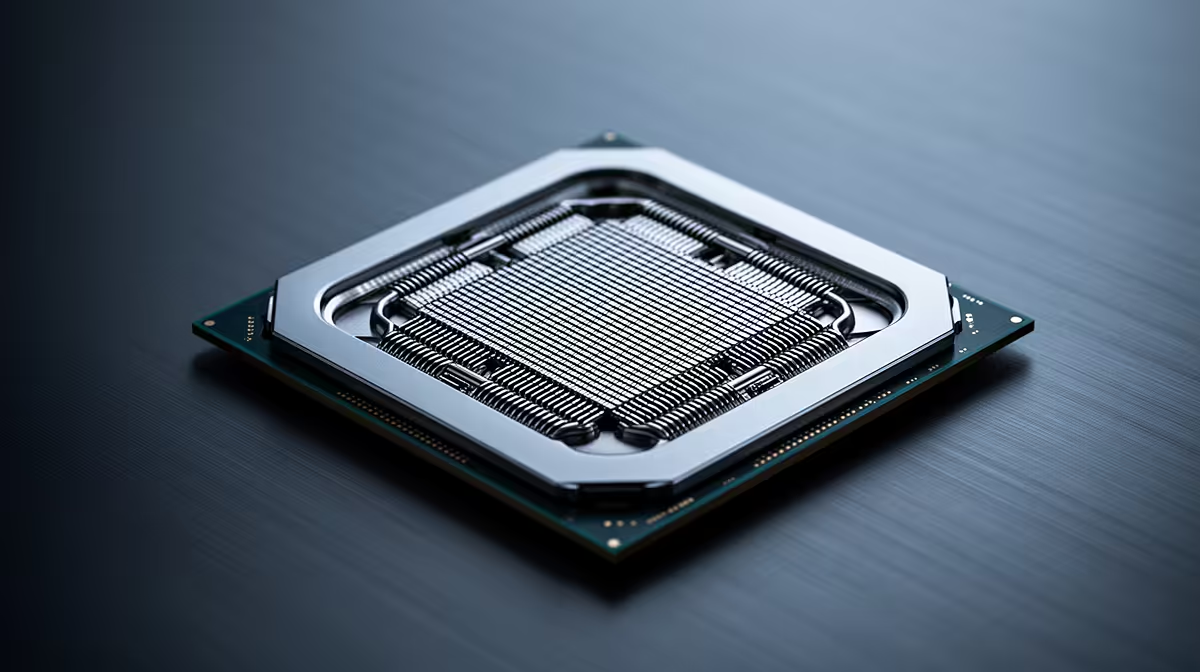
The Core i5-12400F is old enough to trigger upgrade itch and fast enough to make that itch expensive. Its six Alder Lake P-cores still handle a wide range of 1080p and 1440p games. Replace it when a repeatable CPU limit affects your monitor target, rather than because a newer box exists.
Quick Answer
Keep the 12400F when your graphics card stays near full utilisation and frame-time lows remain comfortable. Upgrade when lowering resolution fails to raise frame rate, one or more CPU threads set the ceiling, and the result falls below the refresh target you use. Spend first on the component that your test exposes.
Compare AMD desktop processor paths with current Intel CPUs. Include motherboard, memory, cooler and graphics card in any move beyond LGA1700.
Why the 12400F Still Works
The processor has six Performance-cores and 12 threads, boosting up to 4.4GHz. It lacks E-cores, but game performance depends more on how quickly the main work finishes than on a large unused core count.
A balanced mid-range GPU at 1440p often becomes the limit first. The 12400F can keep feeding it while a newer CPU waits for the same frame to render. This is why a launch benchmark with a flagship card may overstate the gain in your system.
The simple core layout also avoids a need to schedule game work across different core types. Background apps can still compete for time, so close them during the baseline and add your normal set afterwards.
Run a Useful Bottleneck Test
Pick the busiest repeatable scene in the title that matters most. Capture a frame-time trace and note the graphics-card load, typical frame rate, worst slow frames and activity on each CPU core. Use the settings you play.
Now lower render resolution or enable an aggressive upscaling mode. Leave view distance, simulation, traffic and player count alone. A strong frame-rate increase shows that the graphics card had more to give. A flat result with lower GPU use points to the CPU or engine.
Repeat the route after a warm-up. Shader compilation and storage streaming can produce a bad first pass that has nothing to do with CPU power. Compare frame times rather than one peak number.
Check the Free Fixes
Confirm that both memory channels are active and the kit runs at the intended stable profile. A single module or reset BIOS setting can hurt lows. Update the board BIOS only with the correct stable release, then reinstall current chipset and graphics drivers where needed.
Clean the CPU cooler and check clock behaviour under a sustained load. Thermal throttling is unusual with a healthy 12400F setup, but a blocked heatsink or poor mount can reduce boost.
Close RGB suites, browser tabs and launchers one group at a time. If the game recovers, the upgrade question may be memory capacity or background software rather than the processor.
A GPU Upgrade May Be the Better Move
If the current card sits at full load, compare a faster GPU at your resolution. Check PSU capacity, case clearance and CPU scaling in the same game. A stronger card can still expose a future CPU ceiling, so choose a tier the 12400F can feed at your target.
At 4K, GPU performance carries even more weight. At 1080p competitive settings, a CPU swap has more chance to matter. Match the purchase to the screen rather than a generic balance chart.
You can also improve the lived result with a better monitor. A stable 100fps on a well-tuned adaptive-sync panel may feel better than chasing a CPU for frames beyond an older display's range.
Memory and Storage Can Mimic CPU Age
Sixteen gigabytes can become tight when a large game, browser and capture tools run together. Watch committed system memory and page-file activity during the bad scene. If closing background apps removes the pause, more RAM may be the smaller and more useful fix.
Asset streaming from a nearly full or slow drive can create traversal stutter that a new CPU will not cure. Check drive health, free space and game location. Shader compilation after a patch also needs time to settle. Rule out these limits before replacing the platform, then keep the same storage state in any before-and-after test.
If You Upgrade Within LGA1700
The socket supports stronger 12th-, 13th- and 14th-generation chips according to motherboard and BIOS. A Core i7 can add cores and raise gaming headroom without replacing memory and board.
Check the board's CPU list, voltage design and cooler capacity. A low-end board chosen for the 12400F may restrict a high-power K chip. Add the cooler and possible PSU change to the used or new CPU price.
For 13th- and 14th-generation desktop options, install current motherboard firmware with Intel's microcode guidance and begin at Intel Default Settings. A drop-in upgrade should reduce disruption, not bring an unstable configuration.
If You Leave the Socket
AM5 offers current Ryzen processors, DDR5 and a later supported CPU path. LGA1851 offers Core Ultra desktop options and updated platform features. Both require a motherboard and DDR5, turning the change into a full rebuild around the existing GPU and storage.
Price the complete platform. A fast new CPU on an expensive board may leave no room for the GPU that would improve your games. A sensible board with enough USB, M.2 and network capability is usually the stronger base.
Upgrade runway has value only when you plan to use it. If the new CPU will remain until the next full rebuild, choose on present performance and total cost.
Give the 12400F Another Cycle With a Plan
Set a measurable exit trigger: a game falls below your chosen low-frame target, a planned GPU stays CPU-bound, or a work project takes too long. Review the system when that happens rather than on a calendar date alone.
During the extra cycle, keep the BIOS stable, maintain the cooler and save toward the complete change you want. The 12400F has value while it meets the job; its age is secondary.
FAQ
Is the Core i5-12400F still good for 1440p?
Yes, with many graphics cards and games. High-refresh CPU-heavy titles can reveal a limit sooner.
How can I tell whether the CPU is the bottleneck?
Lower graphics load. A flat frame rate with reduced GPU utilisation points toward a CPU or engine ceiling.
What is a worthwhile upgrade from the 12400F?
A supported LGA1700 Core i7 can be practical, while AM5 or LGA1851 offers a new platform. Compare complete costs and gains.
Save a demanding game route, prove whether the Core i5-12400F sets the limit, and upgrade the component that moves that exact result.