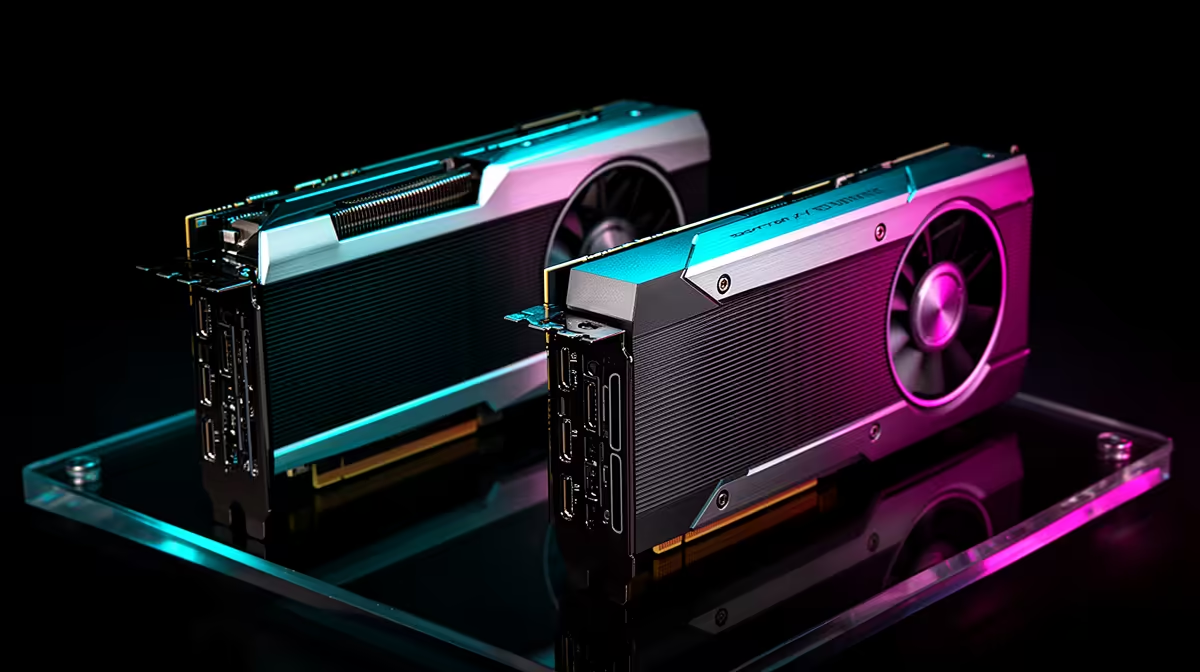
The RTX 3060 to RTX 5060 Ti upgrade gives you a visible jump in demanding games, stronger ray tracing and newer DLSS support. The important choice sits inside the new tier: an 8GB card suits a shorter 1080p plan, while 16GB gives a 1440p build more room to age.
Quick Answer
Upgrade if the RTX 3060 can no longer hold your chosen settings or frame-rate target. The RTX 5060 Ti is a meaningful step, and the 16GB version is the safer fit for 1440p or a longer keep-cycle. A concrete lower-tier marker as of July 2026 was Evetech's R6,999 MSI RTX 5060 Shadow 2X OC 8GB.
🎯 Prove the old card is the limit
Run the games that bother you at the settings you want to keep. Watch GPU use, frame times and memory consumption. If the RTX 3060 sits near full load while the processor has breathing room, a faster graphics card can help. If one CPU core is saturated and lowering resolution changes little, a GPU swap may leave the problem in place.
Your monitor sets the finish line. A 1080p 60Hz screen asks far less from the RTX 5060 Ti than a 1440p 165Hz panel. If the display cannot show the extra frames, include a monitor change in the plan or choose a lower card.
Browse Evetech's NVIDIA graphics card range to compare the surrounding tiers. Then use the dedicated RTX 5060 Ti page to check exact cooler dimensions and memory capacity.
🧠 Choose 8GB or 16GB on purpose
The 8GB version can serve 1080p gaming when you are comfortable adjusting textures in the heaviest releases. It makes the strongest case when the price gap is wide and you expect to replace the card within a few years.
The 16GB model removes more memory pressure at 1440p. It also gives large texture packs, creation tools and newer games space to work without pushing assets through system memory. Extra VRAM does not make every game faster, but it reduces one source of compromise.
Compare the price difference with your intended ownership window. If you plan to keep the card through several release cycles, 16GB can be easier to justify. A focused 1080p esports build can put the money elsewhere.
⚡ Check power and case fit before buying
Do not assume the new card fits because the old one does. Partner models vary in length, thickness and power connector placement. Measure the available space with front fans or a radiator installed, and leave room for the cable to curve without pressure against the side panel.
Read the exact card maker's power supply guidance. Check PSU capacity, age, connector type and cable arrangement. The RTX 5060 Ti is efficient for its performance class, yet an old or weak unit can still turn an easy upgrade into crashes under load.
Airflow matters after installation. A thicker cooler close to a solid shroud can recycle warm air. Clean filters, set a sensible case-fan curve and test with the side panel fitted.
🎮 New features need a good base frame rate
Newer DLSS features can improve image quality and smoothness in supported games. Start by comparing the base rendered frame rate. Frame generation can make motion look smoother, but input response still follows the underlying work done by the GPU and CPU.
Ray tracing is another clear generation gain. Use it selectively. Reflections or global illumination can add more visual value than a full maximum preset that cuts responsiveness. The RTX 5060 Ti gives you more room to make that choice than the RTX 3060.
Check the GPU best-seller selection before settling on a partner card. A modest factory clock matters less than cooler noise, physical fit and the warranty route you will use if something fails.
🔧 Plan the handover cleanly
Update the graphics driver before the swap, then shut the PC down and disconnect power. If the system has a history of driver trouble, a clean driver installation can remove old profiles. Keep the RTX 3060 untouched until the new card passes your tests.
After fitting the 5060 Ti, run several real games and one repeatable stress test. Watch temperatures, fan behaviour and crashes for a few evenings. Test the display outputs you use. Once the system is stable, you can decide whether the 3060 has a role as a spare.
This upgrade earns its money through a better experience at your chosen settings. If the old card already meets that target, waiting is reasonable. If it forces frequent compromises, the 5060 Ti delivers enough change to feel like an upgrade.
Set aside an hour for the first installation rather than squeezing it between other jobs. Photograph the old cable routing, support the new card while tightening the bracket and make sure the retention clip closes. A rushed fit can create a poor connection that looks like driver instability.
Once Windows starts, confirm the display refresh rate. A driver installation or port change can return the monitor to 60Hz, hiding the improvement you bought. Re-enable adaptive sync, inspect the colour format and check that each game uses the intended resolution.
If the upgrade includes a new monitor, test the GPU on the old screen first. Then change the display. Separating the two steps makes a fault easier to locate and gives you a clean sense of what each part changed.
Frequently Asked Questions
How much faster is the RTX 5060 Ti than the RTX 3060?
The gain depends on the game and resolution, but it is a clear generational step in raster performance and ray tracing. Use tests from your own titles for the closest guide.
Should I choose the 8GB or 16GB RTX 5060 Ti?
Choose 8GB for value-focused 1080p play. Pick 16GB for 1440p, large texture packs or a longer ownership plan.
Will I need a new power supply for the RTX 5060 Ti?
Maybe. Check the exact card's recommendation against your PSU's capacity, age, quality and available connectors.
Does the RTX 5060 Ti support newer DLSS features the RTX 3060 lacks?
Yes. The newer generation adds supported DLSS capabilities, though game support and a healthy base frame rate still matter.
Is this upgrade worth it for 1080p gamers only?
It can suit 1080p high refresh and 1440p gaming. The 16GB version has the stronger 1440p case.
Ready to retire the RTX 3060?
Compare RTX 5060 Ti cards in Evetech's graphics range, then match the memory size and cooler to your screen and case.