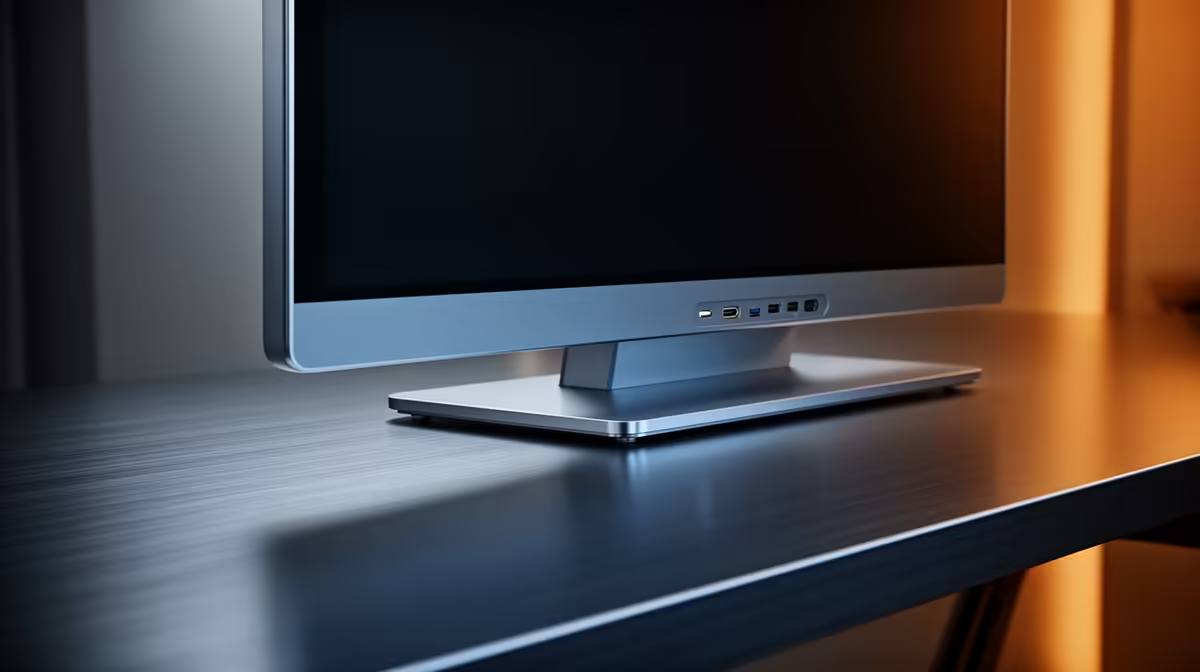
Dell SE2726H 27in FHD 144Hz at R1,797 suits a PC builder who wants a bigger, smoother monitor before paying extra for USB-C convenience. USB-C is useful when one cable carries display from a laptop, but for a desktop build in SA, HDMI or DisplayPort from the graphics card is usually the practical route, especially when the screen itself gives you size and refresh rate value.
What matters more than USB-C on a desktop build
The Dell SE2726H 27in FHD 144Hz at R1,797 is the strongest first look here because the 27in size gives a roomier Windows desktop, while 144Hz makes scrolling, light gaming, and general movement feel cleaner than a basic office panel. For a tower PC, that refresh rate is often more noticeable day to day than a USB-C port.
The Dell SE2426H 23.8in FHD at R1,532 makes sense when the desk is tight or the build budget is being protected for the PC itself. You still get a full HD screen, but the smaller 23.8in footprint leaves more space for speakers, a keyboard, and the case if it sits on the desk.
SA student desk or first gaming room setup
For a dorm-style desk, spare bedroom gaming corner, or study station, the Dahua LM27 100Hz at R1,500 is a practical middle ground. It keeps the larger 27in feel while offering 100Hz, so it is not locked into the most basic office-screen experience.
The MSI PRO MP275W at R1,850 is another sensible choice when the build is meant to look clean on a study or work desk. It costs a little more than the Dell SE2726H, so choose it when that specific setup value matters more than chasing the lowest price.
Ready to choose the right monitor?
Use Dell SE2726H 27in FHD 144Hz at R1,797 as the monitor shortlist benchmark, then check whether its listed spec matches the space, workload, and upgrade path.