

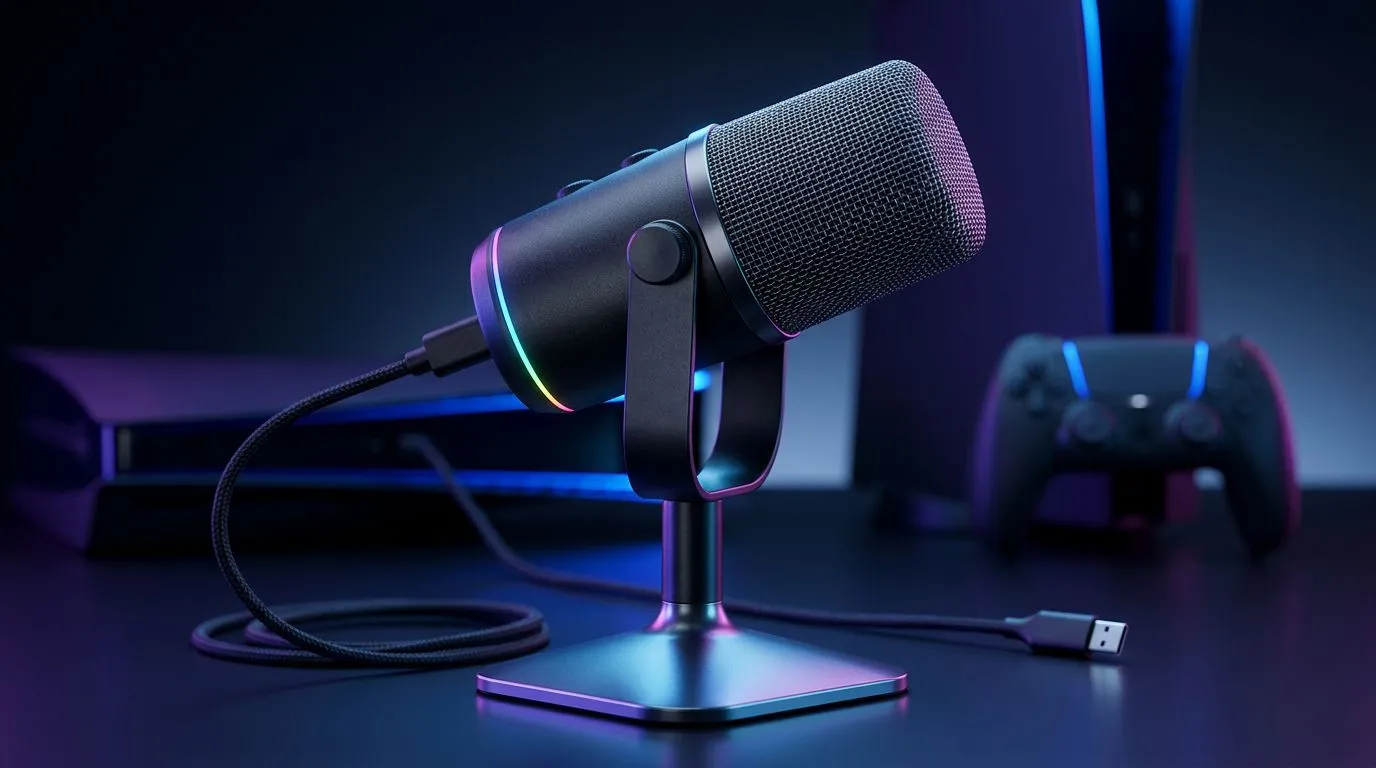
USB mic for PS5: Quick setup 🔧
If your squad can't hear you in the clutch, sound matters. This guide, "USB Microphone for PS5: How to Connect for Better Audio", walks South African gamers through simple steps to get clean voice chat and crisp streams—no expensive mixer needed. Read on for tips, a short troubleshooting checklist, and where to buy trusted gear locally. 🇿🇦✨
Connecting a USB microphone to your PS5: first steps
Most USB microphones work with the PS5's front USB-A and rear USB ports. Plug the mic in, go to Settings > Sound, and set Input Device to your USB mic. For desktop-style mics, use the USB-A port at the front for easy access. If you need a bundled starter pack, check Evetech's streaming essentials range for compatible mics and stands. https://www.evetech.co.za/PC-Components/buy-streaming-essentials-369.aspx
Mic Setup Tip ⚡
Place the mic about 15–25 cm from your mouth and angle it slightly off-axis. Use a pop filter to reduce plosives and set your PS5 input level to avoid clipping.
USB microphone for PS5: tweaking settings for clearer chat
In Voice Chat settings, toggle Microphone Level and sidetone so you can hear yourself. For broadcasts, select Broadcast Microphone under Share settings. Want a branded option? Browse Corsair's streamer-friendly kit at Evetech for mics and accessories tested by creators. https://www.evetech.co.za/PC-Components/buy-streaming-essentials-369.aspx?brands=CORSAIR
A quick anecdote: a Cape Town streamer I work with switched from a headset mic to a USB condenser. Her viewers noticed the difference within one raid; audio clarity made her commentary pop, and viewers stayed longer.
Troubleshooting USB microphone on PS5: common fixes 🚀
If your PS5 doesn't detect the mic, try these steps:
- Reboot the console and reconnect the mic.
- Try the rear USB port; some mics need full power.
- Test the mic on a PC to confirm functionality.
If latency or noise persists, consider repositioning the mic or enabling noise suppression in streaming software when capturing via a capture card. For ambience and studio lighting to match your mic upgrade, Cololight accessories are a subtle upgrade. https://www.evetech.co.za/PC-Components/buy-streaming-essentials-369.aspx?brands=Cololight
USB microphones and webcam pairing for PS5 streams
Pair your USB mic with a webcam for polished streams. Evetech lists webcams that pair well with external mics; choose a 1080p option for smooth visuals. https://www.evetech.co.za/PC-Components/buy-webcams-145.aspx
Quick buying checklist
- Confirm USB-A compatibility with PS5.
- Prefer plug-and-play mics for zero drivers.
- Check return policy and warranty in South Africa.
- Test on PC before finalising your setup.
Ready to Find Your Perfect Match? The Mac vs Windows debate is complex, but for maximum power, choice, and value in South Africa, Windows is hard to beat. Explore our massive range of laptop specials and find the perfect machine to conquer your world.











