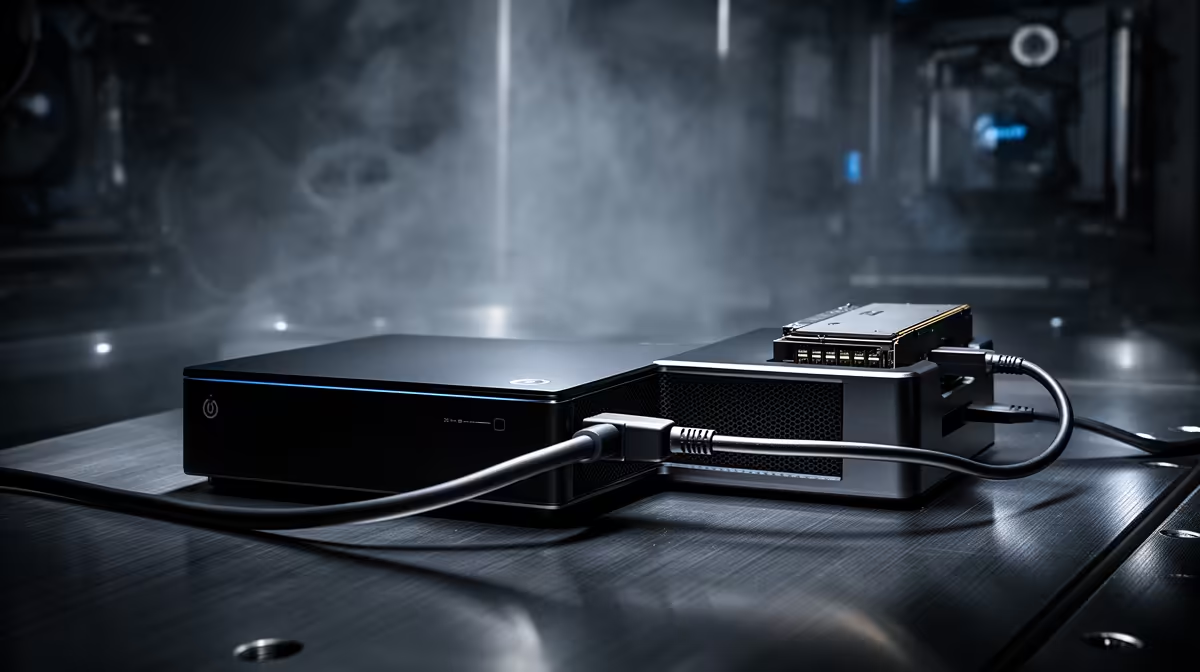
Both ports let a mini PC drive an external graphics card, but they do it through completely different plumbing, and the gap shows up the moment you start gaming. USB4 versus OCuLink comes down to convenience against raw bandwidth: USB4 carries data, video and power down one reversible cable at 40Gbps, while OCuLink is a stripped-back PCIe 4.0 x4 link pushing around 64Gbps with far less protocol overhead. One is the do-everything cable; the other is the performance link.
Quick Answer
For maximum eGPU performance on a mini PC, choose OCuLink. Its direct PCIe 4.0 x4 connection runs at roughly 64Gbps with little overhead, typically losing only 5 to 10 percent versus a desktop slot. USB4 caps at 40Gbps and loses 15 to 30 percent in demanding games, but it adds power, video and hot-swapping over a single cable.
How each link moves the data
The real difference is conversion. With USB4, the PCIe signal from the graphics card is packaged into USB data packets, sent down the cable, then unpacked again at the other end. That translation adds overhead and latency on top of the lower 40Gbps ceiling. OCuLink skips all of it: it is a raw PCIe 4.0 x4 link, so the mini PC processor talks to the graphics card almost directly, with no signal conversion in the path.
That single design choice explains most of the performance gap. More bandwidth and less overhead means more of the graphics card's real power reaches your screen. If you are weighing an eGPU against simply building a compact desktop, the mini PCs range at Evetech is the right place to compare the host machines these ports live on.
What the numbers mean in games
In practice, USB4 eGPU setups tend to give up roughly 15 to 30 percent of frame rate compared with the same card in a motherboard slot, and the hit is worst in titles that lean heavily on texture bandwidth. OCuLink narrows that loss to around 5 to 10 percent against a full desktop x16 slot. For a powerful card at 1440p or 4K, where the GPU is doing the most work and moving the most data, that difference is the line between an eGPU that feels like a real desktop and one that feels compromised.
OCuLink also suits local AI inference for the same reason: the extra bandwidth feeds a data-hungry card without the bottleneck USB4's conversion step introduces.
What USB4 v2 changes (and what it does not)
USB4 version 2 doubles the headline bandwidth to 80Gbps, and some hosts and enclosures are beginning to support it. That narrows the gap to OCuLink in raw numbers, but the protocol overhead does not disappear just because the pipe is wider. Benchmarks with USB4 v2 enclosures still show controller latency above OCuLink's near-bare-metal link, so OCuLink retains the lower-overhead advantage even when USB4 closes some of the bandwidth gap. USB4 v2 is the better cable eGPU than the original, but for a fixed desk chasing maximum frame rates OCuLink is still the sharper tool.
For local AI inference the same logic applies: the extra bandwidth OCuLink provides keeps a data-hungry card fed without the bottleneck USB4's packet conversion introduces. If you are running models locally on a GPU over an external link, OCuLink is the right choice.
Choosing based on your setup
Think through where the mini PC will live. A machine on a desk that almost never moves is the natural home for an OCuLink eGPU: the dock stays connected, the card stays in the dock, and you get the full bandwidth with none of the hot-swap limitations mattering day to day. A mini PC that travels between home and office, or that doubles as a carry device, is better served by a USB4 eGPU: one cable handles data, video and host power together, and you can unplug and repack without a shutdown sequence.
Resolution also matters. At 1080p most GPUs are CPU-bound rather than bandwidth-bound, so the difference between the two links shrinks. At 1440p and 4K the GPU is the bottleneck and the extra bandwidth OCuLink provides translates directly into frames. If your target resolution is 4K, OCuLink is the link worth seeking out.
Convenience versus raw speed
USB4 wins everywhere except outright performance. It supports hot-swapping, so you can unplug the eGPU while the system runs. It carries video and power alongside data, often powering the host over the same cable, and it usually ships as a single sealed enclosure you just plug in. That makes it ideal for a mini PC you move around or use for video editing rather than maximum frame rates.
OCuLink does not hot-swap and usually means buying and assembling separate parts: the card, a dock and the cable. The payoff is the bandwidth, which is why it is the choice for a permanent desk setup chasing the highest frame rates. Pick USB4 for portability and simplicity; pick OCuLink for a fixed, performance-first build. The best-selling graphics cards at Evetech show which cards are popular enough to justify either kind of eGPU rig. For context on what complete systems cost at similar price points, the best-selling PCs at Evetech is worth checking before committing to a mini PC plus eGPU build.
Frequently Asked Questions
Is OCuLink really faster than USB4 for an eGPU?
Yes. OCuLink's raw PCIe 4.0 x4 link runs at about 64Gbps against USB4's 40Gbps, and it skips the signal conversion USB4 needs. That means lower overhead and a smaller performance loss, typically 5 to 10 percent versus 15 to 30 percent.
Can I unplug an OCuLink eGPU while the PC is running?
Generally no. OCuLink does not support hot-swapping, so you connect it before boot and disconnect after shutdown. USB4 does support hot-swapping, which is one of its main practical advantages.
Does USB4 also supply power and video?
Yes. USB4 carries data, video and power over a single reversible cable and can often power the host mini PC at the same time. OCuLink is purely a data link, so power and video are handled separately.
Which should I choose for 4K gaming?
OCuLink, for a fixed desk setup. Its higher bandwidth and lower overhead keep more of the graphics card's performance intact at 1440p and 4K, where the data load is heaviest and USB4's ceiling bites hardest.
Is OCuLink harder to set up than USB4?
Yes. OCuLink usually means buying and assembling separate components, while USB4 eGPUs often come as a single sealed unit you simply plug in. That extra effort is the trade for OCuLink's higher performance.
Planning an external GPU build around a mini PC? Compare host machines in the mini PCs range at Evetech and match the port to whether you want portability or peak frame rates.