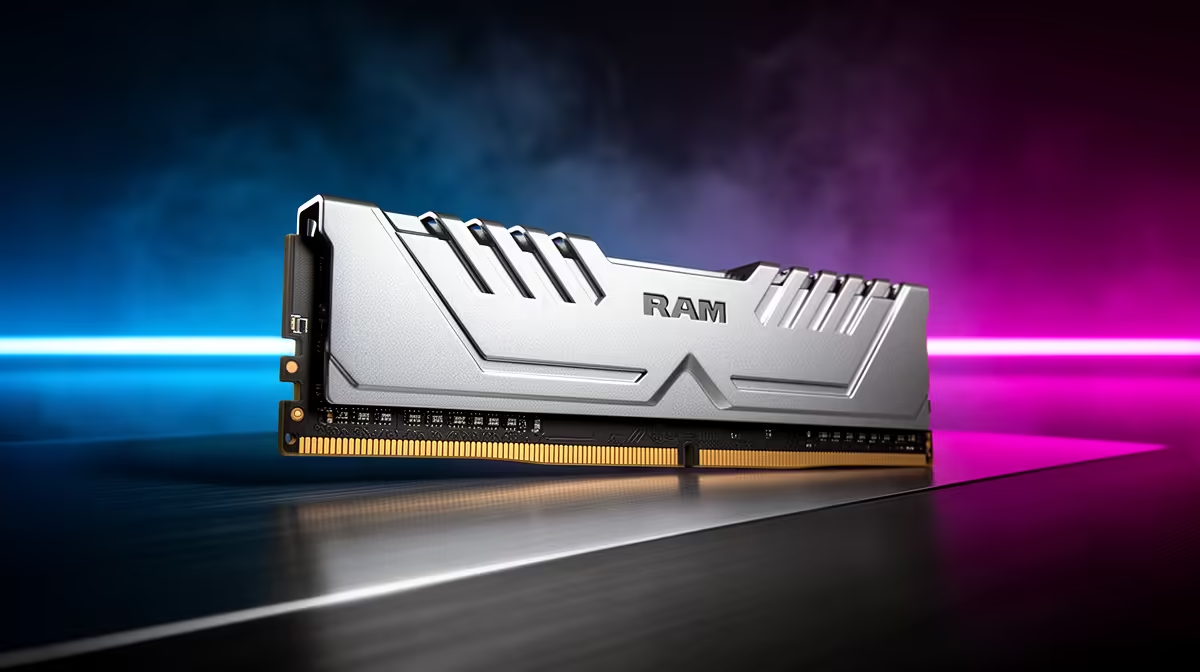
Used DDR4 can still deliver cheap capacity for a PC that already owns a DDR4 motherboard. It becomes a poor shortcut when you buy an ageing CPU and board only to access inexpensive memory. New DDR5 costs more per kit in many comparisons, but it belongs to current platforms with a longer processor and memory path. The fair calculation includes the whole system.
Quick Answer
For an existing stable DDR4 PC, a tested used 2x16GB kit can be excellent value. For a new build, price CPU, motherboard, matched memory, cooler and likely upgrade together. Choose DDR5 when the newer platform's performance, features and future CPU path justify the total. Never compare used DDR4 rand per GB with new DDR5 while ignoring board and warranty cost.
Evetech's DDR5 memory range gives current-platform kit specifications. The memory best sellers help compare popular capacities, while the DDR4 catalogue provides the older-generation reference.
DDR4 and DDR5 Are Platform Choices
The modules use different electrical designs and notch positions. A DDR4 stick does not fit a DDR5 slot, and a motherboard supports the generation it was built for.
Some CPU generations were sold with separate DDR4 and DDR5 motherboards. The CPU name alone does not prove which RAM you need. Read the exact board model.
Changing memory generation usually means changing the motherboard and sometimes the CPU or cooler mounting. That is why kit-only value is incomplete.
When Used DDR4 Makes Strong Sense
Your current PC has an open upgrade path, stable board and processor that still meet the workload. Moving from 16GB to 32GB can remove paging without disturbing the rest of the system.
Used DDR4 is mature and widely available. A clean matched kit at a mainstream speed can be easier to run than filling four slots with mixed modules.
Keep the platform when the upgrade solves the measured limit. Do not replace a good motherboard merely because a new memory generation exists.
When DDR4 Becomes a Dead-End Purchase
Building an entire older platform around cheap RAM can leave fewer future CPU choices, older connectivity and weaker resale. The saving on memory may be small beside the full board and processor spend.
An ageing used motherboard brings socket wear, unknown firmware, missing accessories and limited support. A bargain CPU can also need a larger cooler or power supply than expected.
Price the next upgrade too. If that job replaces the board, CPU and RAM together, the DDR4 saving today may cost you more tomorrow.
What New DDR5 Buys
DDR5 offers higher transfer rates, greater module densities and current platform support. Non-binary 24GB and 48GB modules create useful 48GB and 96GB matched-kit options.
The newer platform can add PCIe, storage, USB and processor features, depending on the board. Those may matter more than the RAM benchmark.
DDR5 is not automatically faster in every game. CPU architecture, latency, graphics limit and memory settings shape the result.
Compare Whole-Platform Cost
Build two complete lists. Include CPU, motherboard, cooler, memory, any mounting kit, Windows implications and the parts you can reuse.
If you include a rand figure, take a named kit from the approved July 2026 price pack. For used DDR4, record the offered part number, condition and warranty rather than inventing a market average.
Subtract realistic resale value only when you are prepared to sell the old parts. A theoretical buyer does not reduce today's cash requirement.
Compare the Target Performance
Choose games and work that matter. Check exact-platform benchmarks at your GPU and resolution. A faster CPU on DDR5 can improve high-refresh gaming, while a GPU-limited 4K setup may show a smaller platform gap.
For creation, compile, simulation and compression, memory bandwidth and CPU generation can matter more. Use workload results, not one synthetic memory number.
Save the 1 per cent low or frame-time result where available. Average FPS can hide memory pressure.
Test Used DDR4 Before Payment
Inspect the matched kit labels, contacts and PCB. Confirm full part number, capacity, speed, timings and voltage with the maker's page.
Run at JEDEC defaults first, then the advertised XMP profile on a compatible known-good system. Use MemTest86 for full passes and an in-Windows mixed load. Zero errors are required.
Agree on a return window. One successful boot or a CPU-Z screenshot cannot prove every address and profile is stable.
Account for Used-Market Risk
Used memory has no moving parts, but it can be damaged, relabelled or sold as a false matched kit. Warranty transfer depends on the manufacturer and proof of purchase.
A new DDR5 kit includes a clearer return and support path. Put a value on that when the used saving is small.
Do not share private serials publicly while checking a warranty. Use the maker's official channel.
Avoid Mixed DDR4 Upgrades
Adding a second kit can work at common settings and is not guaranteed at either kit's XMP profile. DRAM dies and PCB revisions can differ under similar branding.
Four DIMMs load the memory controller more than two. The system may need lower speed or relaxed timings.
When buying used, one tested 2x16GB kit is usually cleaner than four unrelated 8GB modules.
Think About Capacity, Not Only Generation
A 32GB DDR4 system with healthy headroom can feel better than a 16GB DDR5 system that pages during the full workload. Memory generation does not replace capacity.
For a new build, 2x16GB DDR5 is a strong baseline when the budget permits. Existing DDR4 users should upgrade from measured pressure.
Do not buy 64GB in either generation when the workload peaks below 24GB; unused capacity cannot pay back the platform cost.
Check Power and Cooling Around the Platform
A newer CPU can be more efficient or draw more power depending on model and settings. Include motherboard power delivery, cooler and case airflow.
Old high-end CPUs sold cheaply can demand a strong board and cooler. A low CPU price plus used DDR4 can produce a hot, expensive total.
Use exact processor specifications and sustained tests rather than platform stereotypes.
Choose From Ownership Horizon
For a PC needed for two more years, a used DDR4 capacity fix can be perfect. For a new five-year build expected to take another CPU, a current DDR5 platform can earn its premium.
No platform is future-proof forever. Check the announced and supported CPU path as of July 2026, not a promise from launch year.
Keep the upgrade simple enough to validate and support.
FAQ
Is used DDR4 still cheaper per gigabyte?
It can be, but compare the actual offered kit with new support and include the CPU and motherboard platform cost.
When is DDR5 the smarter buy?
When the current platform's CPU performance, features, support and future upgrade path justify the full-system difference.
Is used DDR4 risky?
It carries condition, matching and warranty risk. Inspect, verify the part number and require zero errors through full testing.
Price the complete DDR4 and DDR5 platforms, test the used kit under its claimed profile and choose from the ownership horizon rather than rand per GB alone.