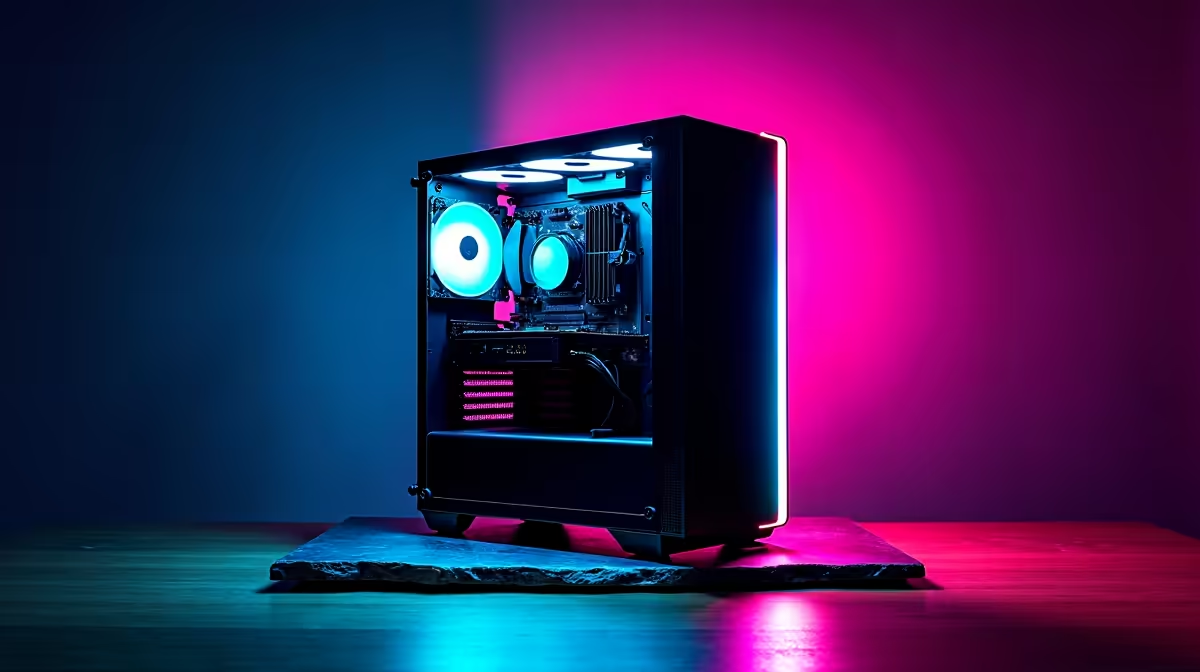
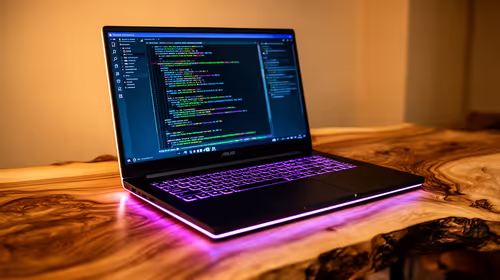
A video-editing PC is worth using for 1080p gaming when its GPU, processor and cooling also meet the games frame-rate target. Editing hardware often includes useful memory and storage, but a professional label does not guarantee gaming drivers or strong real-time graphics. Buy one dual-use machine only when video work is regular; a balanced gaming PC is enough when editing is occasional.
Benchmark the timeline and the game
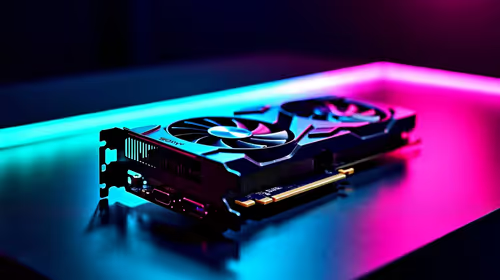
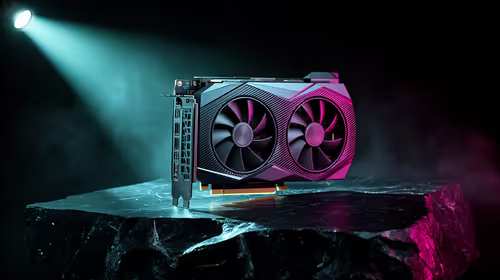
The Ryzen 5 9600X is listed at R3,500, Palit GeForce RTX 5060 8GB at R4,800 and TEAMGROUP VULCAN 32GB DDR5-6000 memory at R1,460 in the verified facts. These are component references, not a complete compatible system. Check motherboard, cooler, storage, power supply, case, software support and availability together.
Open a representative edit with the usual effects and export codec, then play a demanding game at Full HD and the intended settings. Watch timeline response, render time, average and low-frame behaviour, GPU memory, temperatures and noise. A colour-focused editing monitor may not have the refresh rate wanted for games, so the display choice needs its own compromise.
Choose one PC when both workloads occur weekly and share enough hardware. For gaming alone, prioritise frame consistency and a responsive display. Keep footage, project files and game saves backed up before changing drivers or components, because dual-use systems concentrate more important data in one place.
Building for editing and 1080p games? > Ask Evetech to balance the processor, GPU, memory and displays for both.