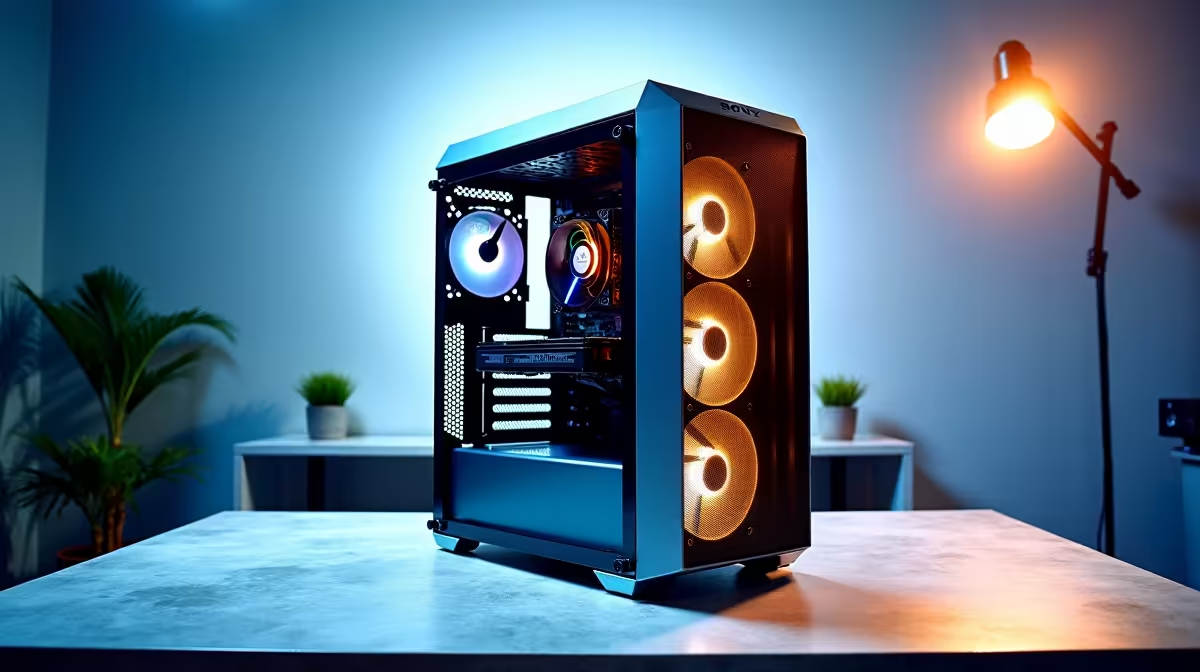
A video-editing PC can support data science when its processor, memory, graphics and storage also match the intended notebooks, datasets and libraries. The labels overlap in some accelerated workloads, but video codecs and data models stress hardware differently. Choose from representative projects rather than the available ceiling.
Benchmark one real timeline and one real dataset before selecting the platform
For video, use the normal codec, resolution, effects and export preset. For data work, run the intended environment with a representative clean, training or visualisation task. Record processor use, system memory, graphics-memory pressure, storage activity, completion time and whether either job depends on a specific supported library.
The ASUS ExpertBook P1503 with an Intel Core i5-13420H, 8GB memory and 512GB storage at R9,858 is a verified laptop reference, not a guaranteed editor or data-science workstation. The PNY RTX 2000 Blackwell 16GB at R12,000 is a separate verified graphics-card reference. Confirm live upgrade, software and driver support.
Keep datasets, notebooks, source footage and project files in tested independent backups. Budget for enough memory, fast storage, licensed tools, a suitable display and any remote-compute service the course or employer provides. Check whether mobility or desktop upgrade access matters more.
Buy for the heavier repeated workload and verify the other. Do not assume a creator badge covers every data library.
Combining data and video work? > Compare Evetech laptops using both representative projects.