Quick Answer
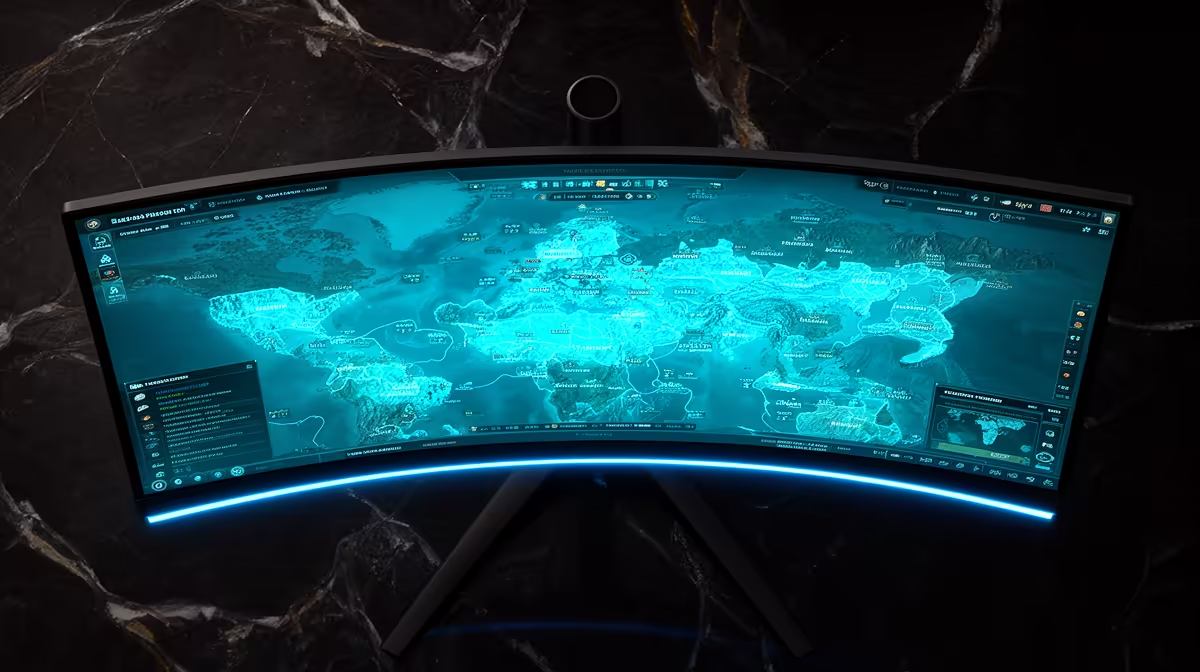
Choose a monitor for strategy and sim games by matching resolution, refresh rate, panel type, and GPU power. For SA buyers, a useful range is R3,000-R6,000 for 1080p high refresh, R5,000-R10,000 for 1440p 165Hz, and more for ultrawide or OLED-style screens. The right screen should make 60-100 fps in most camera views, while turn times and late-game simulation load lean harder on the CPU visible without forcing the PC into unstable settings.
Visual Clues That Matter
For strategy and sim games, motion clarity and pixel density matter more than a long feature list. A 24-inch 1080p 180Hz display suits esports, a 27-inch 1440p IPS panel suits most story and MMO gaming, and an ultrawide helps strategy or sim layouts. Pair the screen with GPUs such as RTX 4060, RTX 4070, RX 7700 XT, or RX 7800 XT according to the FPS target.
Panel And Port Checks
Check HDMI 2.1 or DisplayPort support before buying, especially if the screen is for a console, gaming laptop, or compact PC. Look for adaptive sync, height adjustment, and a response-time mode that does not create overshoot. In Cape Town, Durban, or Johannesburg deliveries, inspect the panel immediately for dead pixels and keep the warranty documents easy to find.
Spend Where You Will Notice It
Do not pay for 240Hz if your games sit at 80 fps, and do not buy 4K if the GPU is built for 1080p. A R6,000 1440p monitor can be the best visual upgrade for a mid-range PC, while competitive players may prefer a smaller 240Hz screen. The visual guide is simple: resolution for detail, refresh for motion, panel quality for colour.
FAQ
What monitor size works best for strategy and sim games?
A 27-inch 1440p screen is the broad sweet spot for most gaming desks. Choose 24-inch 1080p for maximum esports focus or ultrawide when the game benefits from extra horizontal space.
Is 144Hz still enough?
Yes, 144Hz or 165Hz is still a strong target for most SA gaming PCs. Move to 240Hz only when the GPU and CPU can hold the frame rate in the games you play most.
Which GPU should I match with a 1440p monitor?
RTX 4070, RX 7700 XT, and RX 7800 XT are sensible 1440p anchors. RTX 4060 and RX 7600 XT can work, but they need more preset tuning in demanding AAA games.
Screen Tip
Before buying, confirm the monitor has the port your GPU will use and set Windows to the advertised refresh rate after installation.