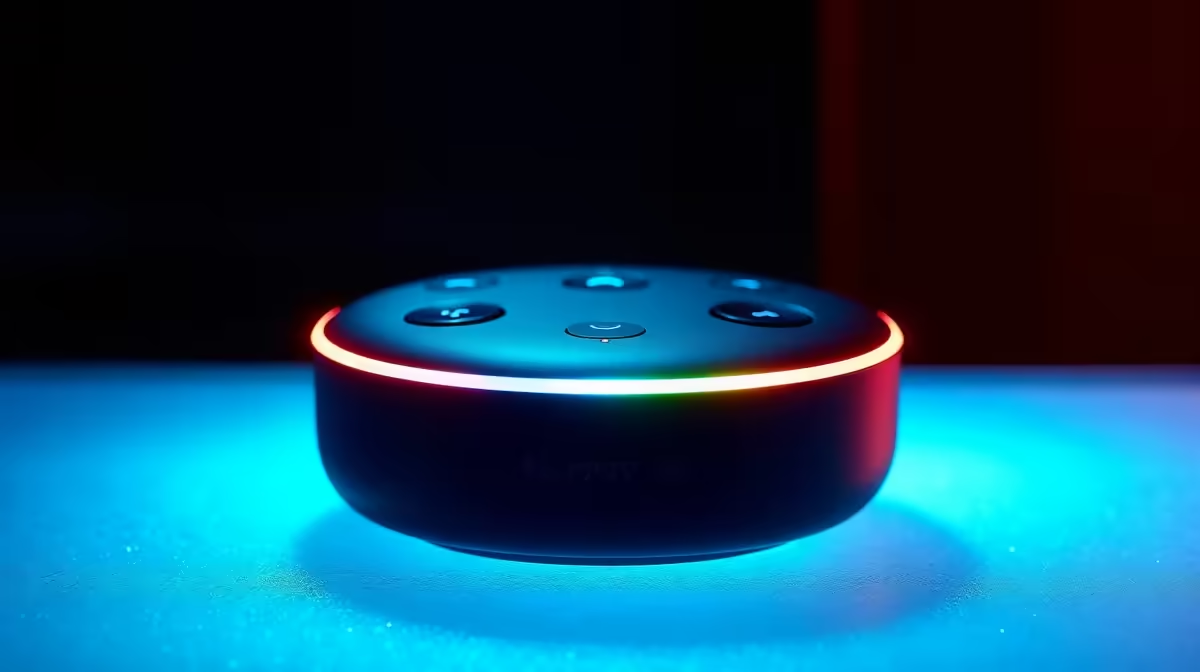
"Hey Google, play my 'Gees' playlist." ... "Sorry, I can't find a device called 'cheese'." We've all been there. Voice command devices are incredible for hands-free convenience, but sometimes you just want silence. Or privacy. Or for the little robot to stop listening during a serious conversation. Mastering voice command devices isn't just about what you can ask them to do; it's also about knowing how to turn them off effortlessly when you need to.
Why Bother Turning Off Your Voice Command Device?
It might seem counterintuitive. You bought a smart speaker for its always-on convenience, right? But there are solid reasons for wanting to power it down occasionally.
- Privacy: While devices only actively record after a wake word, the idea of a live mic in your living room can be unsettling. Turning it off provides total peace of mind.
- Accidental Activations: Ever had your speaker burst into life because a character on TV said something that sounded like "Alexa"? Disconnecting it stops these interruptions.
- Digital Detox: Sometimes, you just need a break from technology. Powering down your smart assistant is a simple step towards a quieter, less connected space. 💡
Mastering the on/off state of your smart gear is key to a truly optimised home.
The 'Off' Switch: A Simple Guide
Knowing how to turn off your voice command devices is a fundamental skill for any smart home owner. The method depends on your ecosystem.
For Google Assistant / Nest Users
For most Google Nest or Home devices, the simplest way is the physical mute switch. Look for a small switch, often with a microphone icon, on the back or bottom of the unit. Flick it, and the device will usually announce that the microphone is off, often with a glowing orange or red light to confirm. This stops it from listening for wake words.
For Amazon Alexa / Echo Users
Similarly, Amazon Echo devices have a dedicated microphone off button, typically on the top. It usually looks like a microphone icon with a line through it. Pressing it will turn the light ring red, confirming that Alexa is no longer listening. For a full power-down, you'll need to unplug it from the wall.
Automate Your Privacy 🤖
Use a smart plug to control your voice assistant! You can set a schedule in an app like TP-Link's Tapo to automatically turn your Google Nest off at bedtime and back on in the morning. Total control, zero effort.
The Pro Move: Control Power with Smart Plugs
Unplugging devices from the wall is a hassle, especially when the plug is behind a cabinet. This is where you can get clever. By plugging your voice assistant into a smart plug, you gain ultimate control. You can turn the device's power on or off remotely using your phone or even... another voice assistant in a different room.
This is the next level of home automation—using smart tech to manage other smart tech. It puts you firmly in control of your digital environment. Building a network of smart home appliances allows you to create custom rules and schedules that fit your lifestyle perfectly. For a rock-solid and affordable setup, you can’t go wrong with the gear from trusted brands like TP-Link, known for reliability and ease of use. ✨
Build Your Smart Home, Your Way
Ready to take control and automate your space? Explore our massive range of affordable smart home tech and start building a smarter home today. Shop smart home deals at Evetech for powerful solutions that won't break the bank.