The board arrives, you tear open the box, and then it sinks in: there is no power brick, no storage and no way to plug in a screen. The Raspberry Pi 5 is sold as a bare computer, and the gap between holding the board and actually booting a desktop is a short list of accessories you have to buy alongside it. Knowing exactly which ones matter saves you a second order and a week of waiting.
Quick Answer
A Raspberry Pi 5 needs four things to get started: the official 27W USB-C power supply, active cooling, boot storage (a fast A2 microSD card, or an NVMe SSD on an M.2 HAT+), and a micro-HDMI cable for a display. Budget for the full accessory stack in rand before you buy the board, since these are not optional extras but the parts that turn the Pi from a component into a working machine.
The four things you genuinely need
1. The official 27W USB-C power supply
The Pi 5 draws more power than any model before it, and it is fussy about how it gets it. It wants 5.1V at 5A, which is more than a typical phone charger delivers, and feeding it an underpowered supply causes USB ports to be throttled and random instability under load. The official 27W USB-C unit negotiates the higher current the board asks for and is the safe default. A generic charger that merely fits the connector is the most common cause of mysterious crashes on a new Pi 5.
2. Active cooling
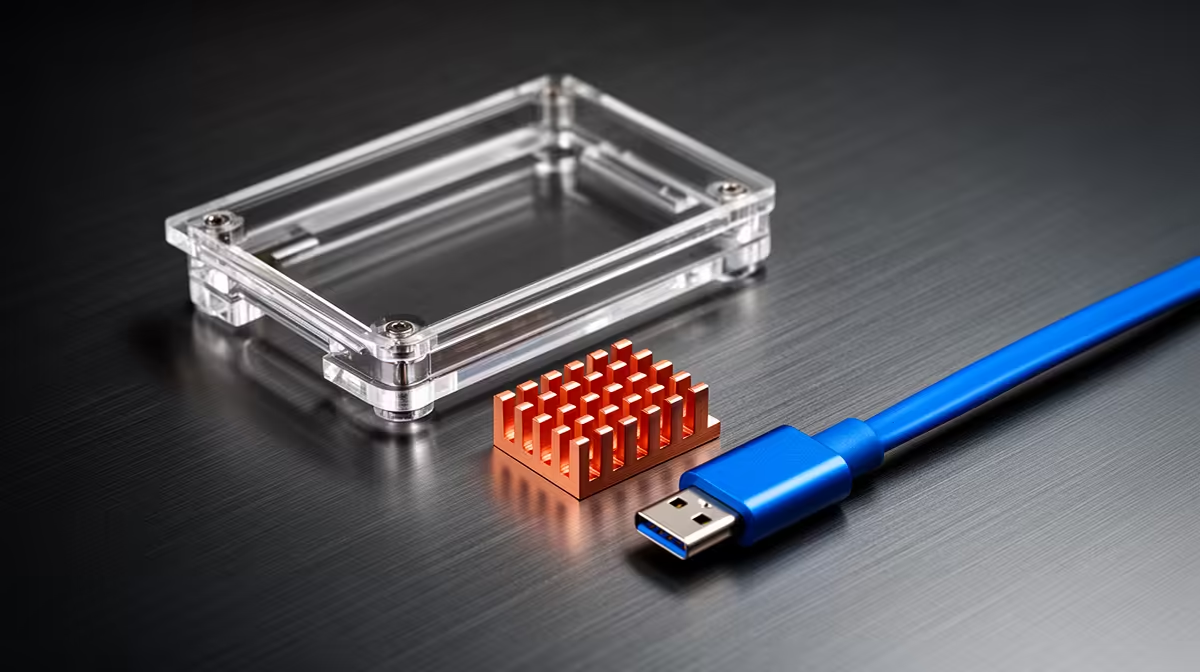
The Pi 5 runs hot enough that cooling is no longer a nice-to-have. Without it, the processor throttles itself down to avoid overheating, and you lose the performance you paid for the moment you put it under sustained load. The official Active Cooler, a low-profile heatsink with a built-in fan that clips directly onto the board and plugs into a dedicated header, keeps temperatures in check and is the simplest fix. A well-ventilated case with a fan does the same job for builds that need an enclosure.
3. Boot storage
The Pi has no built-in storage, so you supply the drive it boots from. There are two sensible routes. The cheaper, simpler one is a quality microSD card, and the specification matters: look for an A2-rated card, which is tuned for the random read and write patterns an operating system generates, rather than a cheap card sold purely on capacity. The faster route is an NVMe SSD mounted on an official M.2 HAT+, which connects through the Pi 5's PCIe interface and gives you dramatically quicker boot times and application loading. For a desktop-replacement or always-on project, the NVMe path is well worth the extra cost; for a simple tinkering board, a good A2 card is fine.
4. A micro-HDMI cable
The Pi 5 uses the smaller micro-HDMI connector, not full-size HDMI, and it has two of them for dual displays. A standard HDMI cable will not fit. You need either a micro-HDMI to HDMI cable or an adapter to reach a monitor or TV. It is a small, cheap part that is very easy to forget, and forgetting it means a booted Pi you cannot see.
What you can skip at first
Plenty of accessories get marketed as essential when they are not. A fancy case is optional if you are happy with the board on a desk, though active cooling still applies. A real-time clock battery only matters for projects that must keep time while fully powered off. PoE HATs, camera modules, AI accelerators and the like are project-specific add-ons, not part of the basic boot kit. Start with the four essentials, get the Pi running, then add the rest as your project demands it rather than buying everything up front.
A keyboard, mouse and monitor count too, of course, but most people already own those. If you intend to run the Pi headless, controlling it over the network from another computer, you can skip the display, micro-HDMI cable and input devices entirely and run it with just power, cooling and storage.
Choosing the right microSD card matters more than you think
It is tempting to grab whatever card is cheapest and largest, but the specification genuinely affects how the Pi feels to use. The headline capacity number tells you how much fits; it says nothing about how the card behaves when an operating system is constantly making small, scattered reads and writes, which is exactly what booting and running apps does.
The rating to look for is A2, an application-performance class designed for precisely those random access patterns rather than the large sequential transfers a camera card handles. A cheap, high-capacity card sold purely on size can boot slowly, stutter when launching applications and feel sluggish in a way that has nothing to do with the Pi's processor. It is one of the most common reasons a new Pi feels disappointing. Spend a little more on a smaller, properly A2-rated card from a reputable brand and the whole machine feels quicker. Capacity-wise, 32GB is a workable minimum for a desktop install, with 64GB giving comfortable room for software and files.
Headless versus desktop changes the list
How you intend to use the Pi reshapes which accessories you actually need. A desktop setup, where the Pi drives a monitor with a keyboard and mouse, needs the micro-HDMI cable and input devices alongside the four core parts. A headless setup, controlled remotely over the network from your laptop, drops the display, cable and peripherals entirely, leaving just power, cooling and storage.
Many projects, a home server, a network-wide ad blocker, a small automation hub, run perfectly headless, which trims the accessory bill noticeably. It is worth deciding which mode your project wants before ordering, so you neither buy a cable you will never plug in nor get stuck unable to see the screen on first boot. For a first-time setup, having a display connected for the initial configuration and then switching to headless afterwards is a common and sensible middle path.
Budgeting the full stack in rand
The trap with a Raspberry Pi is anchoring on the board price alone. The accessories add a meaningful amount on top, and pricing them in rand before you commit avoids the unpleasant surprise of a board you cannot actually use. As a rough shape: the power supply and active cooler are modest, a decent A2 microSD card is inexpensive, and the optional NVMe-plus-HAT+ route is the part that lifts the total if you choose it. Tally those alongside the board to get your real starting cost.
Because the Pi sits in the small-computer category rather than as a traditional desktop, it is worth browsing the compact and mini PC range at Evetech to compare what a single-board computer plus accessories costs against a ready-built small machine for your use case. If your goal is a general desktop rather than a hands-on electronics project, a glance at the best-selling PCs at Evetech can be a useful reality check on value before you commit to the Pi route.
Frequently Asked Questions
Can I use a phone charger to power a Raspberry Pi 5?
It is not recommended. The Pi 5 wants 5.1V at 5A, more than most phone chargers supply, and an underpowered source throttles the USB ports and causes instability under load. The official 27W USB-C supply negotiates the correct current and is the reliable choice.
Do I really need active cooling on a Pi 5?
For anything beyond very light use, yes. The Pi 5 throttles its processor to avoid overheating without a cooler, so you lose performance under sustained load. The official Active Cooler or a fan-equipped case keeps temperatures down and the board running at full speed.
Should I boot from a microSD card or an NVMe SSD?
A quality A2-rated microSD card is the simpler, cheaper option and works well for tinkering. An NVMe SSD on an M.2 HAT+ boots and loads applications much faster, making it the better pick for a desktop replacement or an always-on project where speed matters.
Why won't my normal HDMI cable fit the Pi 5?
The Pi 5 uses micro-HDMI ports, which are physically smaller than standard HDMI. You need a micro-HDMI to HDMI cable or an adapter to connect a monitor or TV, and it is one of the most commonly forgotten accessories.
Can I run a Pi 5 without a monitor at all?
Yes. Running it headless means controlling it over the network from another computer, in which case you can skip the display, micro-HDMI cable and input devices. You still need power, cooling and storage for the board to boot.
Before you commit to a Pi 5, price the whole stack against a ready-made alternative in the mini PC range at Evetech so you know exactly what your project will cost to get running.