Quick Answer
The most damaging cable management mistakes are blocking front intake fans with cable bundles, routing the 24-pin ATX horizontally across the GPU's airflow path, leaving unused PSU cables loose inside the main chamber, and failing to use grommets when routing cables through the motherboard tray.
How Cables Kill Front Intake Airflow 🌬️
Front intake fans deliver cool air directly to the GPU heatsink in positive-pressure mid-tower configurations. When cable bundles, including the 24-pin ATX, SATA data cables from lower drive bays, and unused PSU leads, sit between the front fan array and the GPU, they create turbulence and resistance that measurably reduces the air volume reaching the card. GPU temperatures in builds with obstructed front intakes run 5°C to 10°C higher than in equivalent builds with clean routing. The fix is to route all vertical cable runs behind the motherboard tray through the available grommets, leaving the main chamber unobstructed between the front intake and the GPU heatsink face.
The 24-Pin and EPS Routing Mistakes 🔧
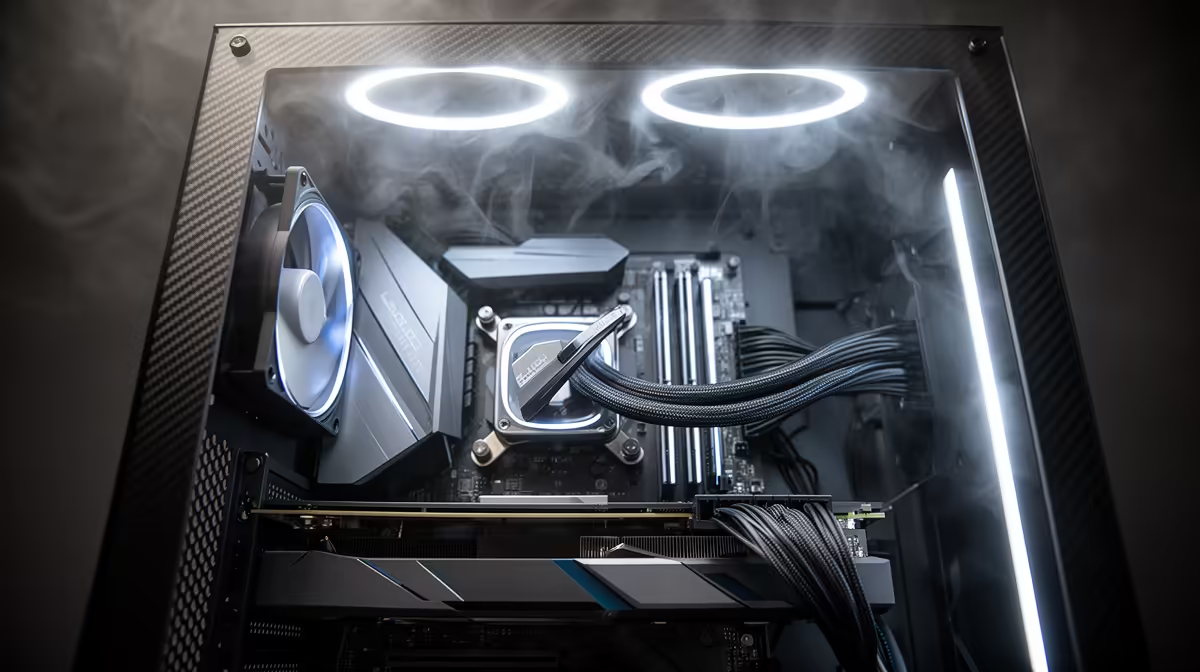
The 24-pin ATX cable is the most disruptive cable in a gaming build because it is the thickest, least flexible bundle in the system. Routing it horizontally across the top of the motherboard places it directly in the path of airflow from front intakes toward the CPU and GPU. The correct route takes the cable from the PSU through a grommet near the 24-pin socket on the board, with any excess length folded behind the tray. The EPS CPU cable should be routed up through the top cable cutout or the grommet nearest the top-left of the board rather than dragging it across the board surface.
GPU Power Cable and Unused PSU Cable Mistakes 💡
Unused PSU cables inside the main chamber are one of the most common airflow-killers. Non-modular PSUs force builders to deal with permanently attached cables that have nowhere useful to go. Without sufficient space behind the motherboard tray, these bundles end up coiled inside the lower shroud area, creating obstructions at exactly the point where GPU exhaust needs unrestricted exit. Modular PSUs eliminate this by allowing unused cables to be removed entirely. For non-modular units, stuffing unused cables into the lower PSU shroud and closing the panel is the next best option. Never leave loose cable bundles draped over the GPU or hanging between the GPU and front intake fans.
Photograph Your Build Before Closing the Side Panel ⚡
Take a photo of the fully cabled interior before closing the case. If you revisit the build six months later for a hardware change, the photo shows exactly how cables were routed, preventing accidental damage to fan cables or front panel connectors when reaching inside.
FAQ
Do SATA data cables affect airflow significantly?
Individually, a single SATA data cable is too thin to cause meaningful restriction. The problem is accumulation: a build with three or four SATA drives generates four to eight loose cables that collectively form a meaningful barrier if left unmanaged. Bundle them with velcro ties and route along the bottom of the case.
Should fan cables be hidden behind the motherboard tray?
Wherever possible, yes. Fan cables running across the front of the motherboard add subtle turbulence where airflow should be laminar. Most modern mid-tower cases have fan cable routing channels on the back of the tray specifically for this purpose.
Does cable management matter in a closed-panel non-windowed case?
Thermally yes, aesthetically less so. Airflow obstruction from poor cable management causes the same temperature increase regardless of whether the case has a glass panel. The visual argument is absent in a solid-panel case, but the thermal argument applies equally.
Building a high-performance rig and want clean airflow from the start?
Browse Evetech's modular PSUs and cable management accessories to eliminate cable clutter from your build before it becomes a thermal problem.