Quick Answer
An 11-port docking station typically accommodates two displays (HDMI plus DisplayPort), wired Ethernet, three to four USB-A peripherals, one to two USB-C devices, a 3.5 mm headset, and an SD card, all simultaneously, while powering the laptop through the upstream USB-C cable.
Full Port Breakdown of a Typical 11-Port Dock 🔌
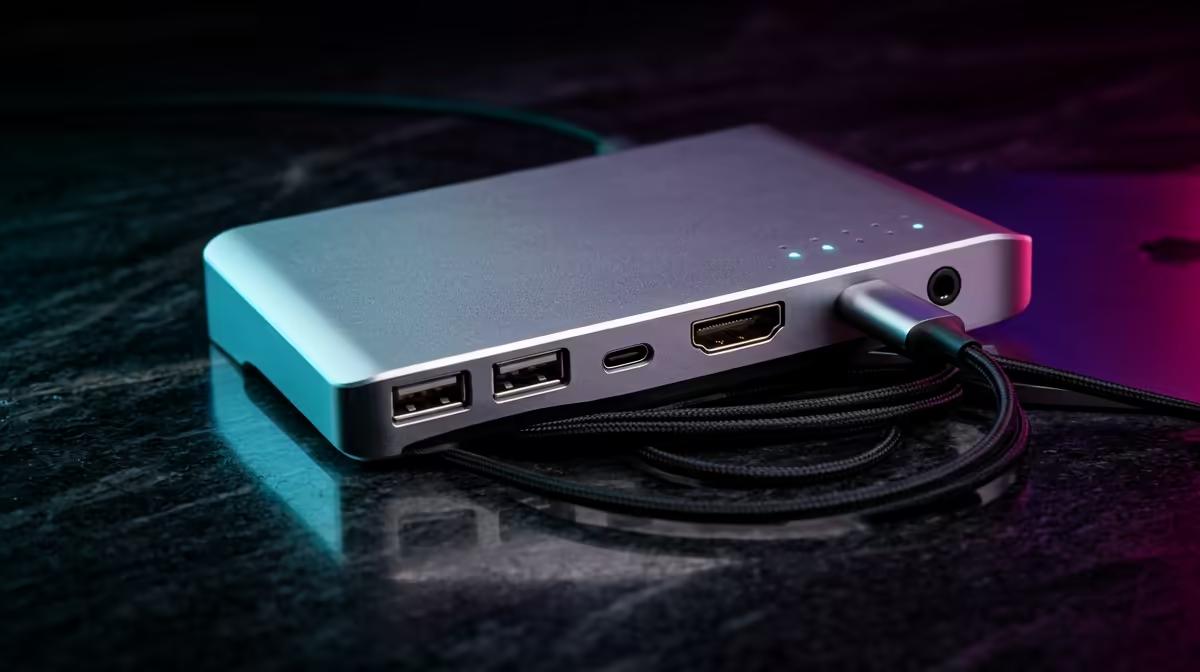
Port count varies between manufacturers but a representative 11-port USB-C dock includes: one USB-C upstream (to laptop), two USB-A 3.0 data ports, one USB-A 3.0 charging port (5V 2.1A), one USB-A 2.0 for low-speed devices, one USB-C data port, one HDMI 2.0 (4K 30Hz or 60Hz depending on model), one DisplayPort 1.4 (up to 4K 60Hz or 1440p 144Hz), one Gigabit Ethernet RJ45, one 3.5 mm audio combo jack, and one SD card reader. On some models, the USB-C data port doubles as a second upstream input for a second laptop, letting the dock switch between two host devices. Total peripheral connectivity from one hub replaces what would otherwise be seven individual cables plugged into the laptop.
Practical Device Assignments for Each Port 🖥️
HDMI port: connect your primary monitor or a TV for a lounge workstation. DisplayPort: connect a second monitor, or a higher-refresh-rate monitor if you have only one display. Ethernet: connect to your Vumatel, Frogfoot, or Openserve fibre router for stable wired connectivity. USB-A ports: keyboard, mouse, and external SSD or USB drive. USB-C data port: fast-charge a phone or connect a Thunderbolt 3 SSD for video editing. 3.5 mm audio: plug in a wired headset or desktop speakers. SD card: insert memory cards from a camera for photo transfer without a separate adapter. For a South African content creator or student doing video editing on a laptop, this single dock replaces a portable card reader, USB hub, HDMI cable, Ethernet adapter, and audio splitter simultaneously.
What an 11-Port Dock Cannot Do 💡
An 11-port USB-C dock (non-Thunderbolt) cannot drive two 4K monitors simultaneously without DisplayLink compression. Native dual 4K simultaneously requires Thunderbolt 4 or USB4. It also cannot pass PCIe signals for an external GPU enclosure, which requires Thunderbolt 3 or higher. The maximum data throughput is limited by the USB-C upstream bandwidth (typically 10 Gbps for USB 3.2 Gen 2), shared across all active ports. Running a 4K display plus three active USB storage devices simultaneously will reduce individual transfer speeds, though in practice most peripherals do not saturate the bus concurrently.
Plug High-Speed Drives into the USB-C Data Port ⚡
The USB-C data port on most 11-port docks runs at 10 Gbps (USB 3.2 Gen 2), while the USB-A ports typically run at 5 Gbps (USB 3.2 Gen 1). When copying large files from an external NVMe drive, plug it into the USB-C port to get double the transfer bandwidth. This makes a noticeable difference when transferring 4K video files or large game folders during a session.
FAQ
Can I plug a printer into an 11-port dock?
Yes. A USB-connected printer plugged into any USB-A port on the dock appears to the laptop as if directly connected. Windows prints normally through the dock without any driver changes.
Will a power bank work as a power source for the dock?
Most docks require mains power through their own power brick, not a USB-C power bank. Some compact hub-style docks draw power from the laptop via the upstream cable and do not need external power, but these typically max out at 60W total delivery and fewer ports.
Can I connect two laptops to one dock and switch between them?
Only on docks that explicitly support KVM (keyboard, video, mouse) switching. Standard 11-port docks serve one laptop at a time via the upstream port. KVM docks add a hardware switch button and cost more but allow two laptops to share all peripherals with one button press.
Ready to connect everything through one hub?
Browse the docking station range at Evetech to find 11-port options that fit your laptop and peripheral list.