Quick Answer
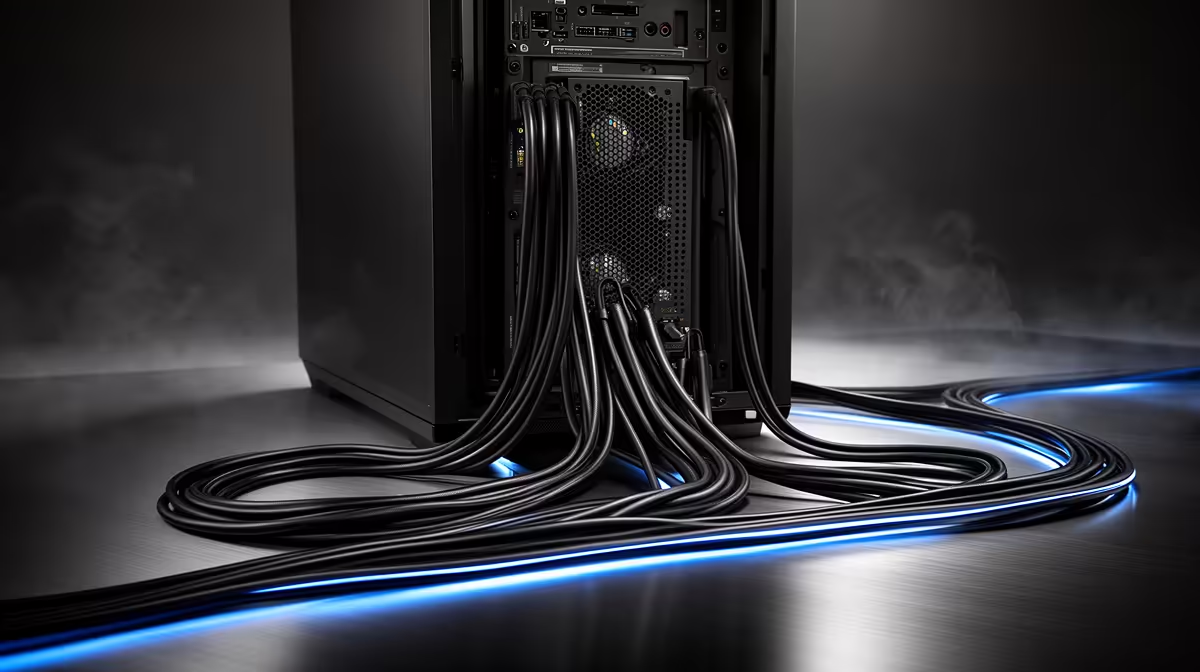
Cable clutter in full-tower PCs comes from five sources: the 24-pin ATX power cable, CPU EPS power cables, GPU power cables (including the 12VHPWR connector on RTX 50-series), SATA and data cables, and front-panel header bundles. BTF-compatible motherboards and cases move the most conspicuous connectors to the rear of the PCB, making the front board face nearly cable-free.
Why Full-Tower Cases Actually Make Clutter Worse Without Planning 🔧
Full-tower cases provide more internal volume, which paradoxically encourages builders to leave cables loosely routed because they can afford to. A mid-tower forces cable management by having only 25mm behind the tray; many full-towers have 40 to 60mm, which allows a false sense that tidying can wait. The 24-pin cable is the worst offender: 25cm long, thick, stiff, and in a full-tower it spans from the PSU bottom to the motherboard right side across the front intake airflow path. The CPU EPS 8-pin runs in the opposite direction: PSU bottom to the top-left of the board, also crossing the interior. GPU 12VHPWR cables on RTX 50-series boards are stiff, require 35mm bend radius, and must reach from the PSU area to the GPU power inlet, creating another cable crossing.
The BTF Solution and Its Limitations 💡
BTF (Back-To-Front) motherboards from ASUS (ROG Maximus BTF) and MSI (MEG BTF) relocate the 24-pin, CPU power, USB headers, and front-panel connectors to the rear of the PCB. In a BTF-compatible case, these cables connect behind the tray and stay in the rear channel. The result is a dramatically cleaner glass-panel view. The limitation is ecosystem lock-in: BTF boards require BTF-compatible cases, and mixing brands can result in connector cutout misalignment. BTF motherboards start from around R8,000 at Evetech for Z890 and X870E platforms, and BTF-compatible cases from R3,500 to R7,000.
Cable Management Without BTF 🗂️
For non-BTF setups, effective cable management in a full tower follows a specific process. Route the 24-pin vertically behind the tray from the PSU and enter the motherboard area through the nearest right-side grommet rather than draping across the board. Use a 24-pin 90-degree adapter (R80 to R150) to make the entry angle cleaner. Route the CPU EPS cable up the rear spine of the case above the motherboard before entering through the top-left grommet. Bundle SATA cables with Velcro straps clipped to the basement shroud. For GPU 12VHPWR, route from the PSU straight up the right case edge and enter from below the GPU. These practices produce a clean glass-panel view without BTF.
Use Velcro Straps Not Zip Ties Behind the Tray ⚡
Velcro straps allow re-routing cables without cutting and replacing them every upgrade cycle. In a full-tower you plan to upgrade progressively, using zip ties behind the tray means cutting and discarding them each time. Velcro straps cost R30 to R80 for a roll of 30 at most hardware stores in SA and keep the rear channel organised without permanent commitment.
FAQ
Do BTF builds require a fully modular PSU?
Strongly recommended but not strictly required. A fully modular PSU lets you connect only the cables you actually need, eliminating unused cable bundles. In a BTF build where the goal is maximum cleanliness, a fully modular PSU is the natural partner.
Does cable clutter actually affect PC performance?
Yes, indirectly. Cables across the intake fan path reduce effective airflow. An unmanaged cable bundle blocking 20 percent of the front fan area raises GPU temperatures by 5 to 8 degrees Celsius, which can trigger fan speed increases or thermal throttling during SA summer ambient conditions.
Can I retrofit BTF compatibility onto an existing non-BTF build?
No. BTF requires both a BTF motherboard and a BTF-compatible case simultaneously. Neither component is retrofittable to an existing non-BTF system. If you want BTF, plan it as a fresh build from the start.
Want a cleaner, cable-free interior in your full-tower build?
Evetech stocks BTF motherboards and compatible full-tower cases from ASUS ROG and Lian Li, alongside cable management accessories for standard ATX systems.