Quick Answer
Poor airflow in showcase PC cases is most commonly caused by: closed glass front panels blocking intake, insufficient intake fan count or CFM relative to heat output, clogged dust filters reducing airflow, poor cable management obstructing internal airflow paths, and negative pressure configurations that pull warm re-circulated air through case gaps. Fixing these issues typically drops GPU temperatures by 8 to 18 degrees Celsius.
Glass Fronts: The Most Common Culprit 🔍
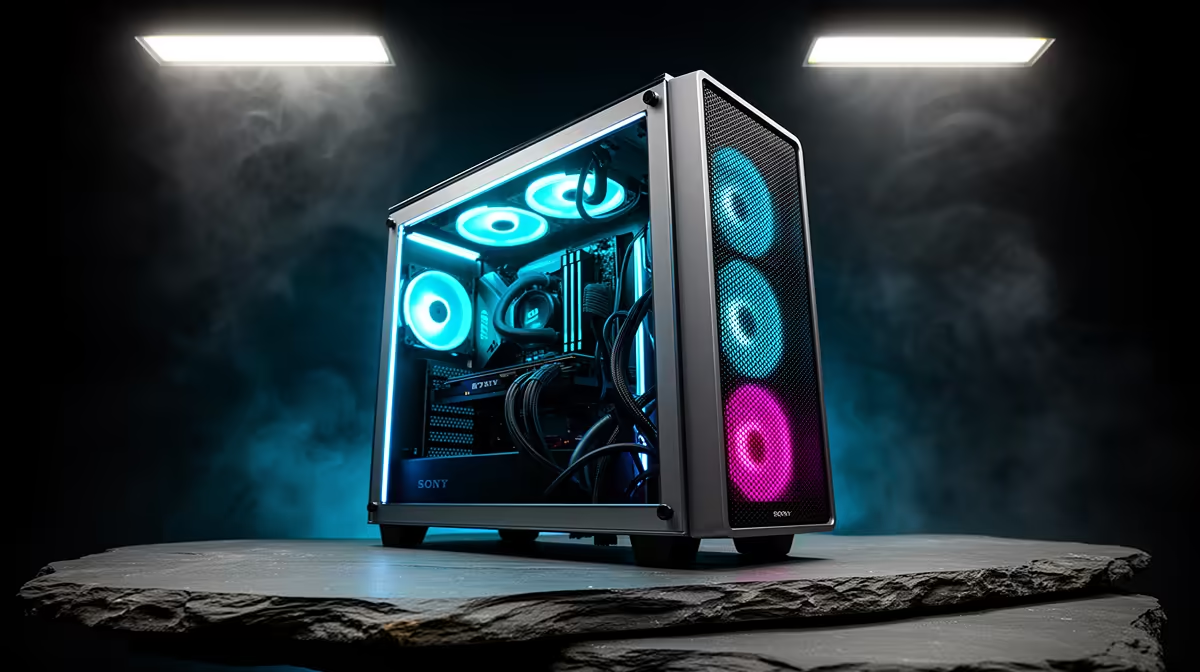
Tempered glass front panels on showcase cases are the primary airflow restriction in most builds. A glass front with small ventilation gaps at top and bottom passes only 15 to 25 percent of the air that a full-mesh front would deliver at the same fan speed.
If your case has a glass front, check whether it has a removable front panel. Many showcase cases offer a glass-front and mesh-front option that swaps out by removing a few screws. If your case does not support this, adding more intake fans at the bottom of the case (where some showcase cases have mesh vents) partially compensates.
Fan Count, Placement, and CFM Balance 💨
Most showcase cases ship with two or three fans. For a build with an RTX 5080 and a 240mm or larger AIO, three fans are not enough if two are on the AIO radiator and only one is doing case exhaust.
Target a minimum of three intake fans delivering 50 CFM or more each (150 CFM total) and at least two exhaust fans for a high-end gaming build. Running the case in positive pressure (slightly more intake than exhaust) keeps dust from entering through unfiltered gaps and ensures fresh ambient air always moves toward the GPU.
Cable Management and Internal Obstructions ⚙️
Cable bundles draped through the main chamber are a common and easily fixed airflow problem in showcase builds. Builders focused on the left-glass aesthetic sometimes neglect the back-of-motherboard-tray cable routing, allowing PSU cables to fall forward into the GPU zone.
Route all cables behind the motherboard tray or through the PSU shroud cavity. Use modular PSUs so unused cable runs stay out of the case entirely. After routing, close the side panel and hold your hand near the GPU fan area with the PC running; you should feel meaningful airflow.
Dust Filters Are Airflow Killers When Clogged ⚡
A dust filter clogged to 60 percent capacity acts like a partial seal over the intake, reducing airflow significantly and forcing fans to run at higher RPM for the same cooling result. In SA conditions, check and clean magnetic dust filters every three to four weeks. A clogged filter alone can raise GPU operating temperatures by 8 to 12 degrees Celsius.
FAQ
How do I know if my showcase case has airflow problems?
Monitor GPU and CPU temperatures under sustained gaming load (30 minutes or more) using a free tool like HWiNFO64. If GPU temps exceed 85 degrees Celsius on a card like an RTX 5080, or CPU temps climb above 85 degrees Celsius on a mid-range cooler, airflow is likely insufficient. Compare to published reviews of the same card in well-cooled cases.
Can adding more fans fix a glass-front case's airflow problem?
Partially. Additional fans help but cannot fully overcome the restriction of a sealed glass front. The intake bottleneck is the panel itself, not the fan count. Additional bottom-intake fans where mesh vents exist help, but the improvement is limited compared to switching to a mesh-front panel on the same case.
Is negative pressure bad for showcase cases?
Negative pressure (more exhaust than intake) pulls air through unfiltered case gaps, increasing interior dust and potentially drawing warm air already in the case back across components. For showcase cases that rely on positive filtered intake, negative pressure is not ideal and can raise interior dust accumulation noticeably within a few weeks.
Dealing with high temps in your showcase build?
Browse airflow-optimised PC cases and additional case fans at Evetech, stocked locally to keep your build running cool in SA conditions.