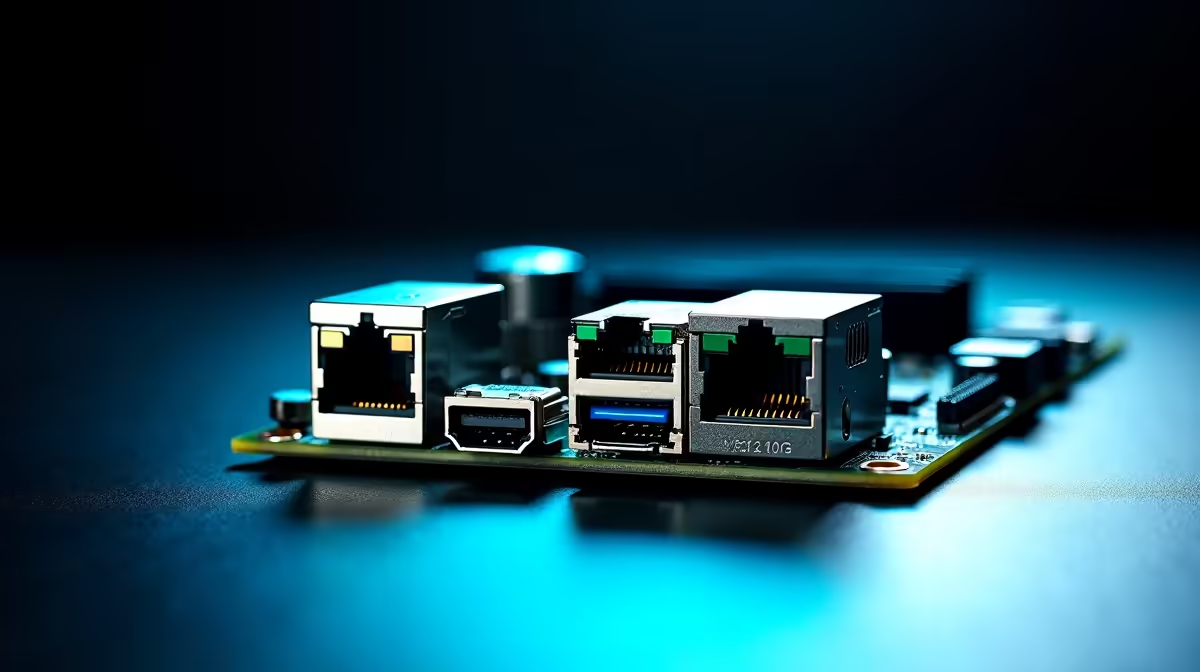
Staring at a progress bar while transferring a massive 4K video project is pure torture. In South Africa, our fibre lines are getting faster... but your local network might still be crawling. If you're building a serious rig, you've probably seen these specs. But what does dual 10G and 2.5G LAN actually mean for a workstation PC? Let's break it down.
Breaking Down High-Speed Networking 🔧
When we talk about networking, the "G" stands for Gigabits per second. A standard network port handles 1G. A 2.5G LAN port pushes two and a half times that speed. It's absolutely perfect for modern fibre routers.
Now, 10G is an entirely different beast. It delivers a massive 10 Gigabits per second. That translates to transferring files at roughly 1,250 Megabytes every single second. Dual ports mean you get two of these high-speed connections built directly into your motherboard.
Why does this matter? If you frequently browse the best gaming PC deals, you know that raw processing power is only half the battle. If your network port bottlenecks your data, your expensive processor sits idle waiting for files to load.
Why Your Workstation PC Needs This Upgrade 🚀
Creative professionals deal with massive files daily. Uncompressed 8K video and complex 3D renders take up terabytes of space. A workstation PC with dual 10G and 2.5G LAN lets you connect directly to a high-speed Network Attached Storage (NAS) drive.
You can edit massive video files straight off the server without any lag. It feels as fast as an internal NVMe SSD. The 2.5G port can handle your internet connection simultaneously. This keeps your local data traffic completely separate from your web traffic.
To optimise your workflow, you don't need to spend a fortune. You can often find 2.5G network switches for under R2,500 on our daily tech specials page to complete your setup. With rolling blackouts always a threat, moving your project files quickly before the power cuts is essential.
Networking Pro Tip ⚡
To actually get 10G speeds, you need the right cables. Standard Cat5e will not cut it. Make sure you invest in high-quality Cat6a or Cat7 Ethernet cables to prevent data drops and maximise your workstation PC performance.
Future-Proofing Your Setup in South Africa ✨
Tech moves incredibly fast. South African internet service providers are already rolling out faster fibre packages. Investing in dual 10G and 2.5G LAN ensures your workstation PC is ready for the next decade of innovation.
Even if you're currently using a mobile setup and looking at notebooks for sale in South Africa, many high-end Thunderbolt docks now support 2.5G or 10G connections.
Time is money in the creative industry. Shaving hours off your transfer times means more time creating and less time waiting. A dual 10G and 2.5G LAN setup isn't just a luxury... it's a vital tool for serious professionals who demand the absolute best performance.
Ready to Build Your Ultimate Workstation?
Stop letting slow network speeds throttle your creativity. Whether you need a massive rendering powerhouse or a high-speed networking solution, Evetech has you covered. Explore our range of custom workstation PCs and take your productivity to the next level.