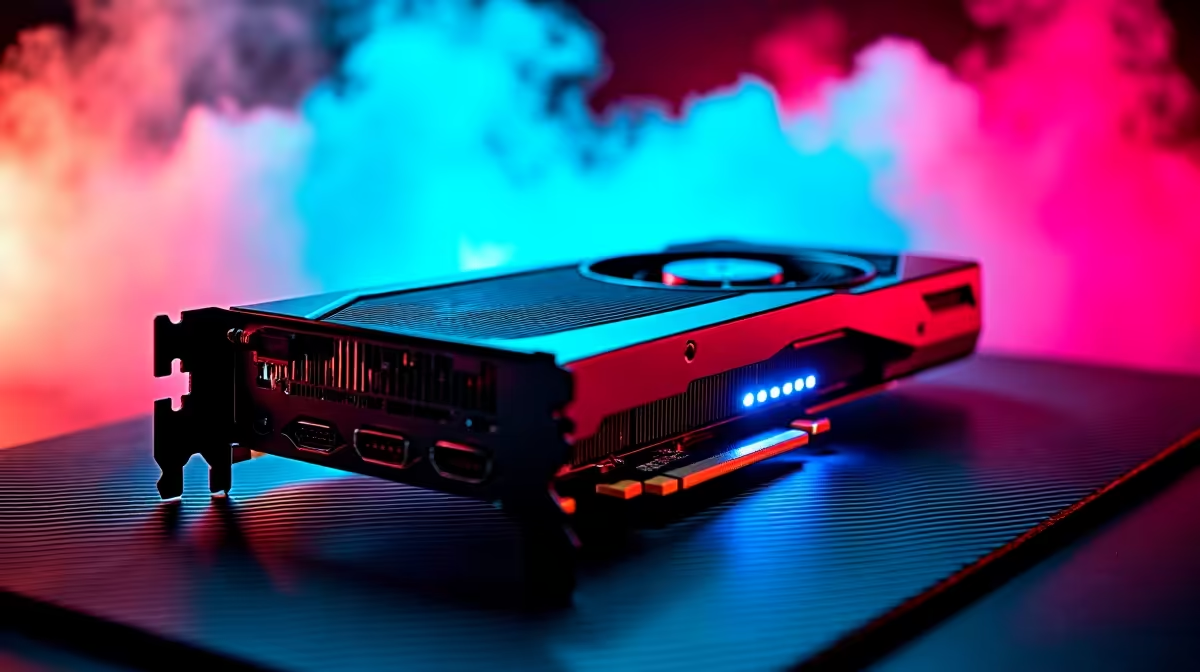
Spending big on a flagship GPU for an external enclosure is the classic eGPU mistake. The honest answer to what GPU should you put in an eGPU starts with the link, not the card: the PCIe 4.0 x4 bandwidth that most external connections offer caps how much data can move, so the fastest cards spend their lives waiting on a pipe too narrow to feed them. Mid-to-upper-mid GPUs extract near-maximum value from that link, which is why a sensible card beats an expensive one in this specific setup.
Quick Answer
Match the card to the connection, not your ambition. Because the typical eGPU link runs at PCIe 4.0 x4, cards in the RTX 4060 Ti or RX 7700 XT class are the sweet spot. They saturate the available bandwidth and deliver near their full performance, while flagship GPUs are throttled by the link and waste much of what you paid for.
The Bandwidth Bottleneck Explained
An eGPU connects through OCuLink, Thunderbolt, or USB4, and in practice that link behaves like a PCIe 4.0 x4 connection. That is a fraction of the PCIe 4.0 x16 a card gets in a desktop slot. The card itself does not change, but the road it uses to talk to your system narrows dramatically, and that narrowing is the defining constraint of every external setup.
The consequence is not subtle. A GPU that comfortably outruns the link gains little from being faster, because the bottleneck is the connection rather than the silicon. This is why eGPU performance does not scale the way desktop performance does, and why throwing money at a top-tier card produces diminishing returns long before you reach the flagships.
Why Mid-Range Cards Win Here
The Sweet Spot
A card like the RTX 4060 Ti or the RX 7700 XT sits at the level where its real-world demands roughly match what the x4 link can supply. It pushes enough frames to feel powerful in an external box without constantly slamming into the bandwidth ceiling. You get the bulk of the card's performance, and very little of your spend is wasted on capability the link cannot deliver.
In testing, the RTX 4060 Ti achieves approximately 85 percent of its desktop performance over a PCIe 4.0 x4 eGPU connection -- a minor real-world gap that most users will not notice in everyday gaming. A flagship like an RTX 4090 over the same link can drop to around 70 percent of its desktop output, wasting a significant portion of a premium price.
Where Flagships Fall Down
Put an ultra-high-end GPU on the same link and a chunk of its power is simply inaccessible externally. The card can produce far more than the connection can carry, so it runs well below its desktop numbers, and the gap between what you paid and what you get widens with every tier you climb. In an eGPU specifically, the most expensive cards are the worst value, which inverts the usual desktop logic.
What the Connection You Use Changes
OCuLink
OCuLink offers the cleanest PCIe 4.0 x4 link of the common options, with low overhead, so it gets the most out of a mid-range card. If your laptop or mini PC has an OCuLink port, it is the connection to prefer for an eGPU build, and it makes the sweet-spot cards perform at their best.
Thunderbolt and USB4
Thunderbolt and USB4 are more widely available and connect more devices, but they carry more overhead than OCuLink, so usable bandwidth for the GPU is a little lower. The newest TB5 standard widens the pipe meaningfully and lifts the practical ceiling, which nudges the sensible card choice slightly upward, but the core principle holds: pick a card the link can actually feed.
Thunderbolt 5 and the Shifting Ceiling
Thunderbolt 5 brings up to 80 Gbps of bidirectional bandwidth, roughly double its predecessor, which meaningfully raises the performance cap for the GPU inside the enclosure. A TB5 setup can justify a step up to RTX 4070 Super or RX 7800 XT territory without hitting the bandwidth wall that TB4 imposes. The Razer Core X V2, designed specifically for Thunderbolt 5, is built around this wider ceiling. Even so, the absolute flagships still outpace what TB5 can supply at PCIe 4.0 x4 speeds, so the principle of matching card tier to link tier remains sound.
Building the Whole Setup
The card is one piece; the enclosure and the host connection complete it. Choose an enclosure with a power supply rated comfortably above your card's draw, and confirm your laptop's port actually carries the PCIe lanes an eGPU needs rather than data only. The wider docking station and eGPU range at Evetech covers the enclosure side of the equation, and once you have settled on a bandwidth-appropriate card, the best-selling GPUs at Evetech are a quick way to see which mid-range models are in stock and proven with SA buyers.
Frequently Asked Questions
Why is a flagship GPU a bad choice for an eGPU?
The eGPU link runs at roughly PCIe 4.0 x4, far narrower than a desktop x16 slot. A flagship produces more than that link can carry, so much of its power is inaccessible externally and your money is wasted on performance you cannot use.
What is the best mid-range GPU for an eGPU?
Cards in the RTX 4060 Ti or RX 7700 XT class are the sweet spot. Their real-world demands roughly match what the x4 link supplies, so they deliver near their full performance in an external enclosure.
Does OCuLink perform better than Thunderbolt for an eGPU?
Yes, generally. OCuLink offers a cleaner PCIe 4.0 x4 link with less overhead, so it gets more usable bandwidth to the GPU. Thunderbolt and USB4 are more widely available but carry more overhead.
Will TB5 change which GPU I should buy?
Somewhat. TB5 widens the available bandwidth, which raises the practical ceiling and nudges the sensible card choice a little higher. The principle stays the same though: choose a card the link can actually feed.
Does the eGPU enclosure's power supply matter for card choice?
It does. The enclosure's power supply must be rated comfortably above your chosen card's draw, so confirm the wattage before buying. A bandwidth-appropriate card paired with adequate power is the reliable combination.