Quick Answer
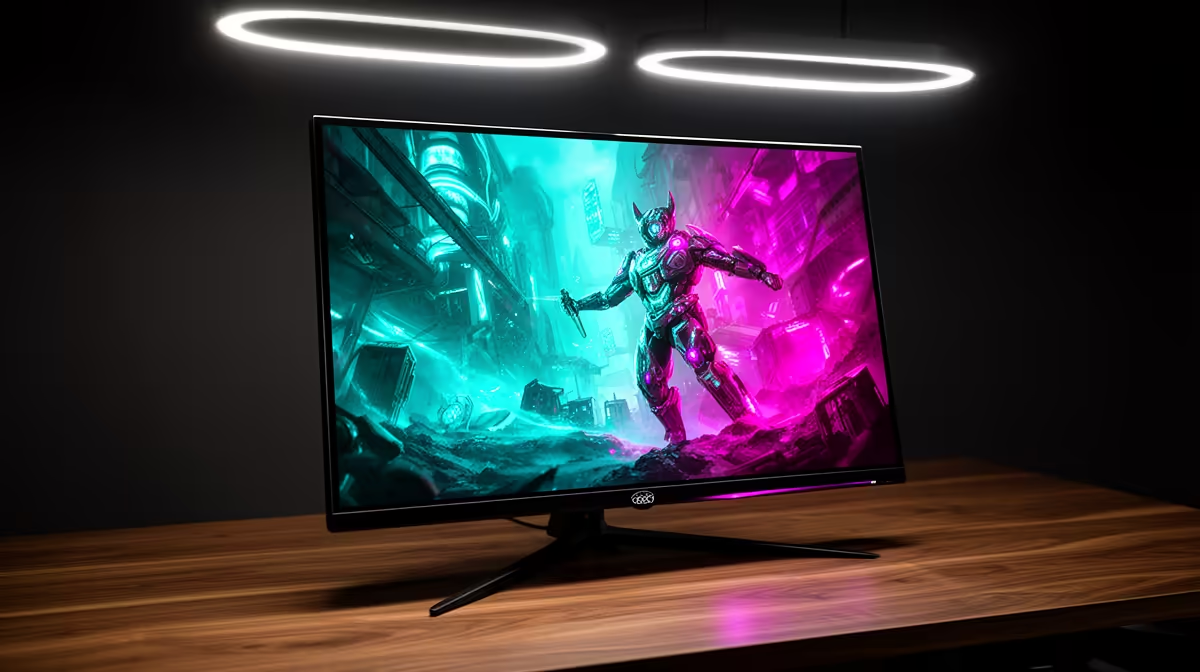
For a premium 32-inch OLED gaming monitor, prioritise panel type (WOLED or QD-OLED), at least QHD resolution, 240Hz refresh rate minimum, HDMI 2.1 for console compatibility, and peak brightness above 800 nits for convincing HDR. Stand ergonomics and USB hub ports are secondary considerations once the core specs are confirmed.
Panel Technology: WOLED vs QD-OLED at 32 Inches 🖥️
WOLED (White OLED with colour filter) delivers excellent uniformity and is common in LG-sourced panels. QD-OLED (Quantum Dot OLED) achieves wider colour gamut coverage, often exceeding 99% DCI-P3, which matters for creators editing video alongside gaming. At 32 inches with 4K resolution, pixel density is around 140 PPI, sharp for gaming but slightly less crisp than 27-inch 4K. For pure gaming at QHD, pixel density rises and frame rates are easier to sustain on a mid-range GPU like an RTX 5070 Ti.
Refresh Rate, VRR and Console Connectivity 🎮
A 240Hz refresh rate is the current sweet spot at 32 inches. Some models push to 480Hz at QHD in dual-mode. OLED panels have inherent sub-0.1ms pixel response, so ghosting is a non-issue. What matters more is whether VRR is certified (G-Sync Compatible or FreeSync Premium Pro) through both HDMI 2.1 and DisplayPort 1.4, covering both PC and PlayStation 5 or Xbox Series X connections simultaneously.
Brightness, HDR and Ergonomics for SA Setups 💡
Aim for 800 nits peak minimum, with flagship models reaching 1,300 nits for specular highlights. DisplayHDR True Black 400 certification confirms true black performance alongside peak brightness. On ergonomics: 32-inch panels need stands with at least 110mm height adjustment and 20-degree tilt. In bright South African living rooms where midday sun is a factor, a semi-gloss anti-reflective coating over a pure glossy finish reduces glare without sacrificing black depth noticeably on an OLED panel.
Check Anti-Glare Coating Before Committing ⚡
Glossy OLED coatings look stunning in a dark room but catch reflections badly in bright South African rooms with large north-facing windows. Ask Evetech staff to identify the coating type on display units before deciding, as this is often not prominent in online spec sheets.
FAQ
Do I need a 4K GPU to justify a 32-inch OLED?
Not exclusively. Many 32-inch OLEDs support dual-mode switching between 4K 240Hz and QHD 480Hz. An RTX 5070 Ti handles QHD at high refresh rates comfortably, and you switch to 4K mode for slower visually rich games when frame rate is less critical.
Will a 32-inch OLED work as a monitor and TV replacement?
Yes, though static taskbar elements and app icons carry burn-in risk if used as a TV for many hours daily. Use the built-in pixel refresh cycle and vary content types to manage cumulative risk.
What warranty do OLED monitors carry in South Africa?
Most brands through Evetech carry two-year to three-year local warranties. OLED-specific burn-in coverage varies by brand; confirm the terms before purchase as they differ meaningfully between manufacturers.
Ready to find the right 32-inch OLED for your desk?
Evetech stocks a curated range of premium OLED gaming monitors. Visit the monitors section at Evetech to filter by panel type, resolution and refresh rate and find the spec your setup needs.