Quick Answer
For digital art, prioritise 4,096 pressure levels, tilt support, and palm rejection. For note-taking, prioritise palm rejection, low latency, and a fine nib. Both use cases benefit from a rechargeable pen with USB-C charging, solid software support for your device, and a replaceable nib system. Confirm protocol compatibility with your tablet before buying.
Core Specs That Separate Good From Great Styli 🎨
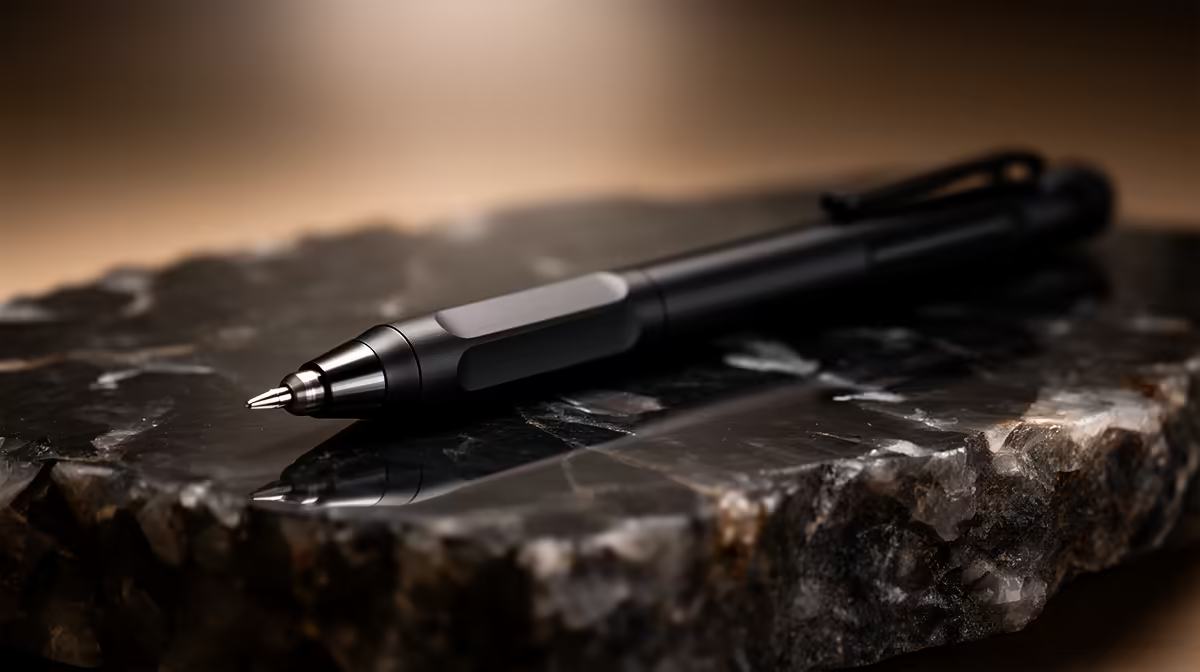
Pressure sensitivity is the single most important specification for digital art: 4,096 levels (12-bit) provides the gradient control needed for professional illustration, shading, and brush effects. For note-taking alone, 2,048 levels is sufficient for natural handwriting. Tilt support (40 to 60 degrees) adds shading versatility for artists but is less critical for note-takers. Latency measures how quickly the stroke appears after pen contact; sub-20 ms is comfortable for art, while sub-10 ms feels virtually instantaneous. Most current mid-range styli at R600 to R1,500 achieve sub-20 ms, and premium pens hit sub-9 ms.
Protocol Compatibility and Device Matching 🔧
Active stylus pens use one of three main protocols: Wacom AES (Active Electrostatic), Wacom EMR (Electromagnetic Resonance), and Microsoft Pen Protocol (MPP, also known as MPP 2.0 for newer Surface devices). Apple Pencil uses its own proprietary protocol. Before purchasing, check which protocol your tablet or laptop touchscreen supports. A Wacom AES stylus will not work on a Surface device, and an MPP 2.0 pen will not reach full pressure on an older MPP 1.0 screen. For South African university students using Windows laptops with touchscreens, MPP 2.0 is the current standard on most 2024 and 2025 models.
Build Quality, Nib System, and Battery Considerations 💡
A quality stylus should feel balanced in hand with a grip diameter of 9 to 11 mm, close to a standard pen. Pens that are too light (under 15 grams) feel flimsy; too heavy (over 25 grams) causes fatigue. The nib replacement system matters: pens that accept third-party nibs offer more flexibility and lower long-term cost. Rechargeable pens at R600 to R1,500 in the SA market provide the best daily convenience. Look for a pen with at least one programmable side button for undo or eraser toggle functionality, which meaningfully speeds up both drawing and note-taking sessions.
Check App Support Before You Buy ⚡
Before purchasing a stylus pen, confirm that your primary drawing or note-taking app supports its pressure protocol. Clip Studio Paint, Krita, OneNote, and GoodNotes support most major protocols. Some budget apps only respond to basic touch input, wasting the stylus's full capability.
FAQ
What is palm rejection and why does it matter for stylus use?
Palm rejection is the tablet's ability to ignore accidental contact from a resting hand while recognising only intentional pen input. Without it, resting your hand on the screen creates stray marks that interrupt writing and drawing continuously.
Do I need a dedicated drawing tablet or can I use a stylus with any touchscreen laptop?
If your laptop's touchscreen has a compatible digitiser and supports a stylus protocol (MPP, AES), you can use an active stylus directly on the laptop screen. Dedicated drawing tablets offer larger working surfaces and often better pressure accuracy but require a separate screen to view your work.
How much should I spend on a first stylus pen for digital art in South Africa?
An entry-level active stylus with 4,096 pressure levels starts from around R400 to R700 in SA. Paired with a tablet in the R800 to R1,500 range, this provides a functional digital art setup without a premium price.
Not sure which stylus pen features you actually need?
Browse Evetech's full stylus pen selection, with options for artists, students, and note-takers at every budget, all stocked locally in South Africa.