Quick Answer
When buying 120mm PWM fans for a gaming PC, prioritise: bearing type (fluid dynamic for longevity), maximum static pressure spec if mounting to a radiator or dense heatsink, noise rating below 25 dBA at mid-speed, and RPM range with a low enough floor (under 500 RPM) for silent idle operation.
Bearing Type: The Single Biggest Longevity Factor 🔬
Fluid dynamic bearing (FDB) fans are rated for 100,000 to 150,000 MTBF hours versus 30,000 to 50,000 hours for sleeve bearing fans. In SA gaming PCs that may run five to eight hours per day in warm ambient conditions, an FDB fan can outlast a sleeve bearing unit by three to five years without replacement. Rifle bearing fans (a variant of FDB) offer similar longevity. Ball bearing fans are also long-lived but produce slightly more high-frequency noise at low RPM. For a gaming build costing R15,000 to R35,000, spending R50 to R100 more per fan on FDB bearing type is a straightforward longevity investment rather than a luxury upgrade.
Static Pressure vs Airflow: Choosing the Right Fan Spec 💨
Airflow-optimised fans (measured in CFM) move large volumes through unobstructed spaces, ideal for case intake and exhaust. Static pressure-optimised fans (measured in mmH2O) push air through resistance, such as a 240mm radiator or a dense air cooler heatsink. Using an airflow fan on a radiator results in measurably worse cooling than a pressure-optimised fan at the same RPM. Check the spec sheet: 2.0 mmH2O or higher suits most 30mm radiators; 3.0 mmH2O or higher for thick or dense radiators.
Noise Rating, RGB, and Connector Type Checklist 🎮
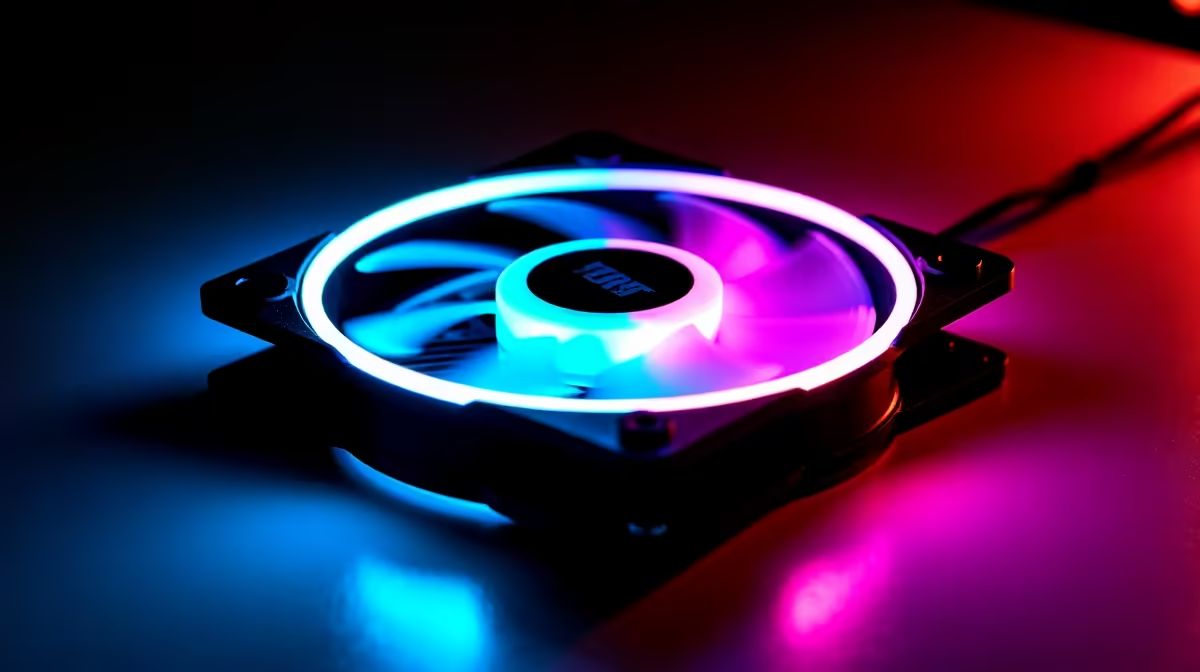
Noise rating at maximum RPM should be below 30 dBA for a gaming-focused build; below 25 dBA is excellent. Mid-speed noise (at 50 percent duty cycle, roughly 800 to 1,000 RPM) is a more realistic indicator of day-to-day acoustics than the max-RPM figure. RGB or ARGB lighting adds R50 to R150 to the unit price per fan; ensure your motherboard has an ARGB header (3-pin, 5V) or a D-RGB header to control lighting without a separate controller. Connector type: 4-pin PWM for speed control plus 3-pin ARGB for lighting is the current standard. Confirm your case and motherboard support these connectors before buying a fan pack to avoid a hub or adapter purchase on top.
Match Fan Purpose to Position Before Buying ⚡
Decide which fans go in which positions before purchasing. Front intake positions benefit from airflow-optimised fans for maximum case ventilation. A CPU cooler or radiator mount needs static pressure-optimised fans. Buying the wrong type and swapping post-build adds unnecessary cost. Most quality 120mm PWM fan listings state whether the fan is optimised for airflow or static pressure in the product headline.
FAQ
How many 120mm PWM fans does a mid-tower gaming PC typically need?
Three fans is the practical minimum for a balanced airflow build: two front intakes and one rear exhaust. Five fans (three front intake, two top exhaust) is the next step up and suits RTX 5060 Ti or RTX 5070 builds generating 150W to 200W of case heat. More fans beyond five deliver diminishing returns in most mid-tower cases.
Is a higher maximum RPM always better for cooling?
No. A higher maximum RPM means more cooling capacity at peak, but also more noise. A fan rated at 1,800 RPM max with a low idle floor (300 to 500 RPM) and a good blade design often outperforms a 2,500 RPM fan that cannot run quietly at low loads. Match RPM ceiling to your actual cooling requirement.
Can I use 120mm PWM fans with any gaming PC case?
Most SA mid-tower cases accept 120mm fans in front, rear, and top positions as a universal standard. Check your case's fan mount size before ordering: some compact or mATX cases only support 120mm in specific positions while other positions are 140mm-only.
Ready to spec the right cooling fans for your gaming build?
Evetech stocks a full range of 120mm PWM fans including FDB bearing, static pressure, ARGB, and airflow-optimised options, with delivery across South Africa.